Menu

Your LinkedIn, now a resume.

Save your profile as a PDF, import it, and your jobs, education and skills become an editable resume.

  • Import free
  • 10 free templates
  • ATS-readable PDF

From profile to resume

  • Save from LinkedIn

    Download your profile as a PDF in two clicks.

  • Import it here

    Your roles, education and skills become editable sections. Free.

  • Pick a design

    100 templates, one-column or with a sidebar.

  • Sharpen the wording

    AI turns duties into results, using only what you wrote.

  • Tailor to a job

    Paste a job ad to see your match and what is missing.

  • Download a PDF

    Real text in reading order, so screening software can read it.

Save your profile as a PDF

LinkedIn exports your profile from a computer, not from the app:

  • Open linkedin.com and go to your profile.
  • Click "Resources" (or "More") under your headline.
  • Choose "Save to PDF". The file downloads straight away.
  • Import it here with "Import resume".

What to fix after importing

A profile is written to be found; a resume is written for one job. After the import, read each role. Profile entries are often a line or two of duties, so turn the strongest into bullets that say what changed, with a number where you have one.

Check your dates, job titles and locations, and add a phone number: the export carries only what your profile shows. Then write a three-line summary for the job you want, not your profile headline.

Keep both, use them differently

Recruiters often check LinkedIn after reading a resume, so keep job titles, employers and dates the same on both. A mismatch is the first thing they notice.

The resume can be shorter and sharper. Leave out older or unrelated roles, put the work that fits this job first, and use the words from the ad for skills you really have.

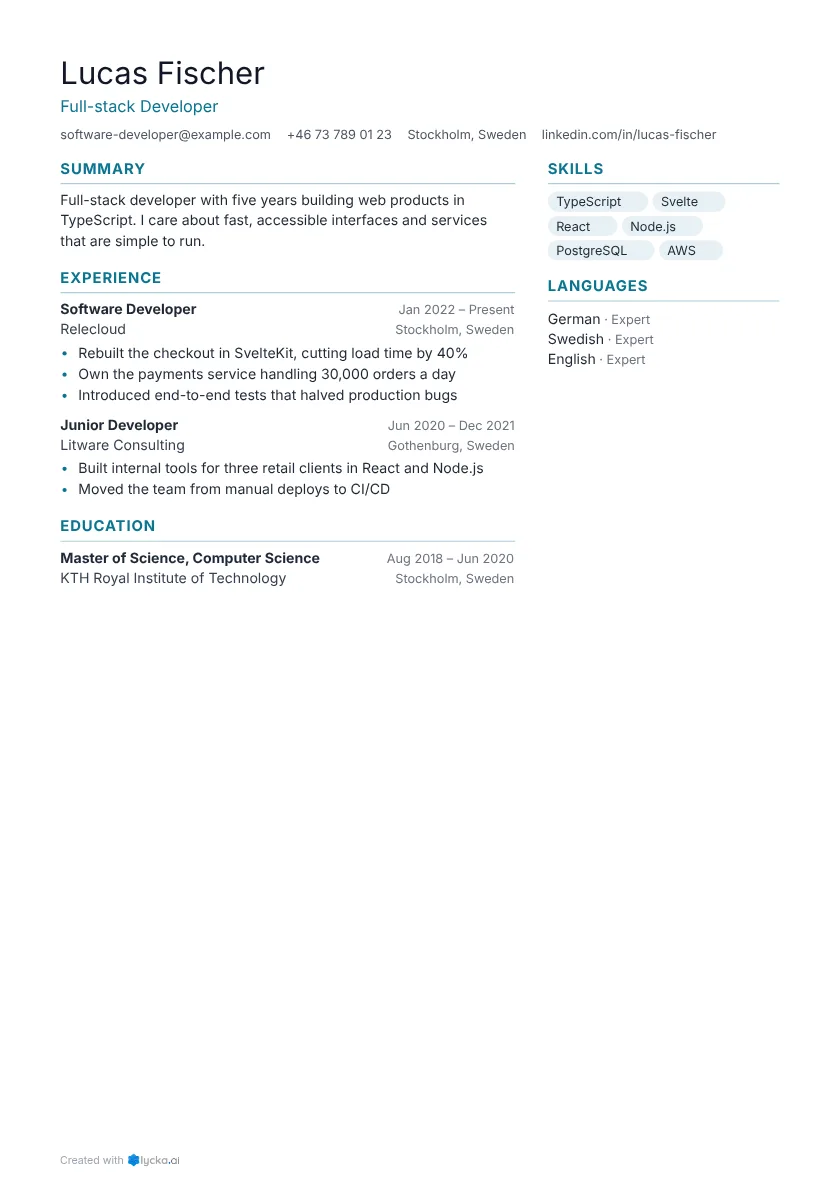
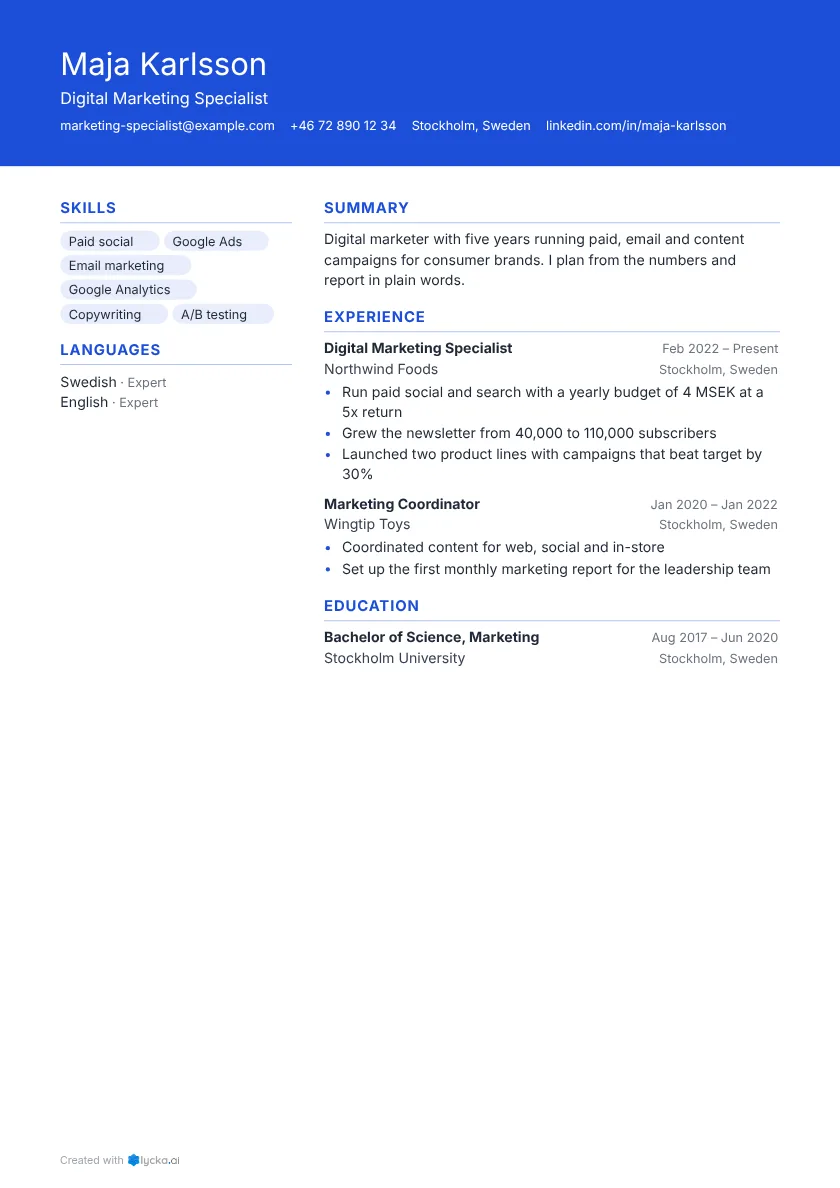
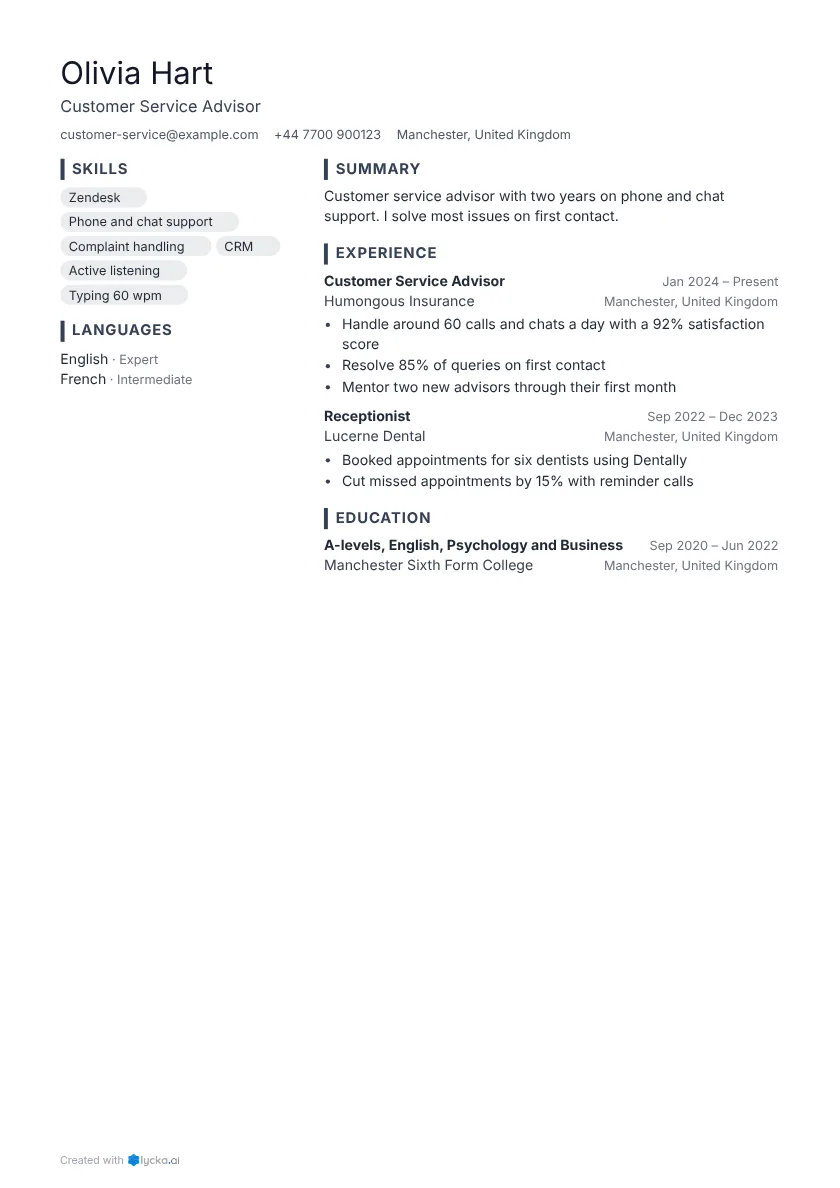
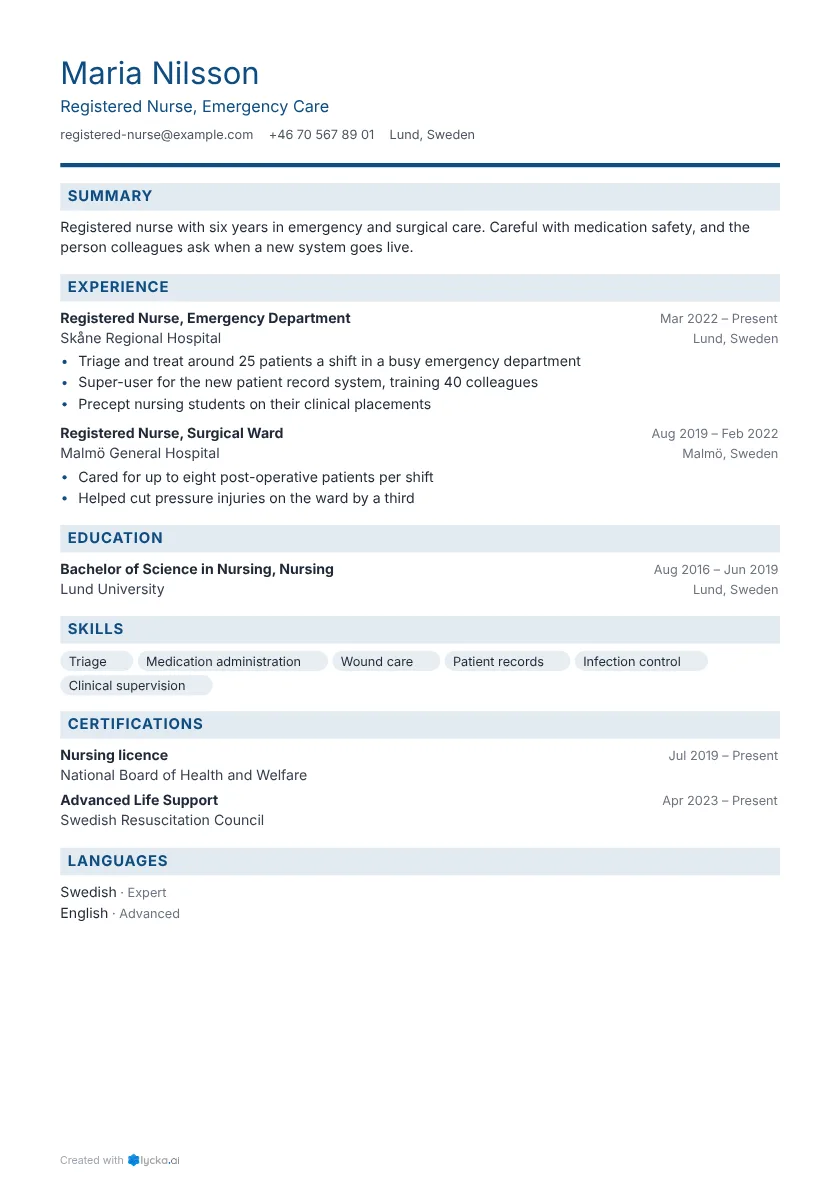
Resume examples

See all resume examples

FAQ

How do I download my LinkedIn profile?
On linkedin.com, open your profile, click "Resources" (or "More") and choose "Save to PDF".
Is importing free?
Yes. Importing is free, and so are the free templates and a one-page PDF.
Can I use the LinkedIn PDF as my resume?
It works, but it reads like a profile: long, with few results. Import it and shape it for the job.
Does it connect to my LinkedIn account?
No. You upload the PDF yourself, and nothing is posted to LinkedIn.
Can applicant tracking systems read it?
Yes. Every PDF has a real, selectable text layer in reading order, so ATS software reads your words as text.


Guides

Related

Free to start. No card needed.