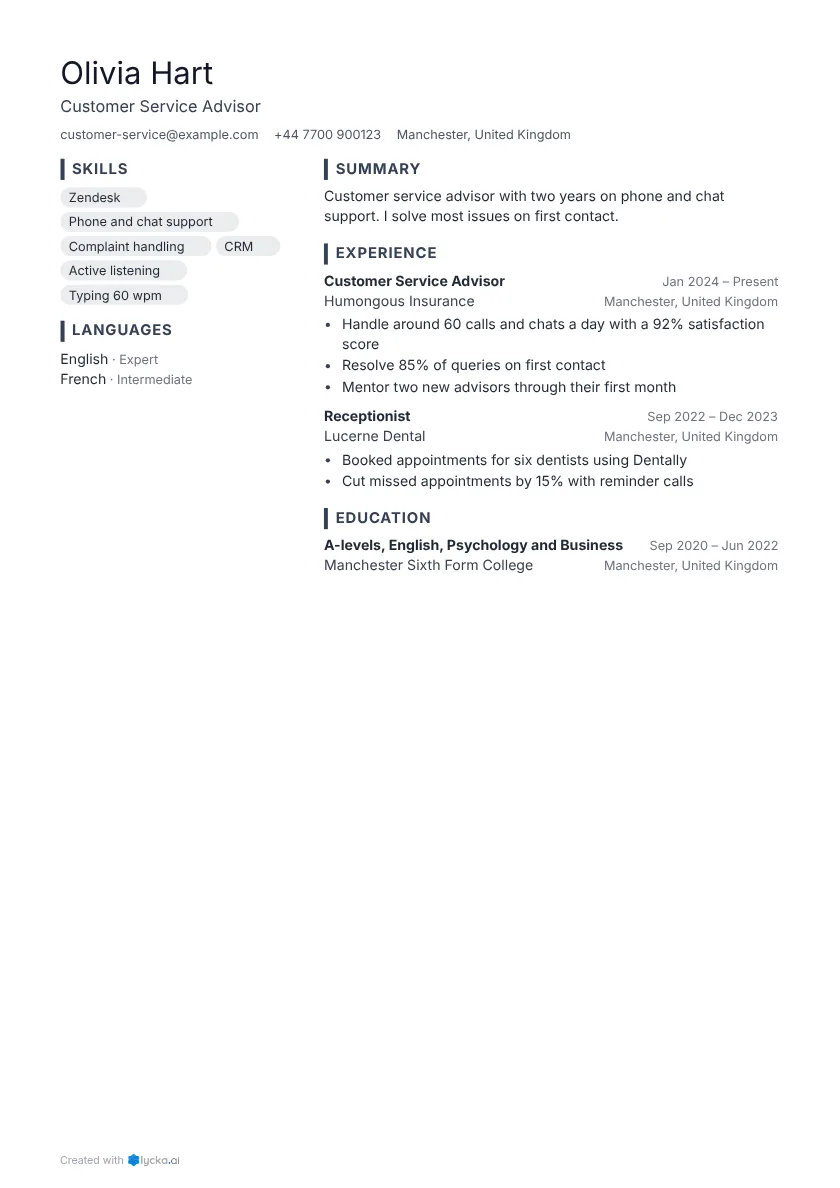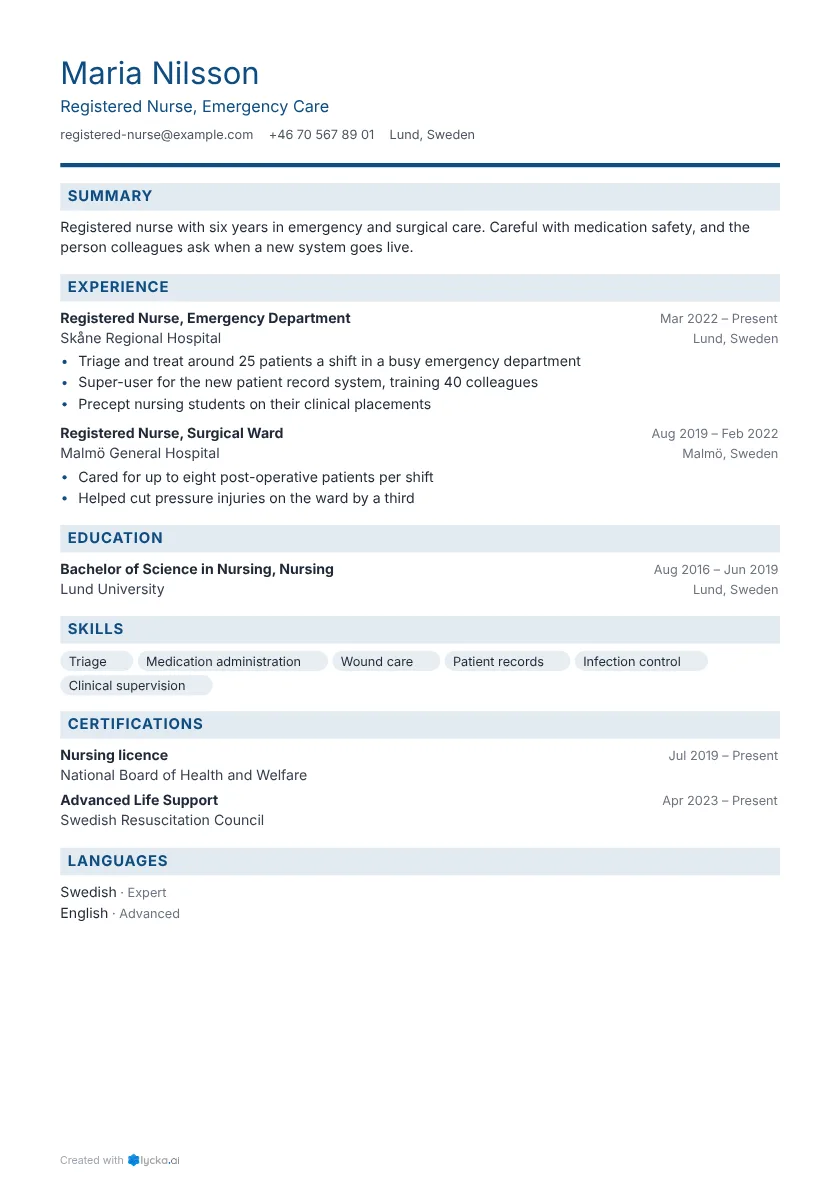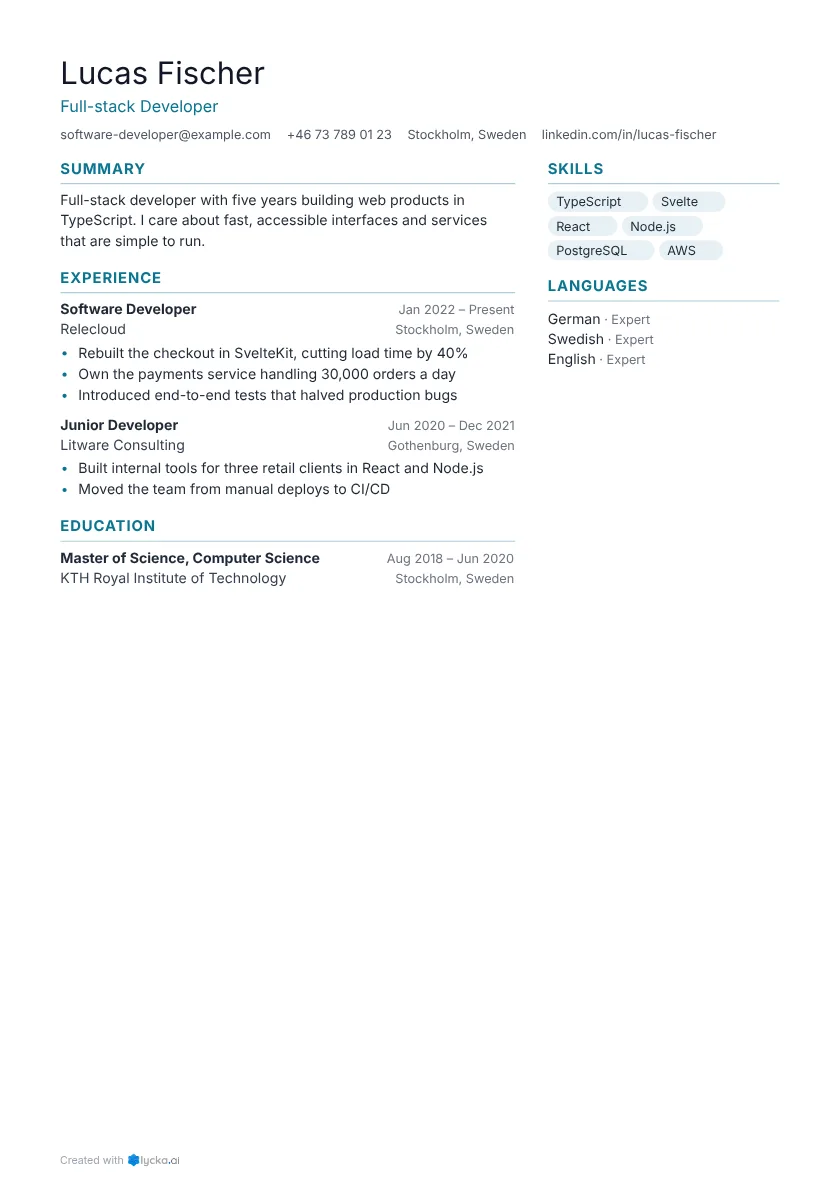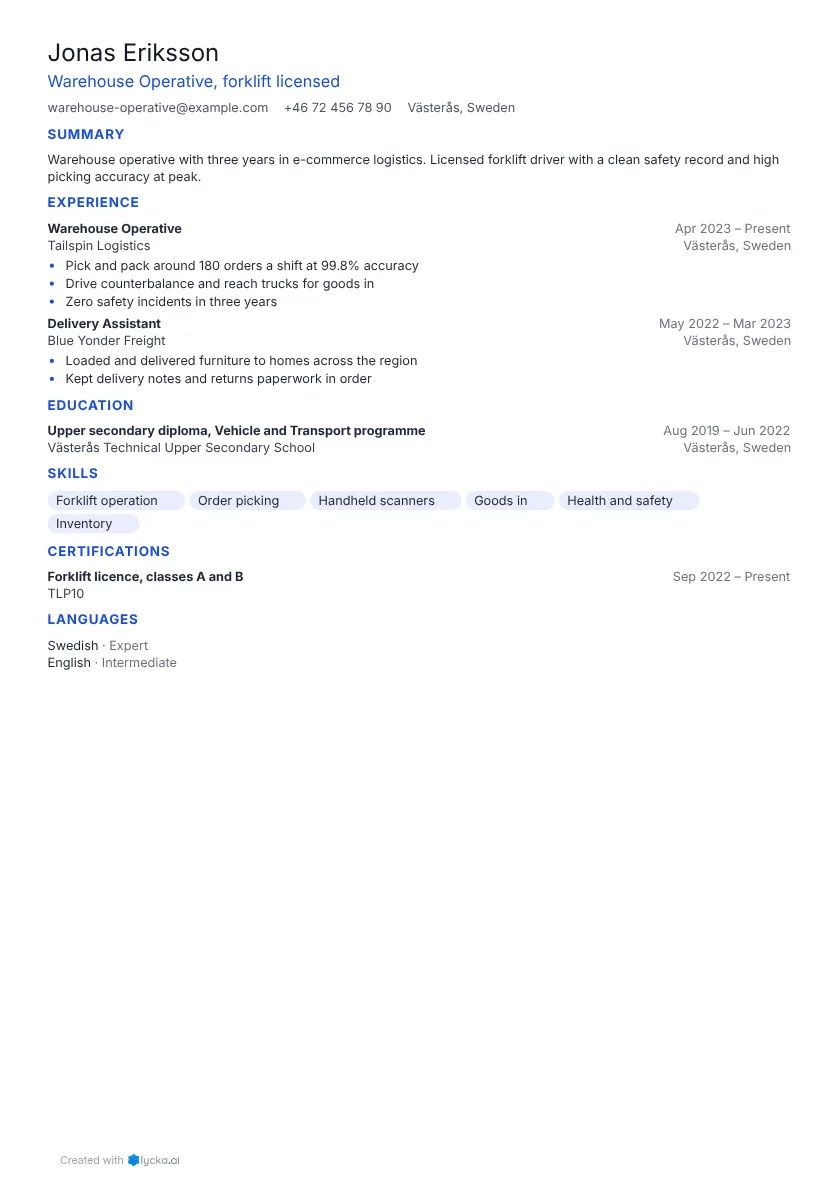


A resume is there to get you an interview. Recruiters decide in under a minute whether to read on, so every line has to help them say yes. The steps below follow the order they read in.
1. Pick a format
For most people that's reverse-chronological: your latest job first, then the one before. Recruiters expect it and applicant tracking systems read it reliably. Career changers and people with gaps sometimes do better with a hybrid layout that leads with skills, which resume formats compared explains.
Then pick a template that suits the job, since a bank and a design studio expect different looks. The professional, modern and simple templates are good places to start.
2. Contact details and headline
At the top of the page, put:
- Your full name, larger than anything else on the page.
- A headline: the job title you're aiming for, in the employer's words. See how to write a resume headline.
- One phone number and a professional email address.
- Your town or city. You don't need a street address.
- A LinkedIn or portfolio link, if it adds something.
Leave out your date of birth, marital status and ID numbers unless the country you're applying in expects them.
3. Summary
Write three or four lines that say who you are, what you're best at and one result that proves it. It's easiest to do this last, once you know what the rest of the page says.
Customer service lead with 5 years in retail banking. Calm with upset callers and quick to fix the cause. Raised first-contact resolution from 68% to 81% across a team of 12.
There are more formulas and examples in how to write a resume summary. If you have little experience, an objective can work better.
4. Work experience
This is the section that matters most. For each job, give the job title, employer, town and dates (month and year), then three to five bullets for recent roles and fewer for older ones.
Write each bullet as a result: what you did, and what changed because of it. "Responsible for stock" tells a reader nothing, while "Cut stock errors by 30% by introducing weekly cycle counts" shows them what you'll do for them. See turn duties into results.
If you don't have a work history yet, lead with education, projects and volunteering instead. See a resume with no experience.
5. Education
Put your highest or most relevant qualification first: the degree or course, the school and the year you finished. Students and recent graduates can add grades, relevant modules and projects. For everyone else, one line per qualification is enough.
6. Skills
List the skills from the job advert that you can honestly back up, whether they're tools, software, languages, licences or methods. Six to twelve is plenty. Soft skills earn their place when a bullet above already proves them. See which skills to put on your resume.
7. Optional sections
Only add these when they help this particular application. Certifications and licences are often required in healthcare, trades and IT. Languages are worth listing with your level, and projects, volunteering or publications can go here too. Hobbies and interests belong when they show a skill the job needs or give you a conversation starter.
References are assumed, so you don't need a "References available on request" line.
8. Tailor it to the job
Send a different version for each application. Move the most relevant bullets to the top, reuse the advert's words for skills you have, and cut what doesn't apply. Once your main resume is written, this takes ten minutes. See tailor your resume without starting over.
9. Check it and send a PDF
Keep it to one or two pages, and read it aloud once, because typos show up when you hear them. Check that dates, titles and numbers match your LinkedIn profile. Then save it as a PDF with your name in the file name, unless the employer asks for Word.
An applicant tracking system needs to read it too, so use real text and standard section headings, and don't hide important details in images. The free resume checker shows you what it reads.
Finished examples
The resume examples have finished resumes for every kind of job, from first job to operations director. Open any one in the editor and replace the details with yours.