

Modern resume templates
Clean sans-serif type, clear headings and room to breathe. A modern resume template suits almost any job, from retail and healthcare to marketing and tech.
42 templates 7 free Pro
- Good when you want a fresh look that still reads as professional.
- Easy to scan on screen, which is where most resumes are read first.
- Pick a sidebar version to give skills and languages their own column.
All modern resume templates
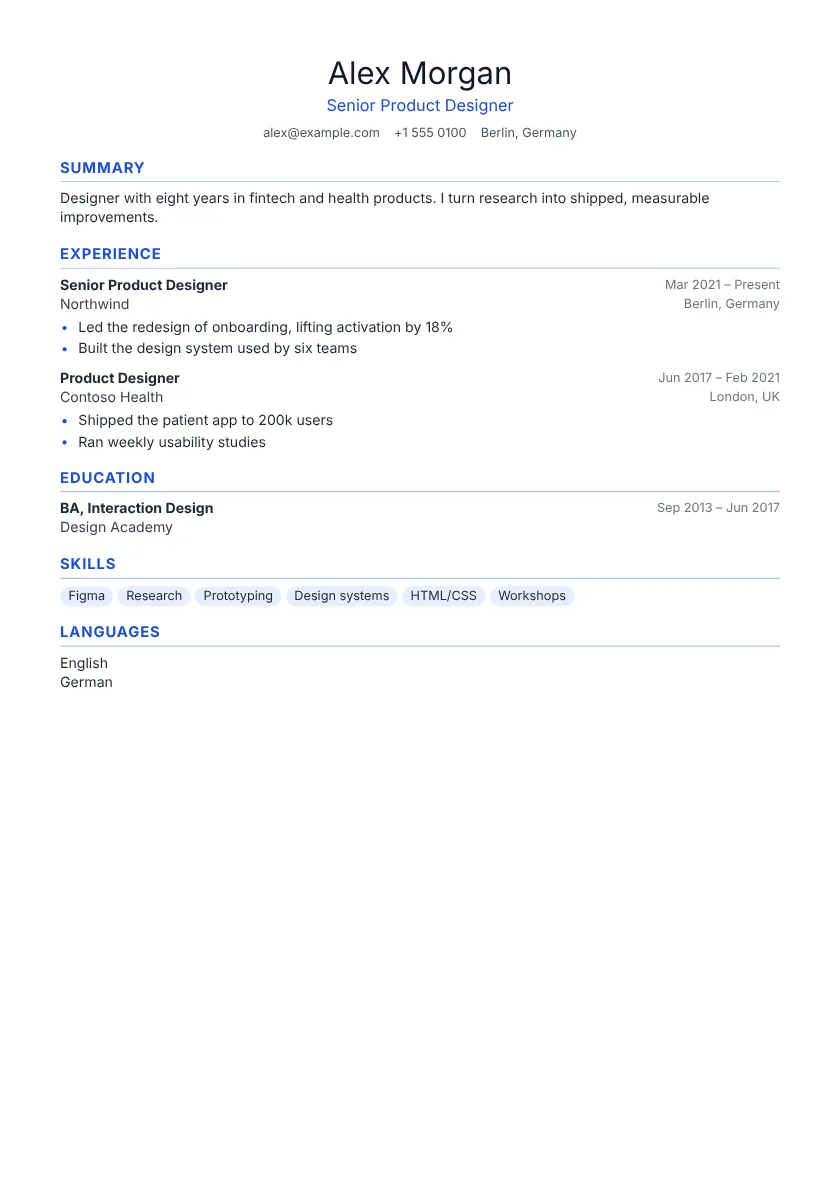 Use this template Classic One column
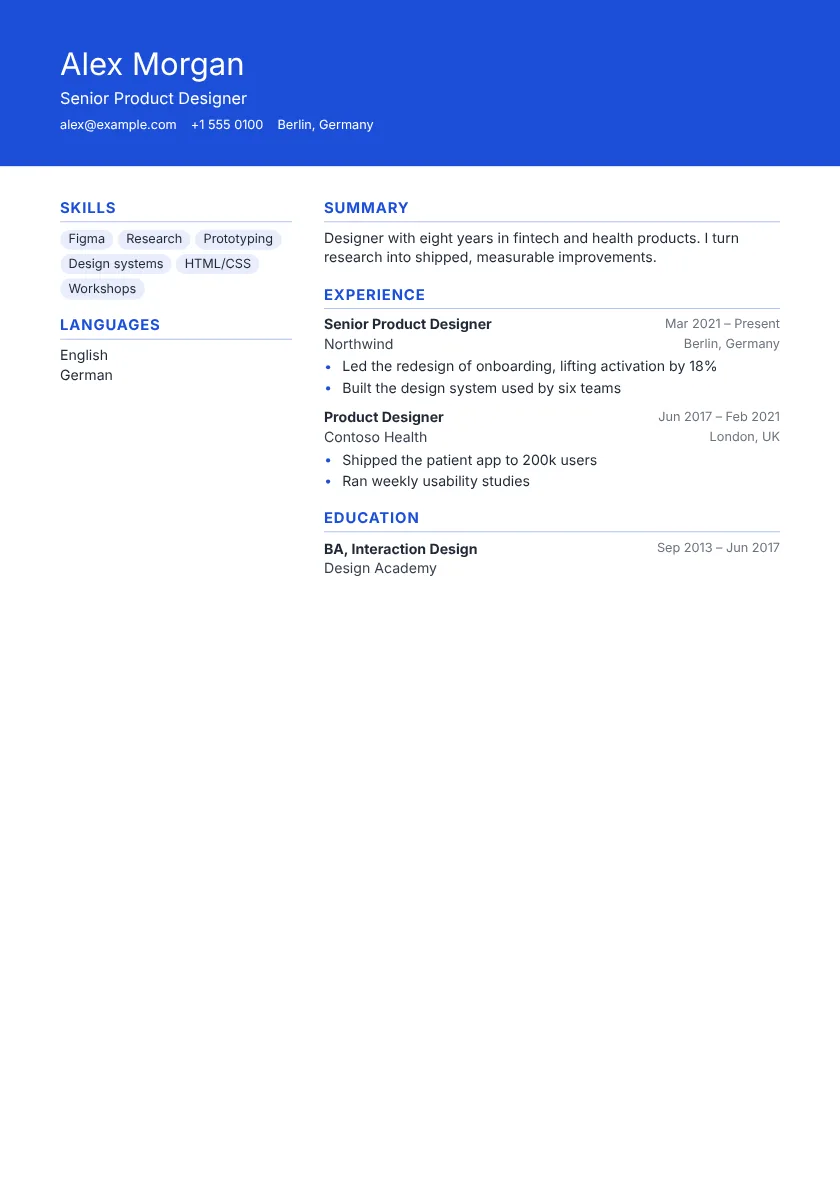 Use this template Modern Sidebar
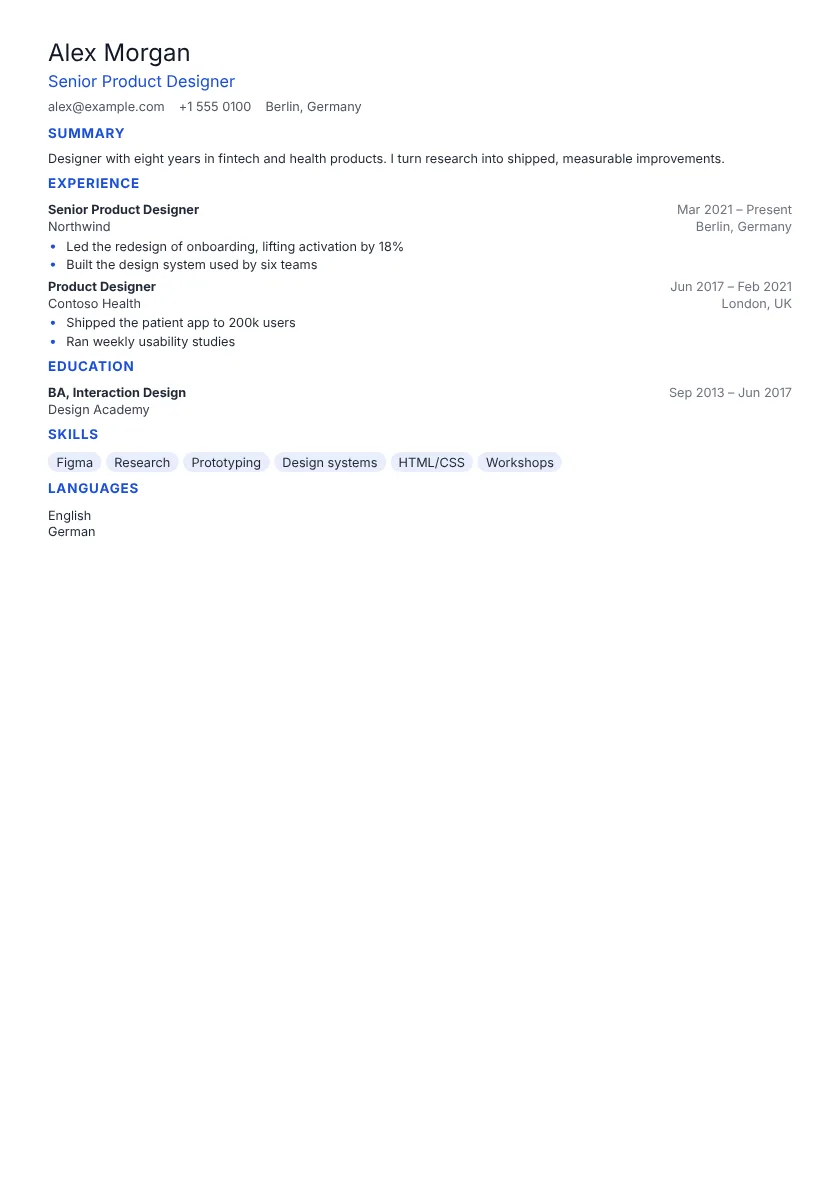 Use this template Compact One column
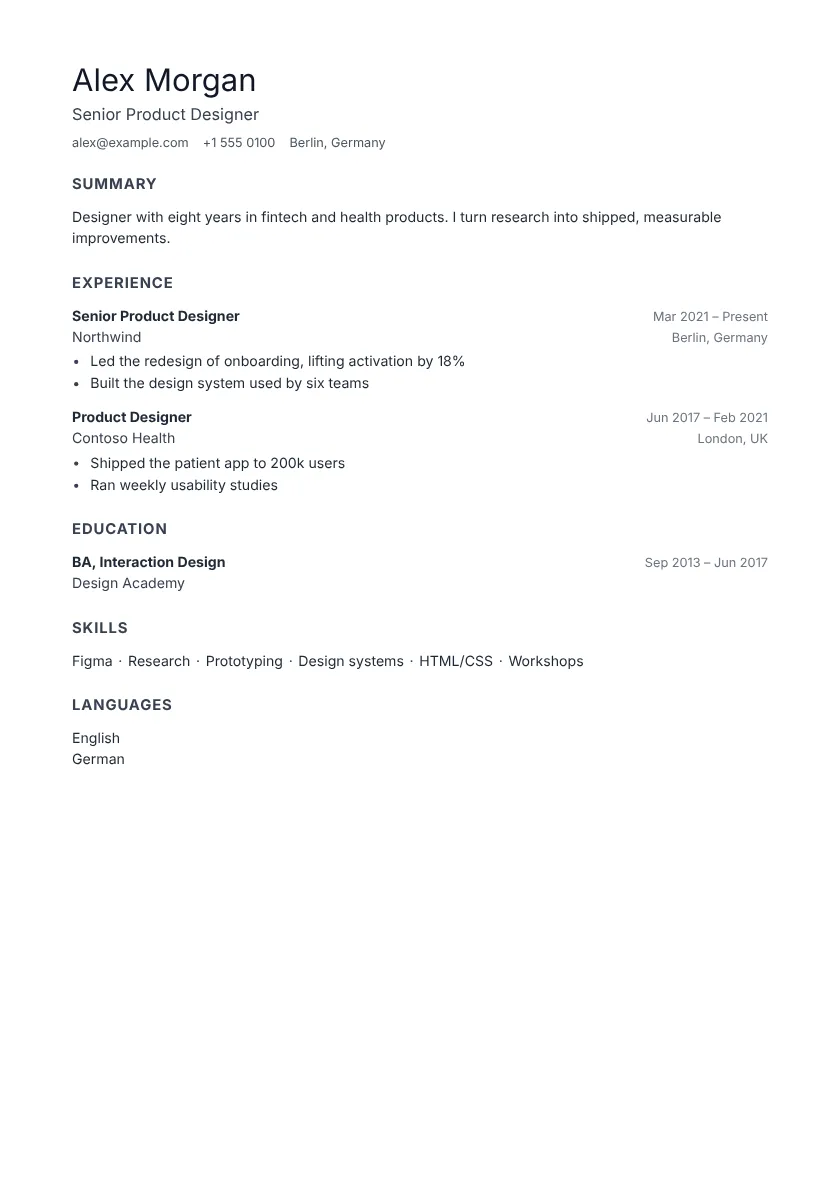 Use this template Minimal One column
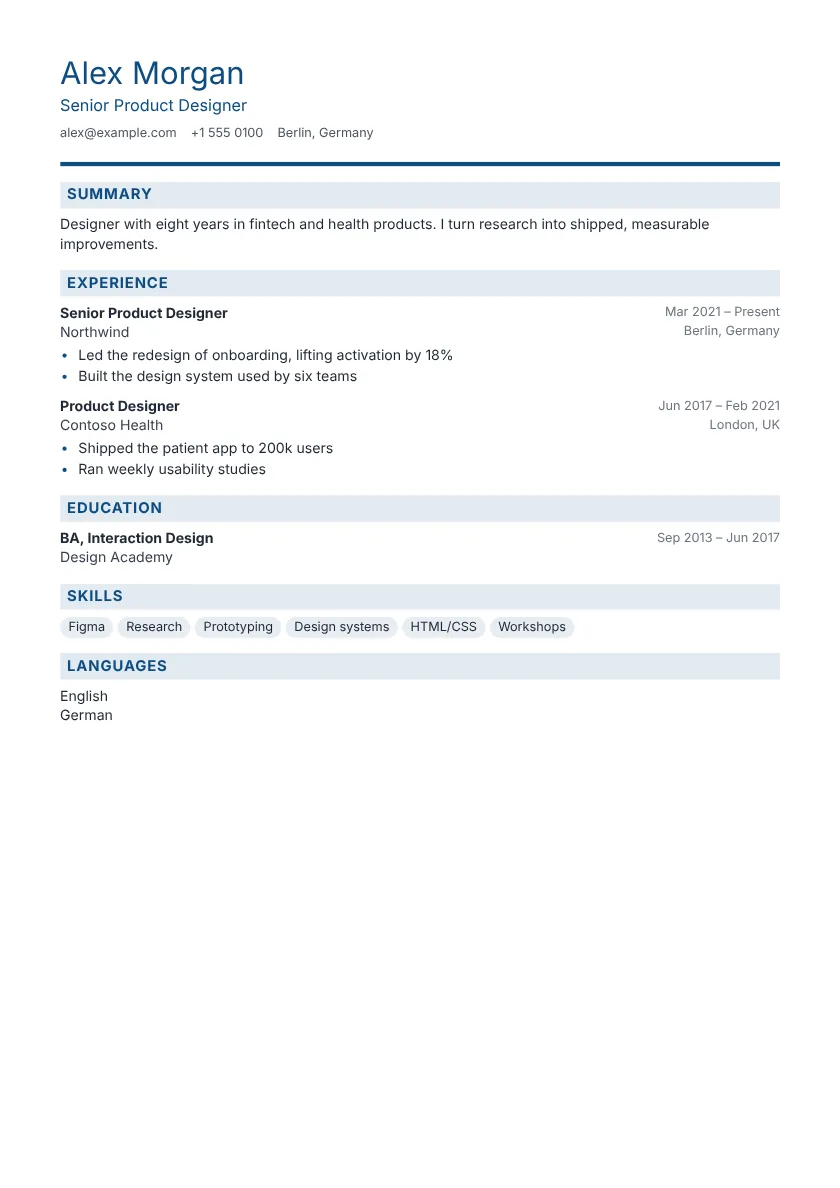 Use this template Corporate One column
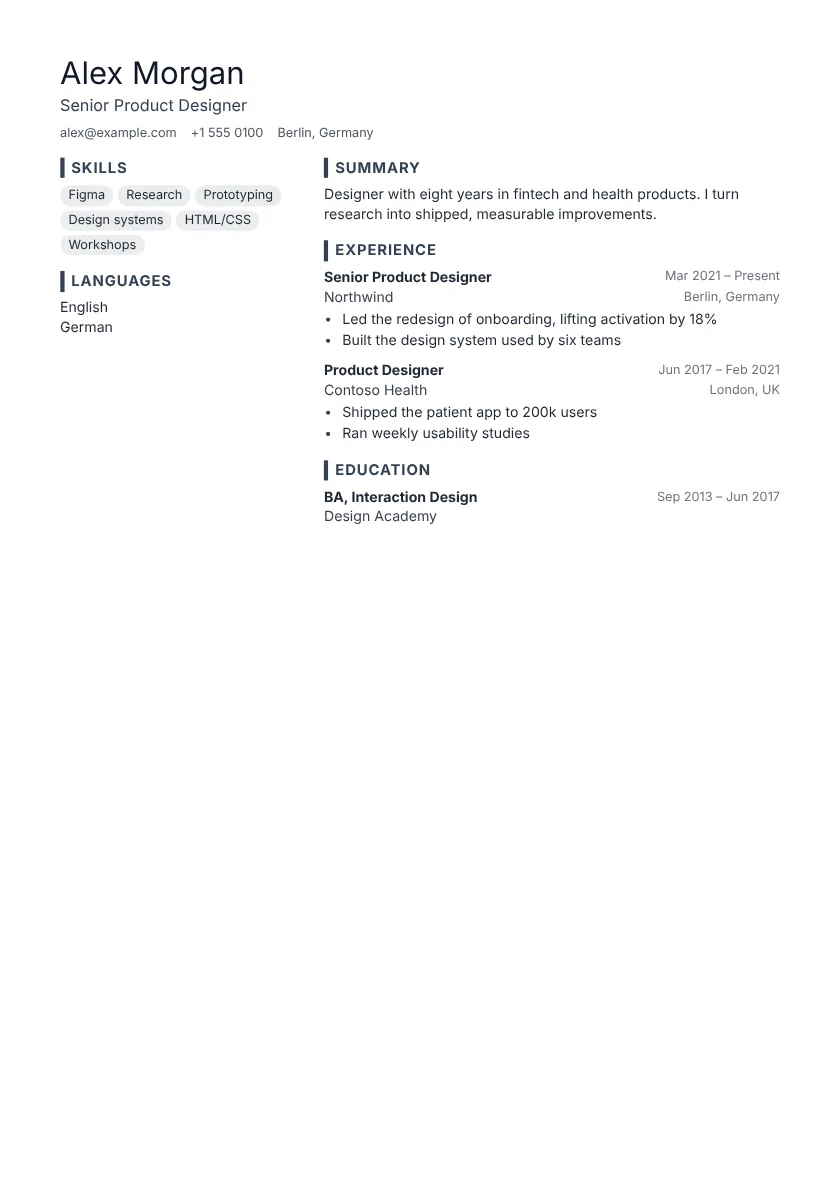 Use this template Slate Sidebar
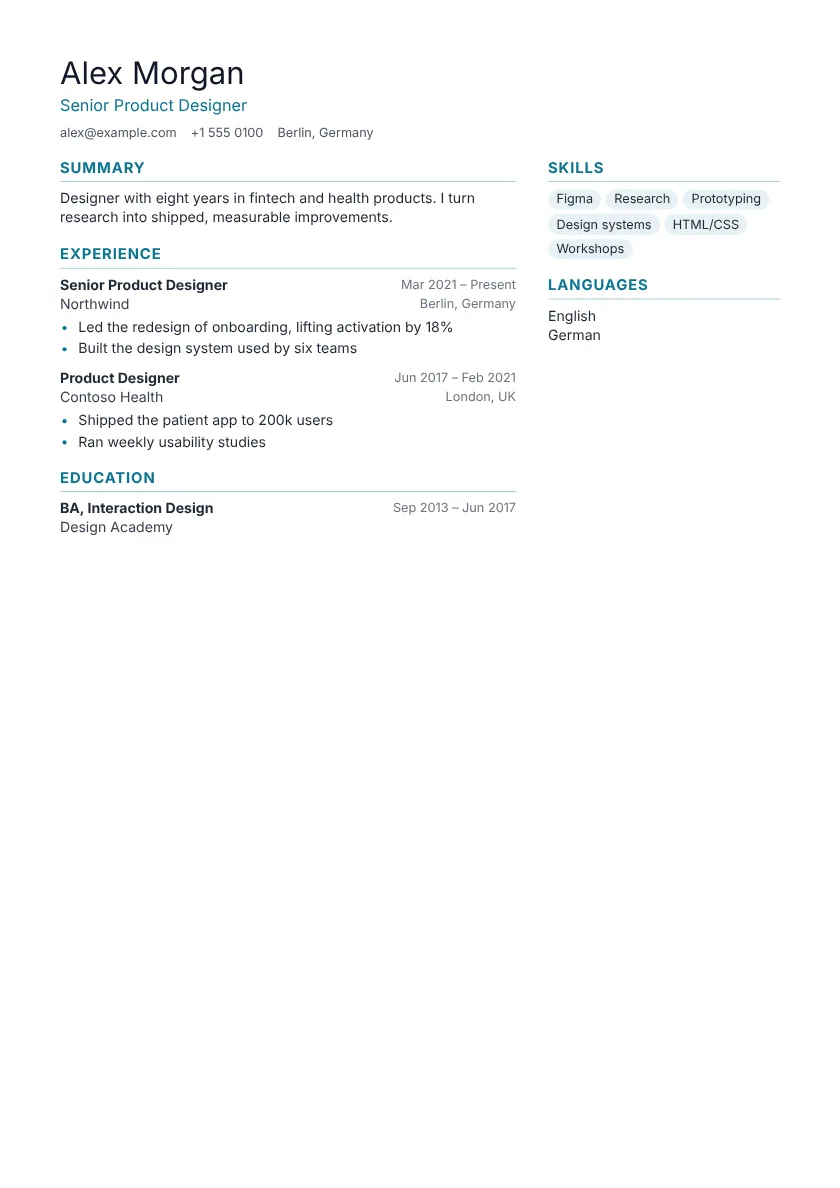 Use this template Horizon Sidebar
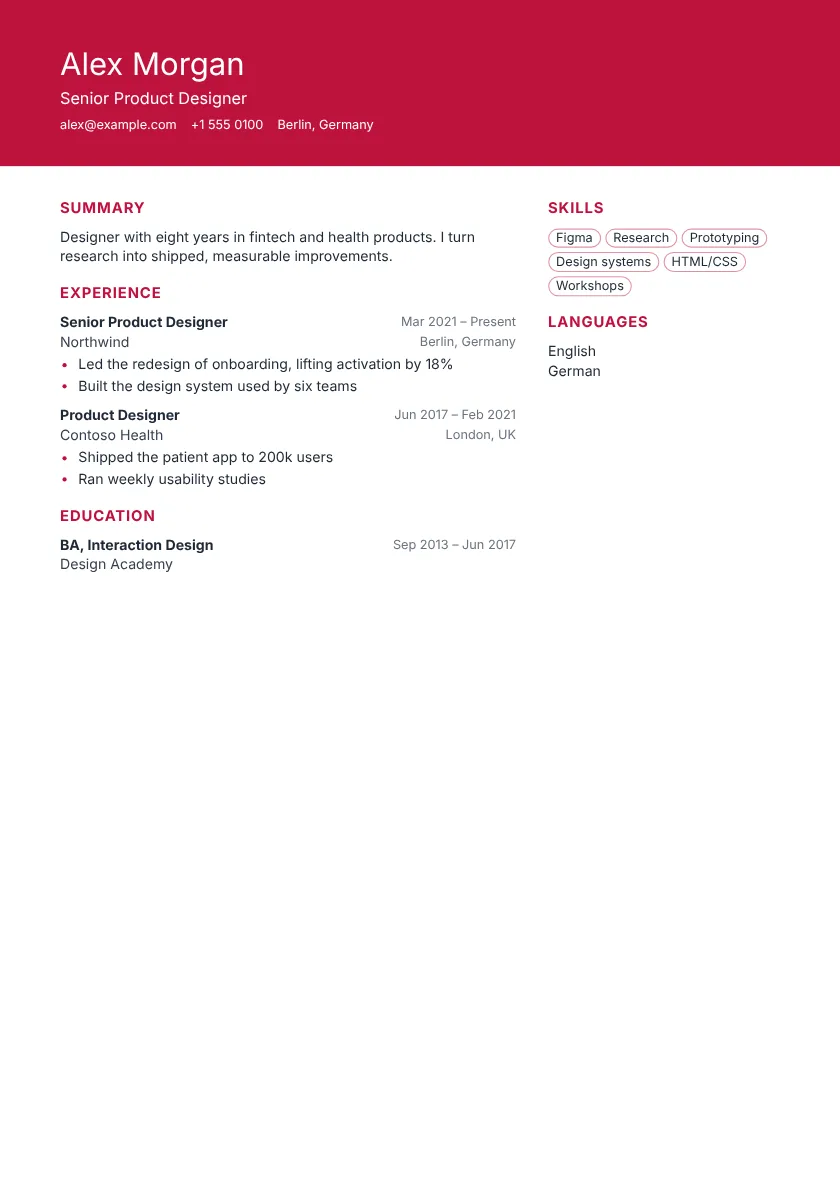 Use this template Metro Pro Sidebar
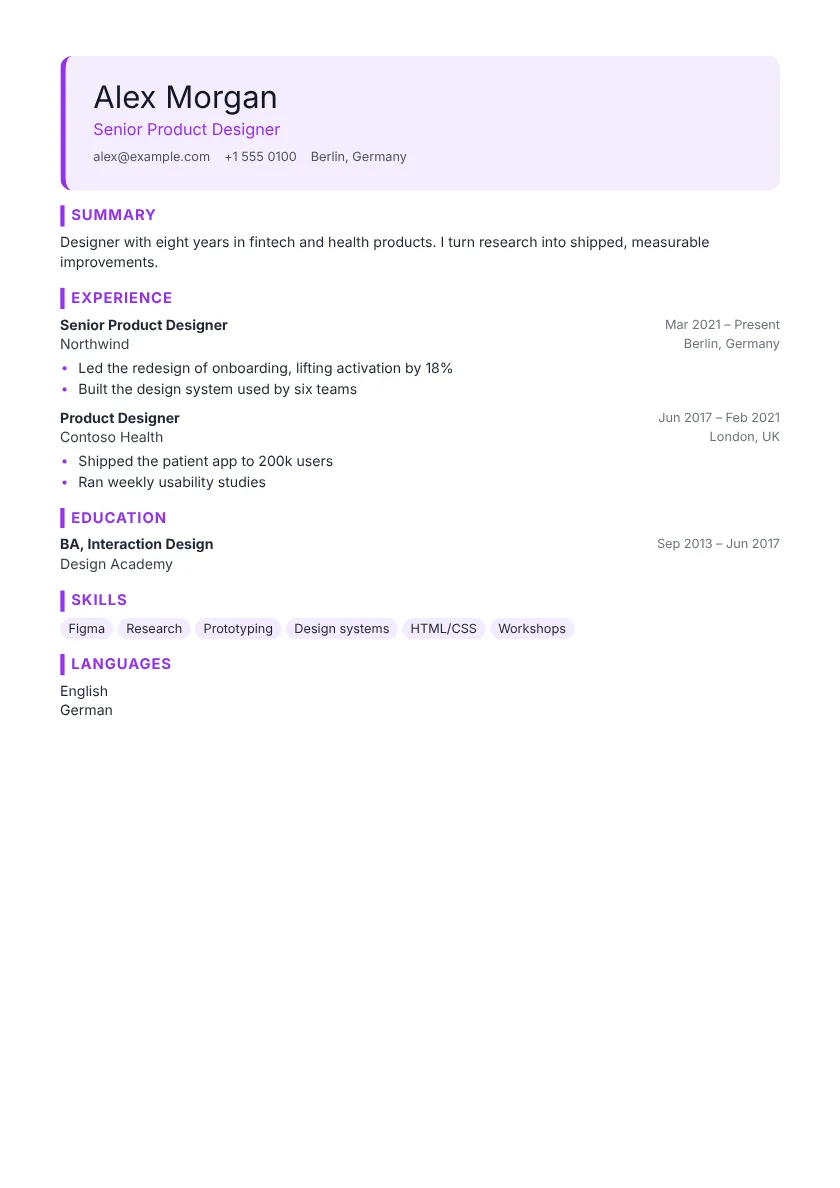 Use this template Studio Pro One column
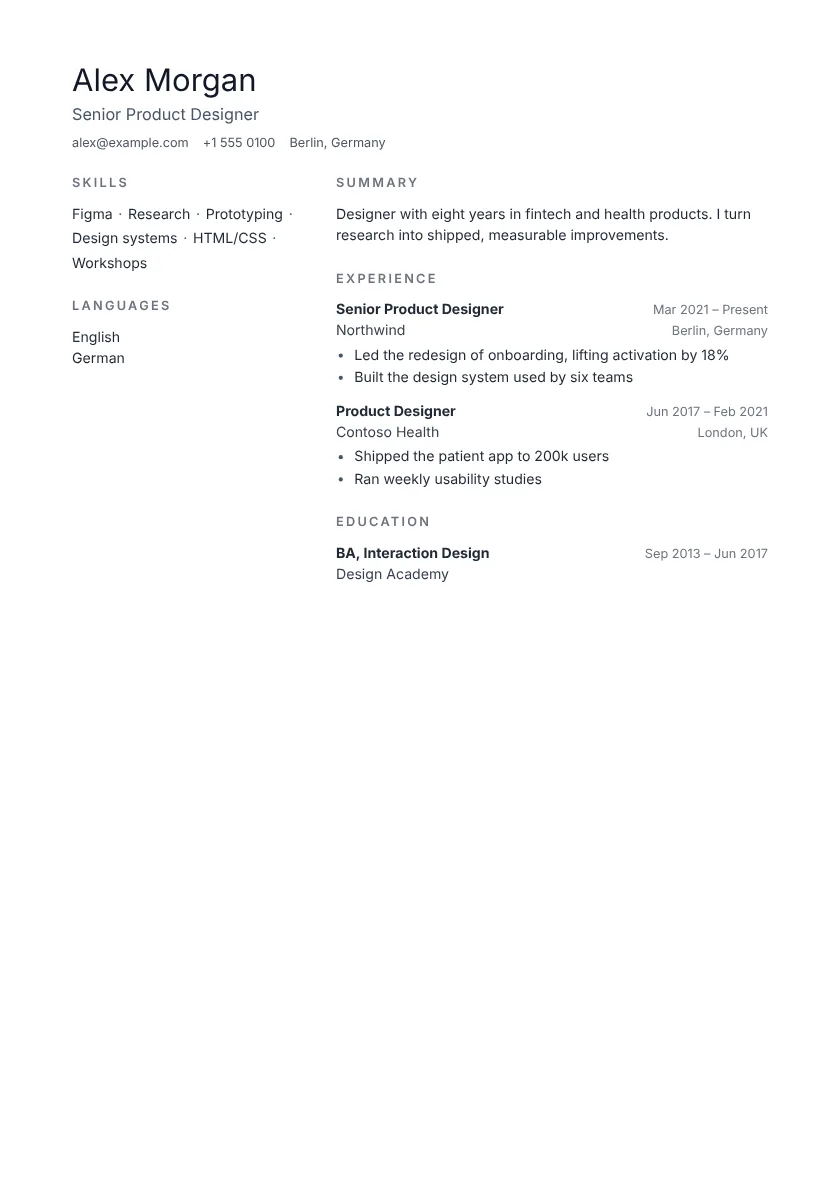 Use this template Nordic Pro Sidebar
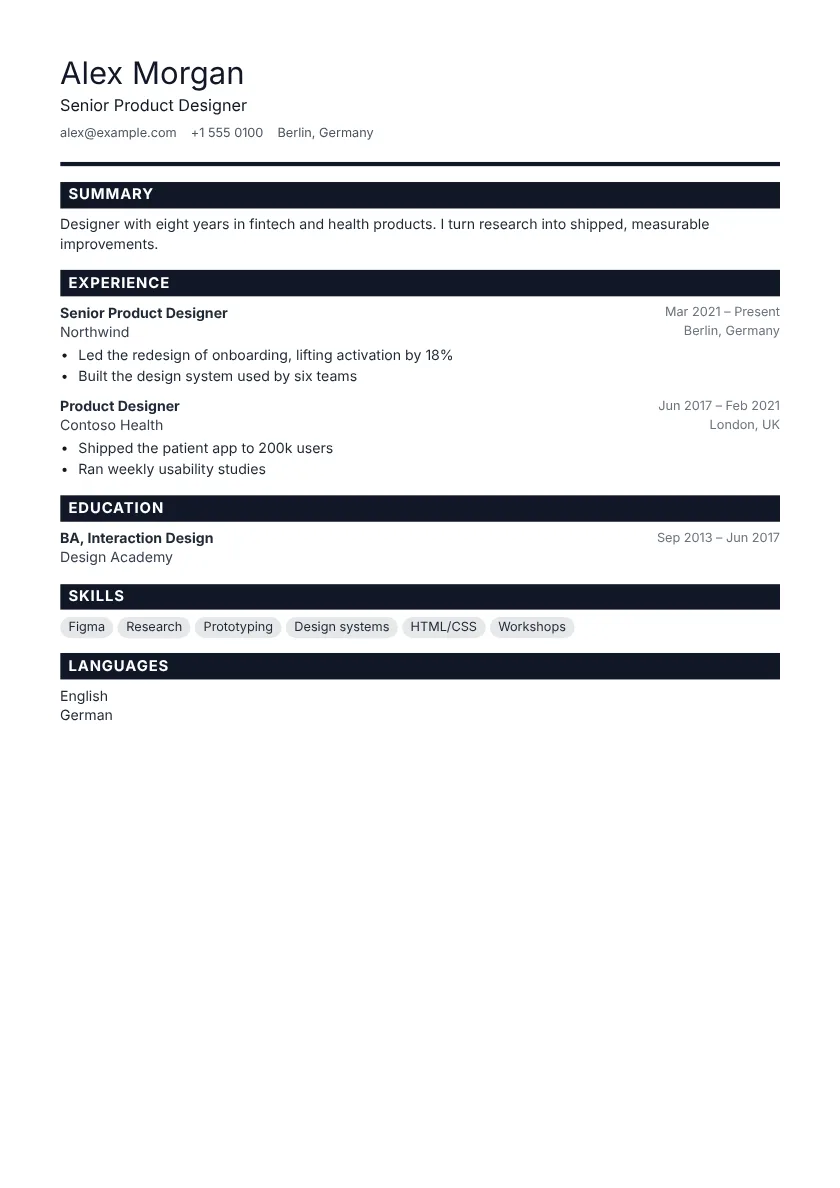 Use this template Bold Pro One column
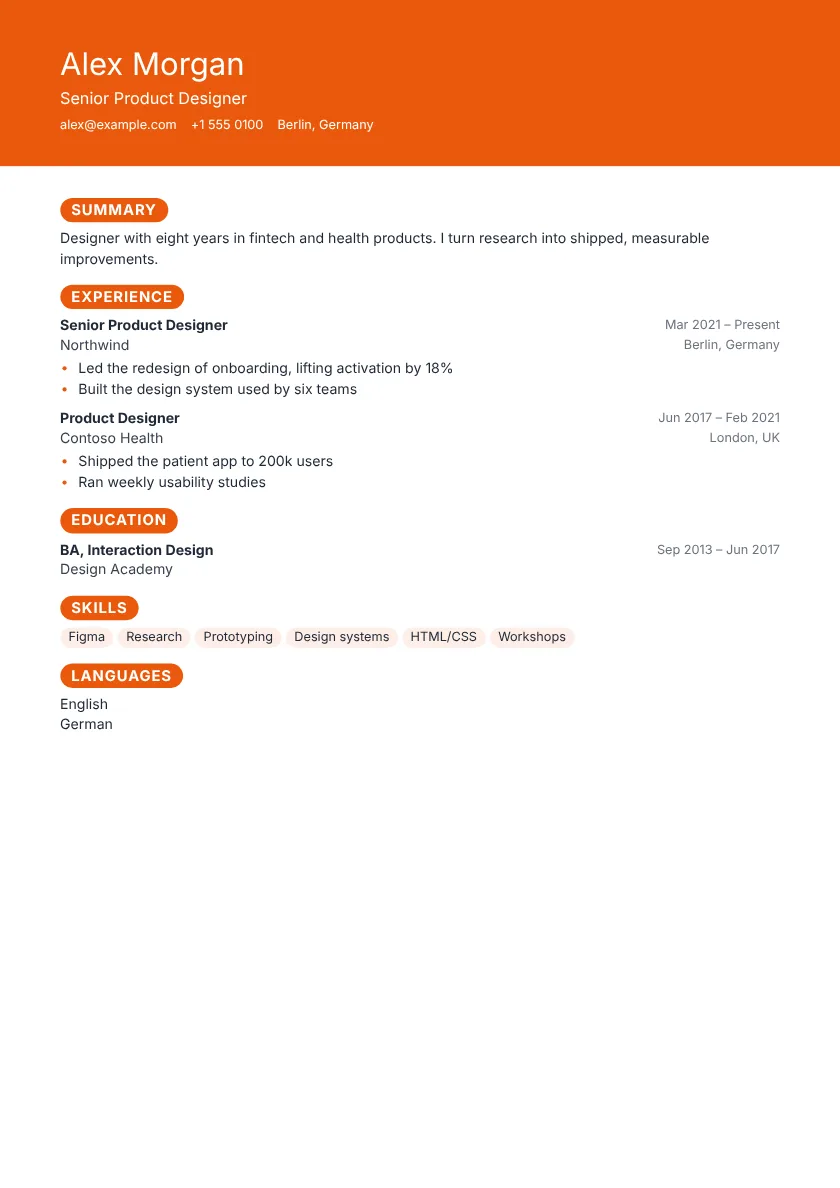 Use this template Pulse Pro One column
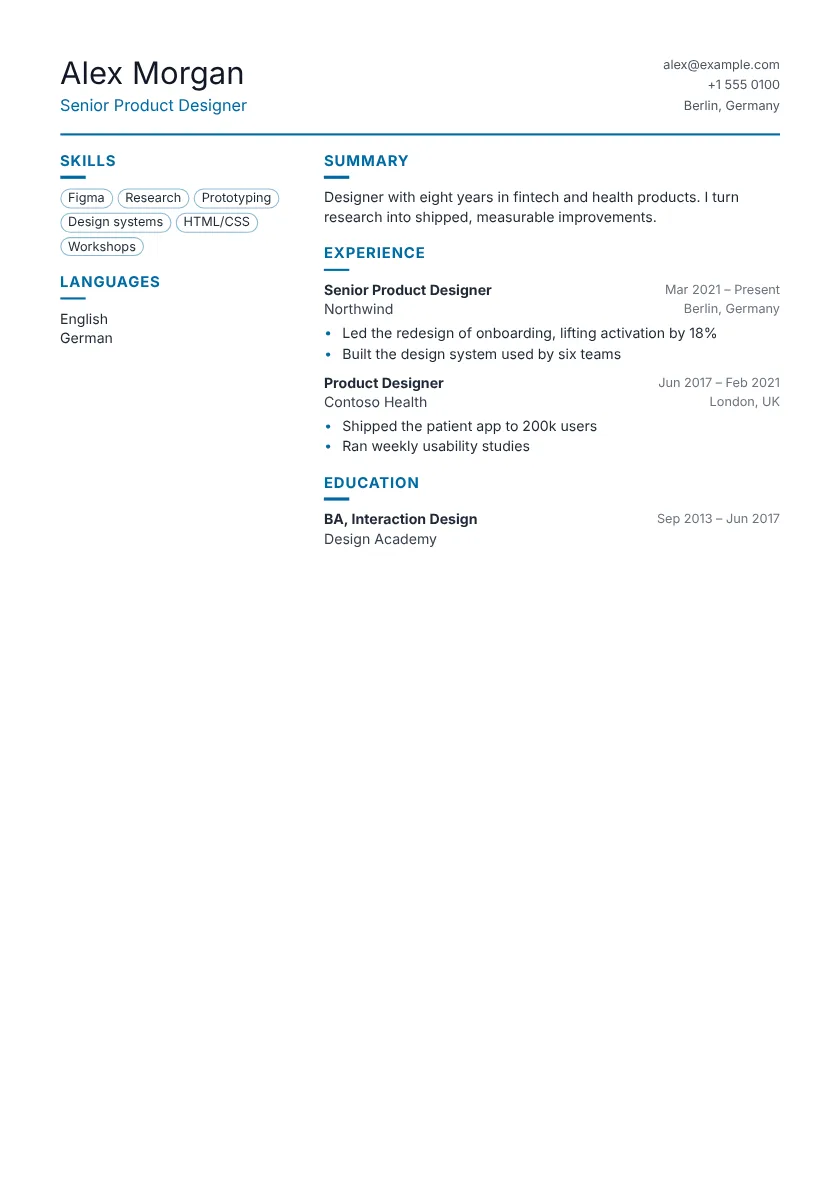 Use this template Atlas Pro Sidebar
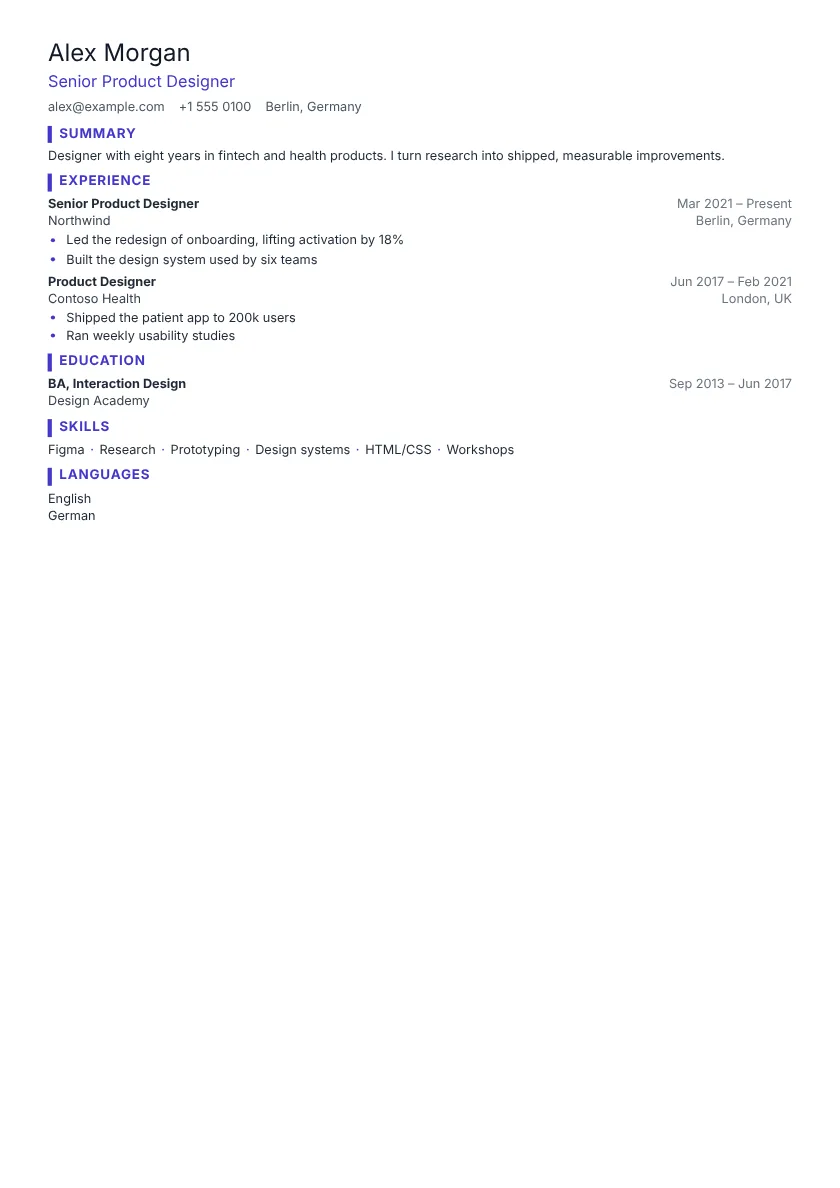 Use this template Dense Pro One column
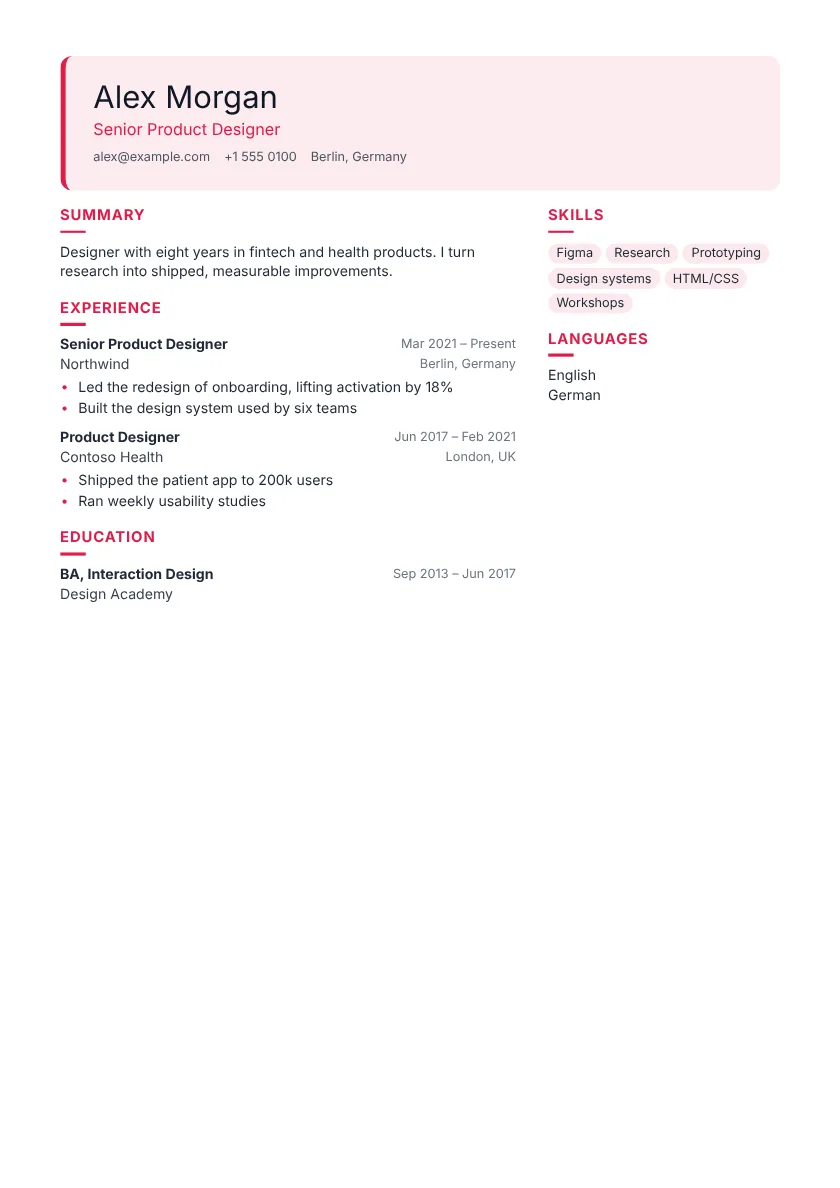 Use this template Coral Pro Sidebar
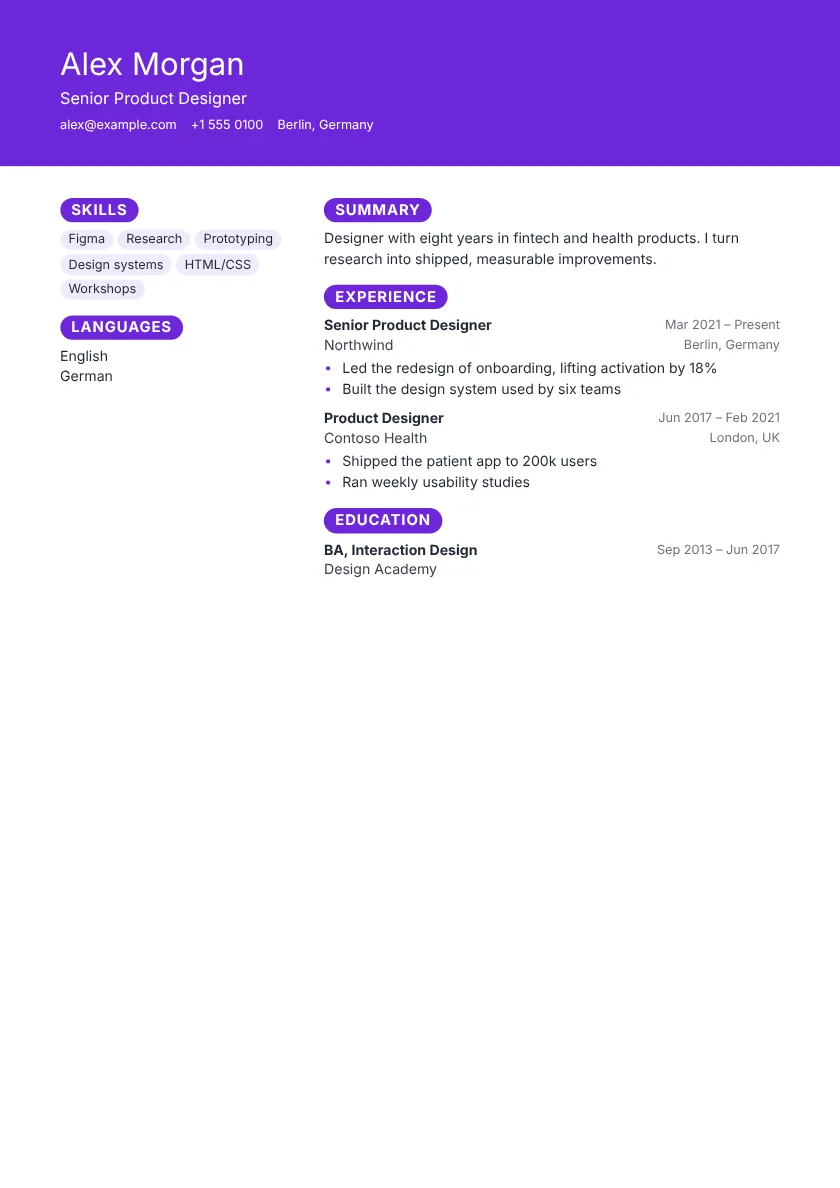 Use this template Aurora Pro Sidebar
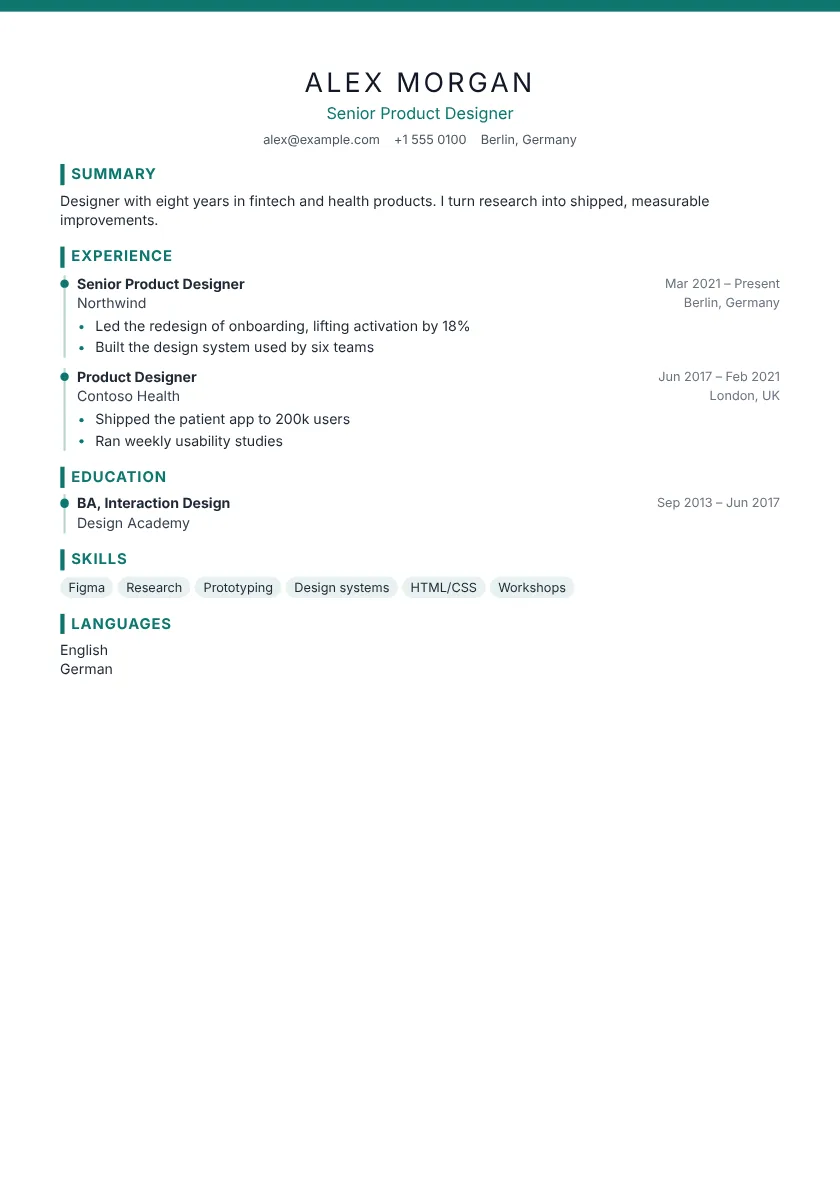 Use this template Azure Pro One column
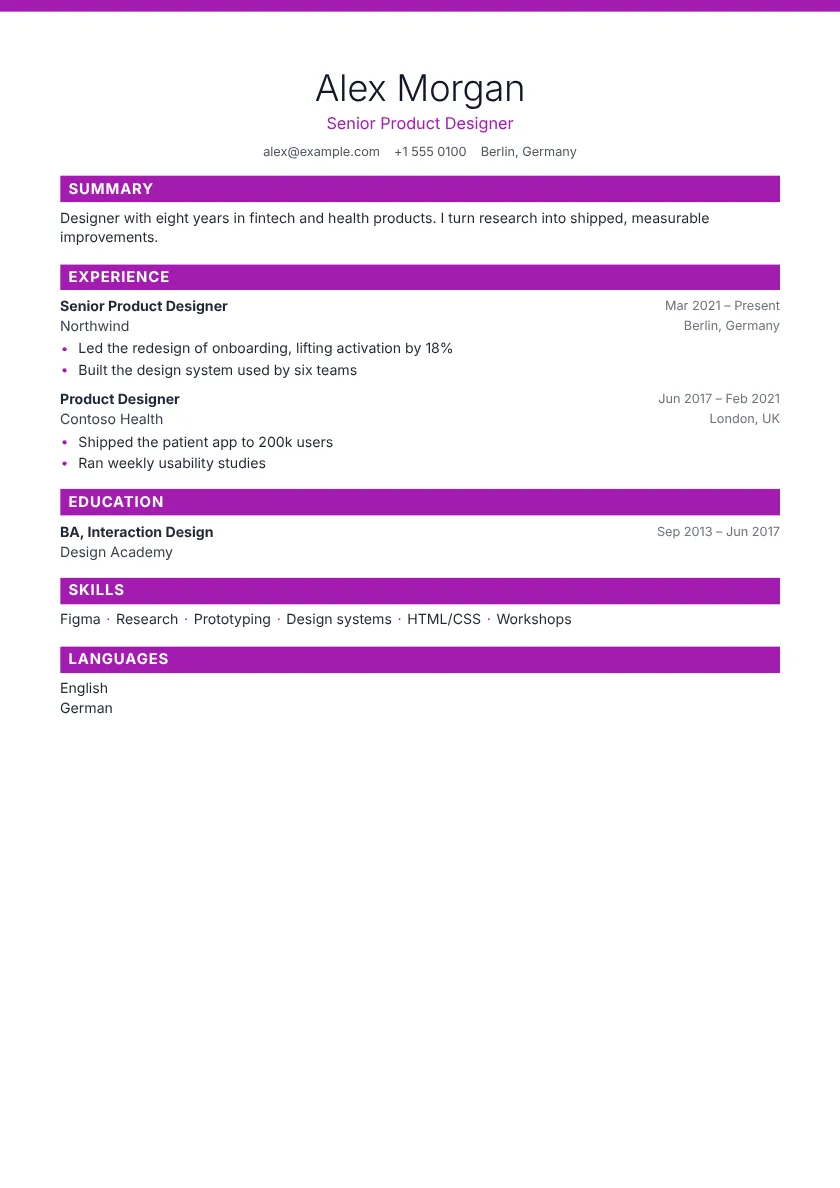 Use this template Birch Pro One column
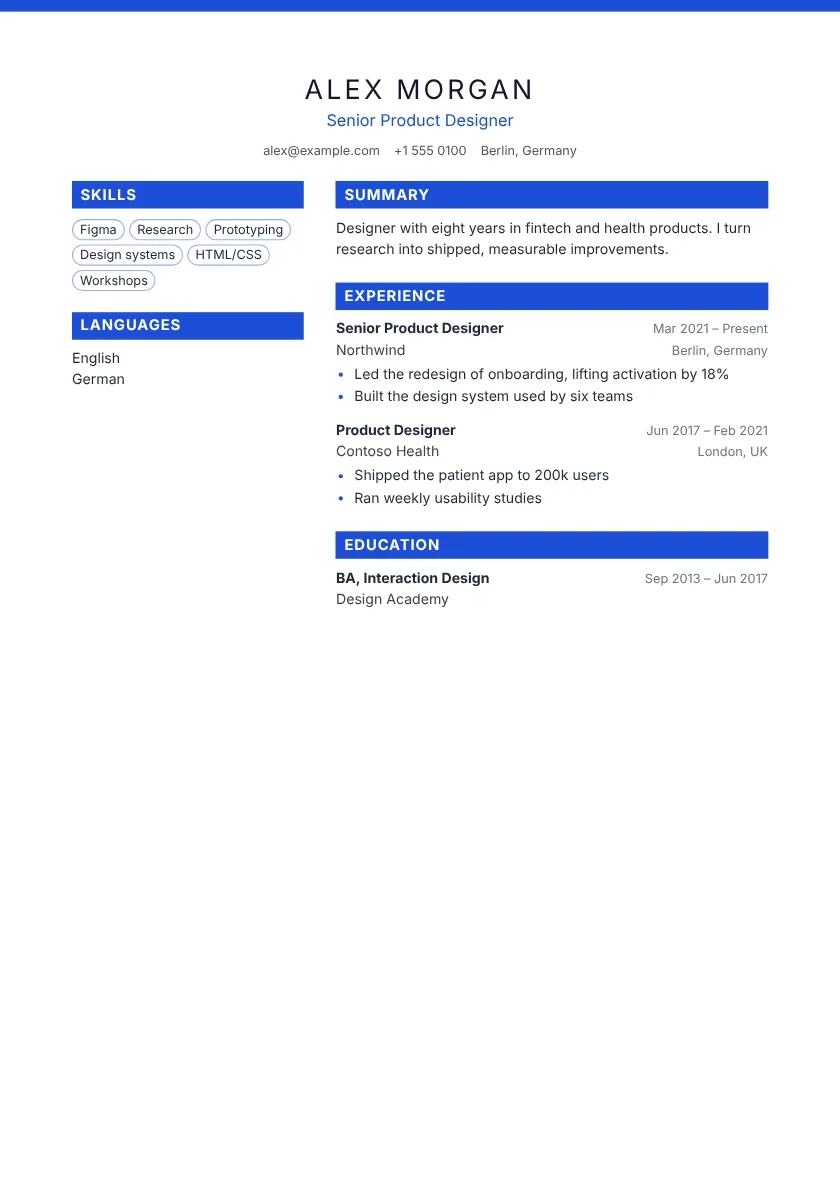 Use this template Crimson Pro Sidebar
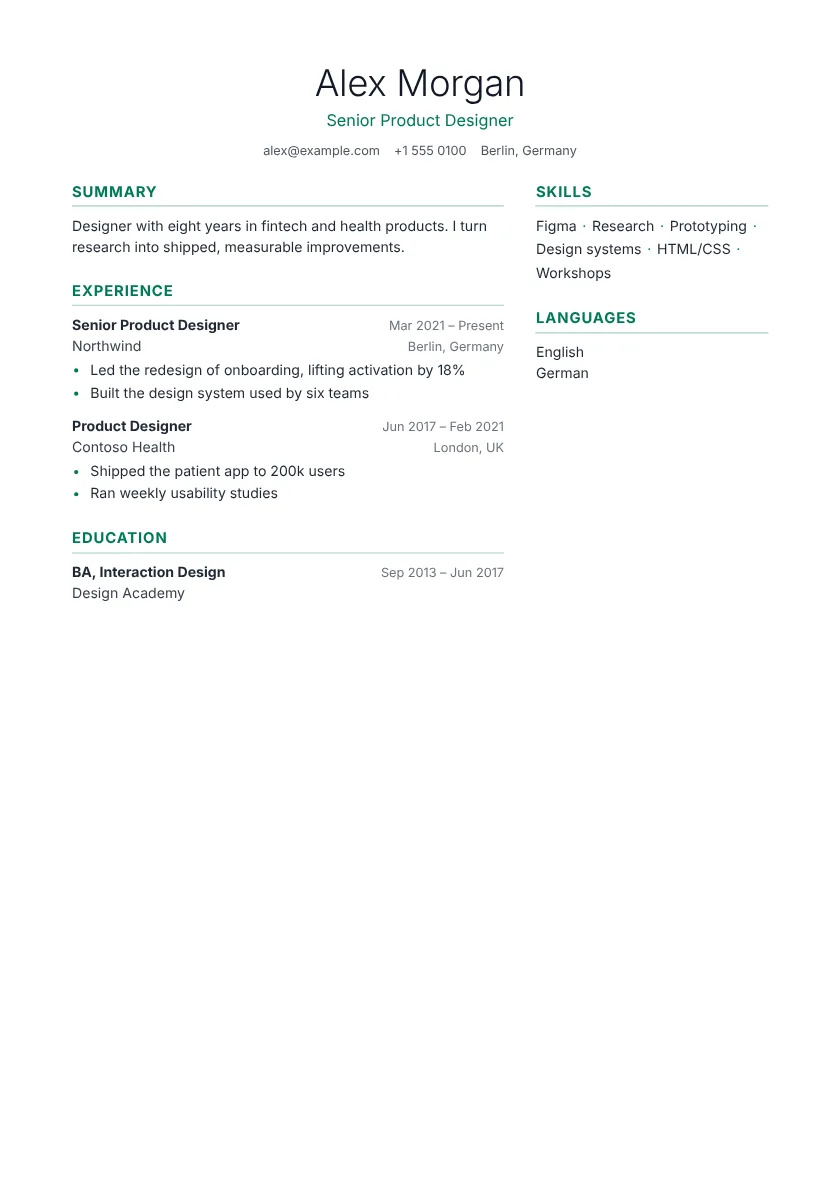 Use this template Fjord Pro Sidebar
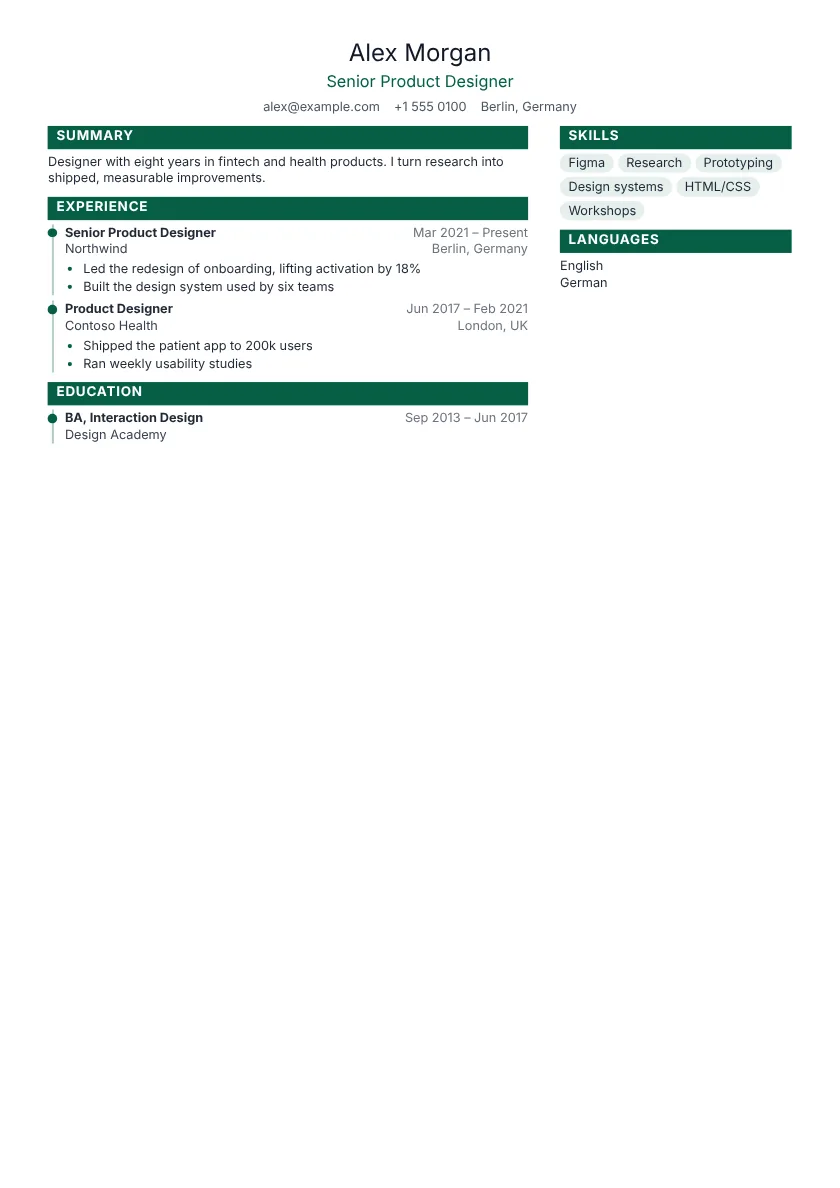 Use this template Granite Pro Sidebar
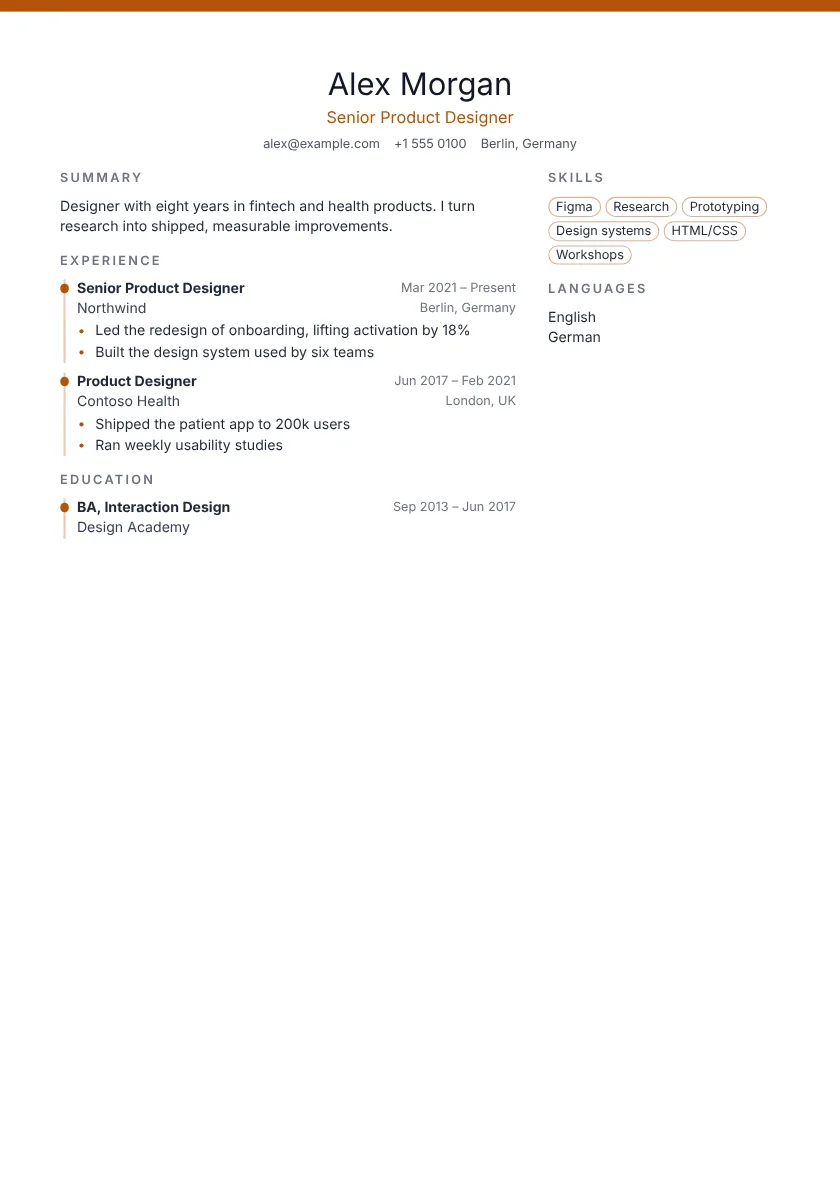 Use this template Harbor Pro Sidebar
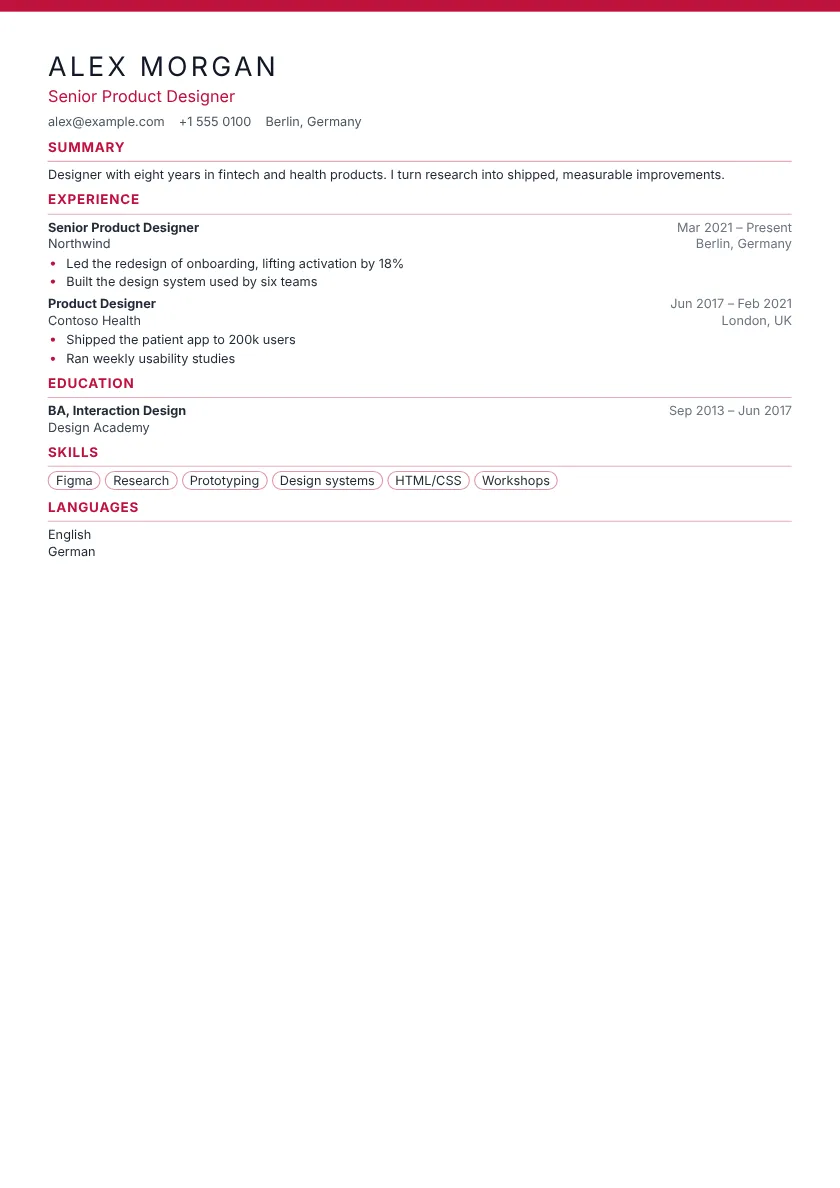 Use this template Jade Pro One column
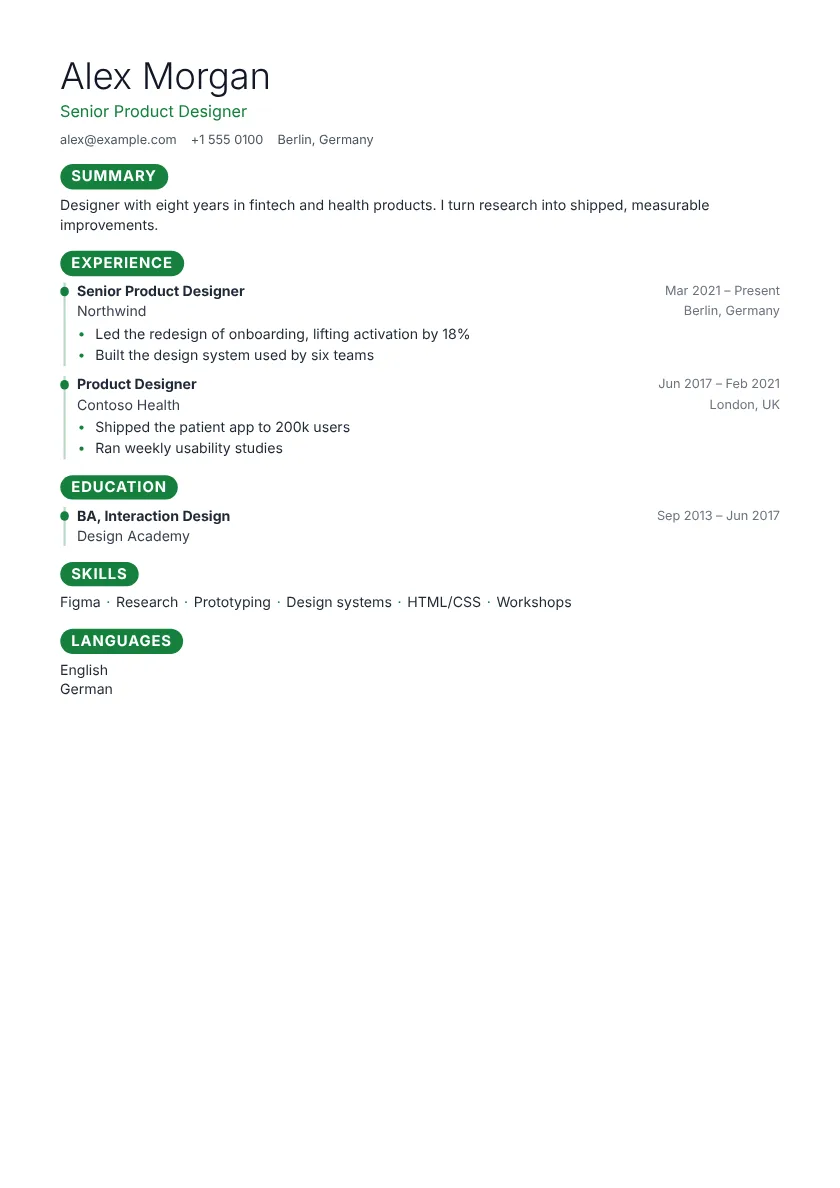 Use this template Kestrel Pro One column
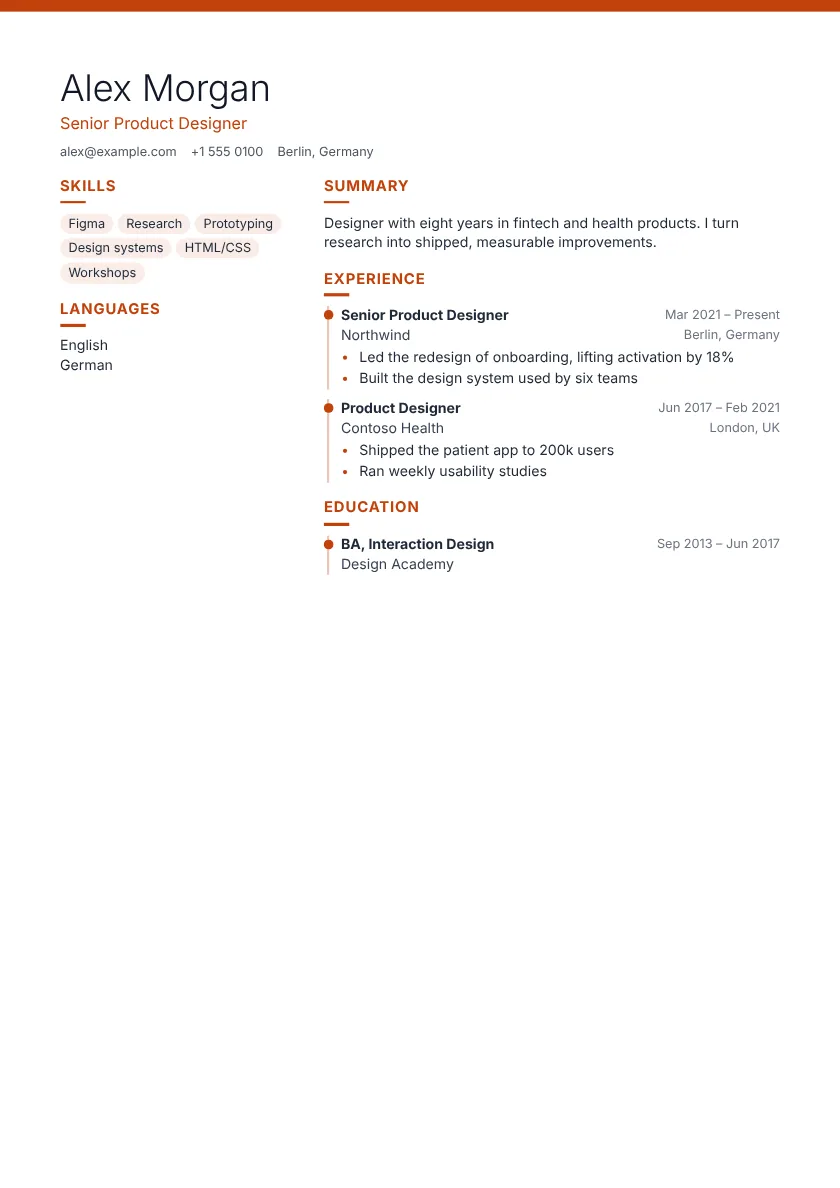 Use this template Lumen Pro Sidebar
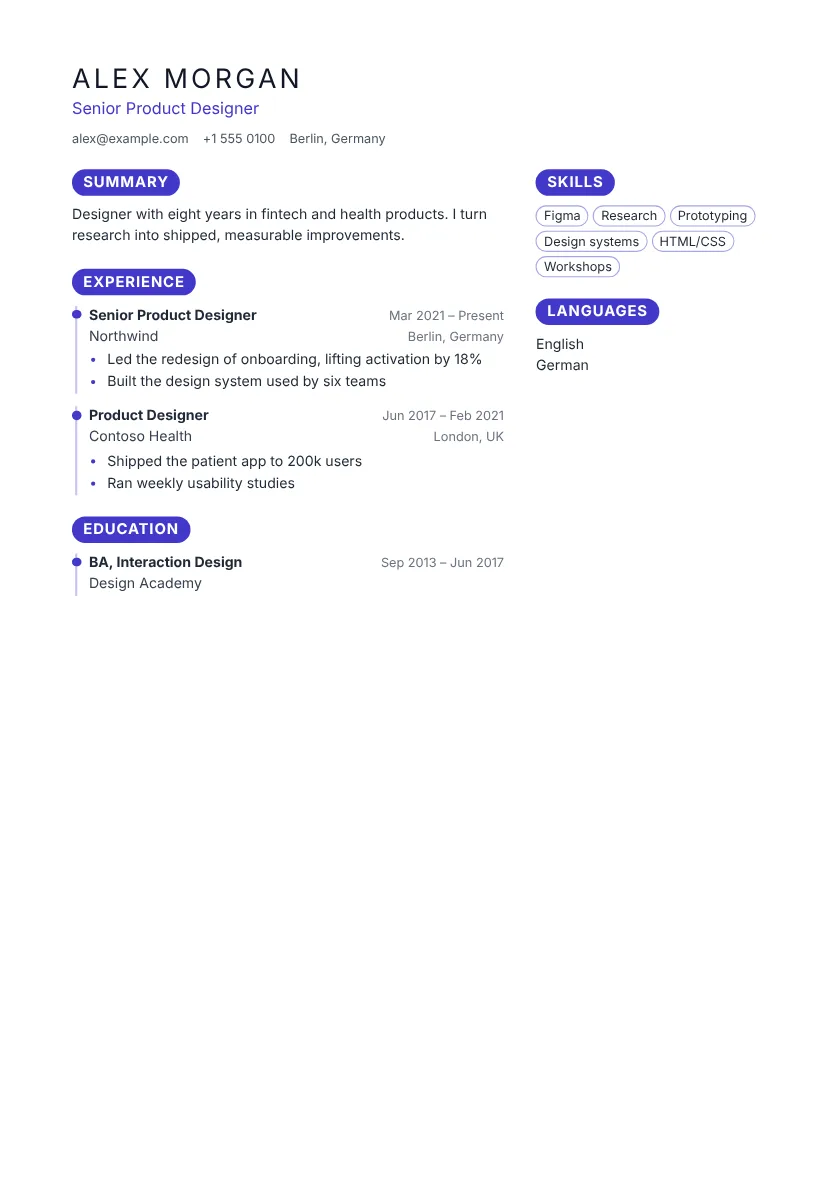 Use this template Monarch Pro Sidebar
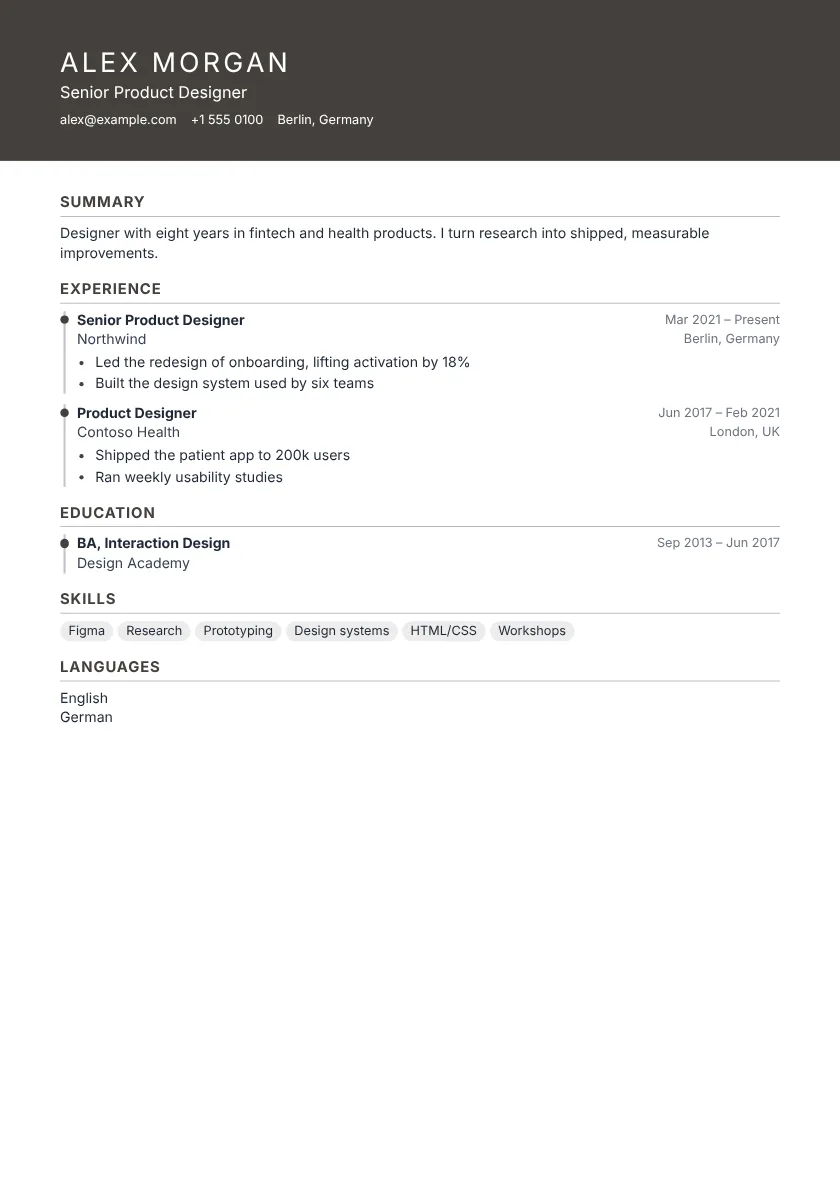 Use this template Moss Pro One column
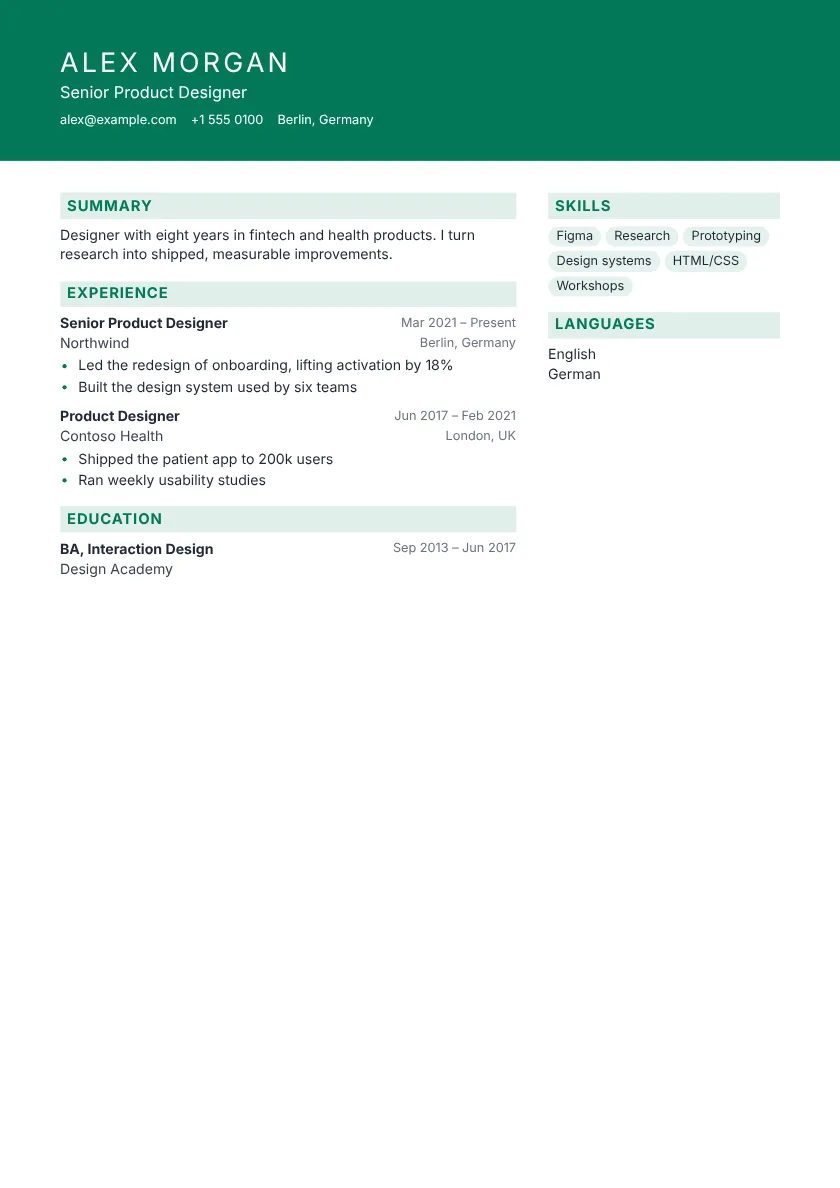 Use this template Quartz Pro Sidebar
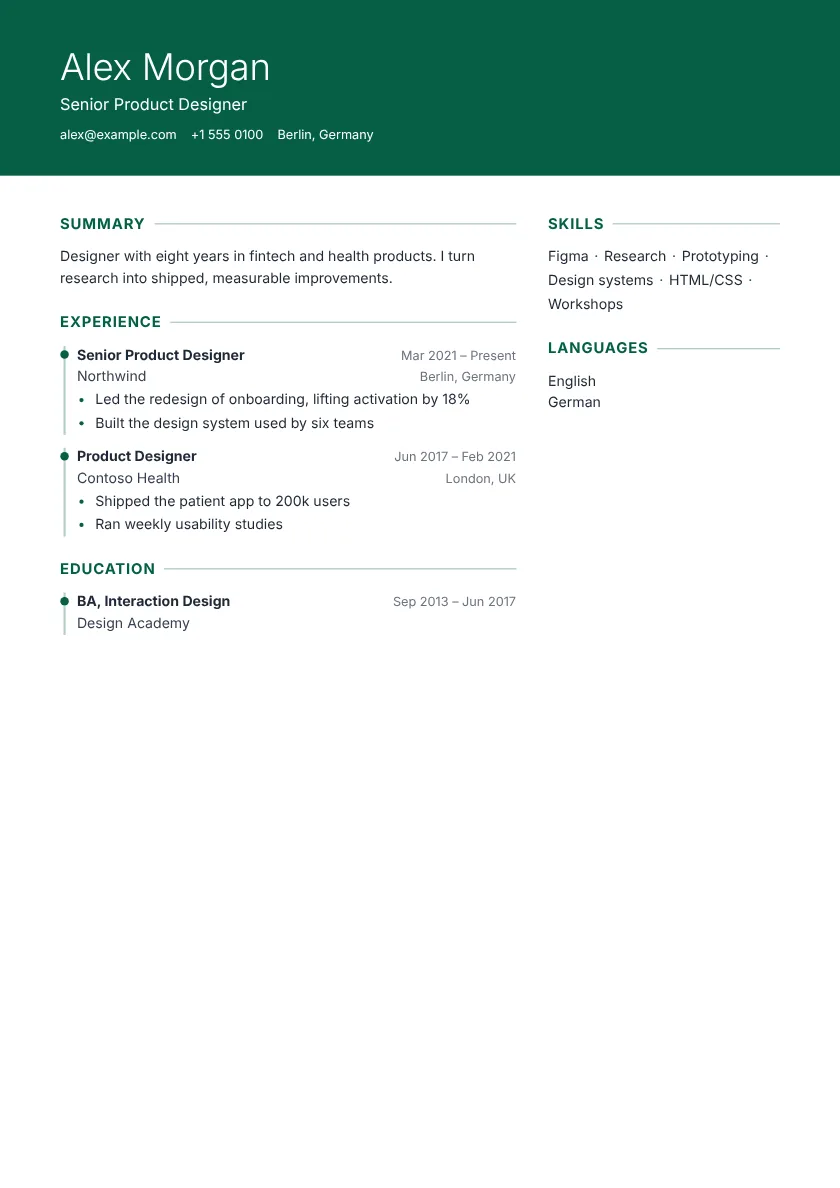 Use this template Regent Pro Sidebar
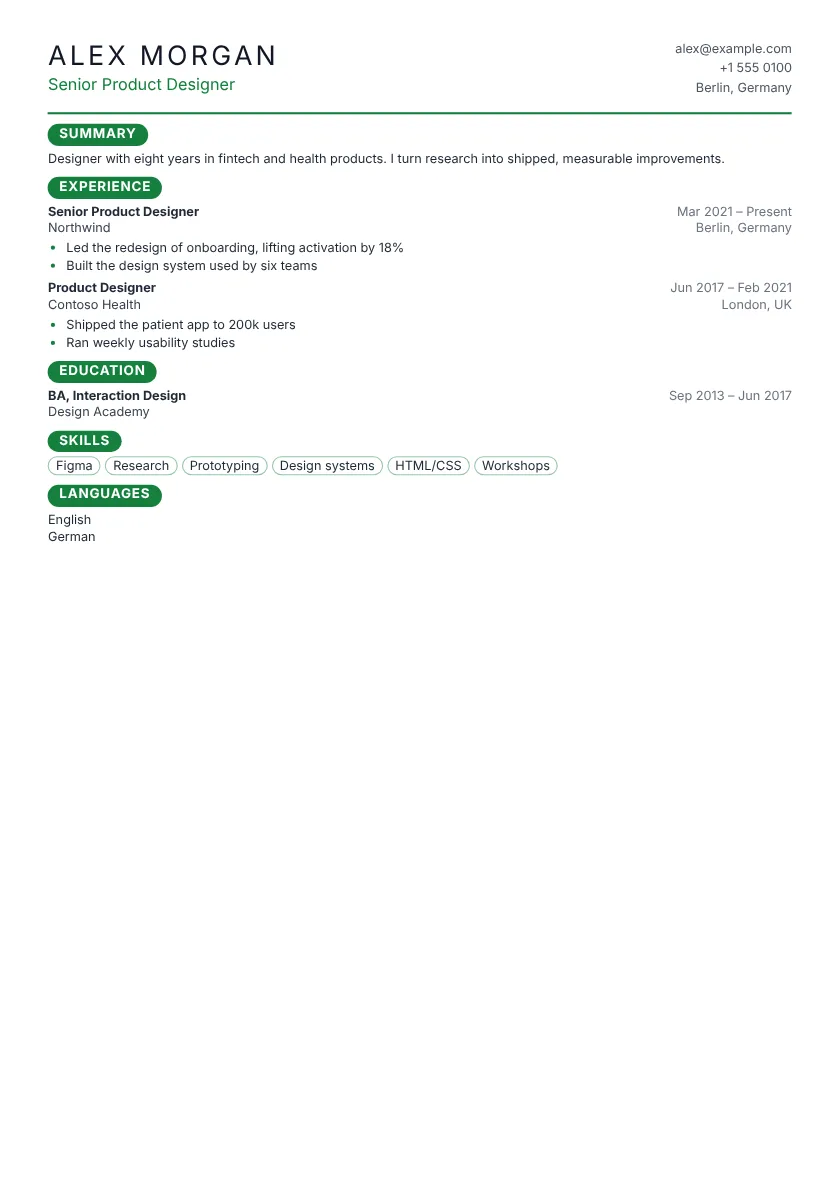 Use this template Sequoia Pro One column
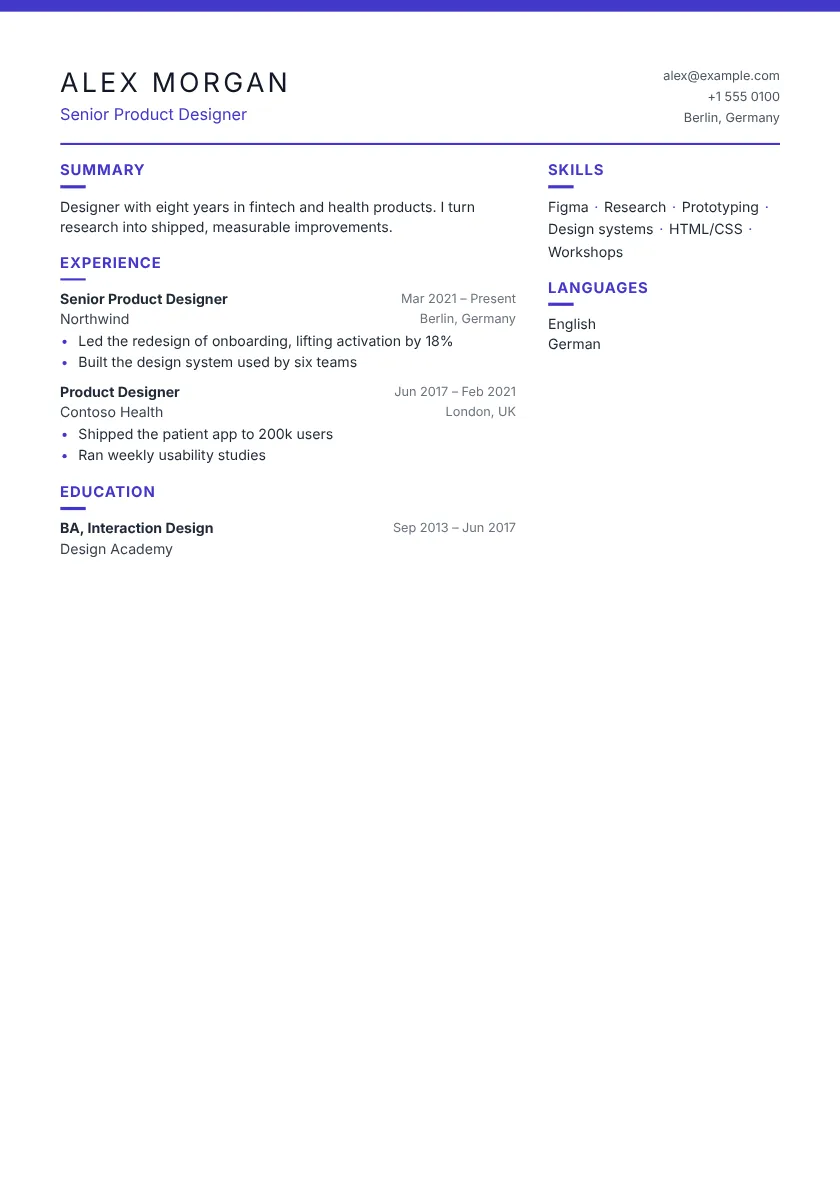 Use this template Tundra Pro Sidebar
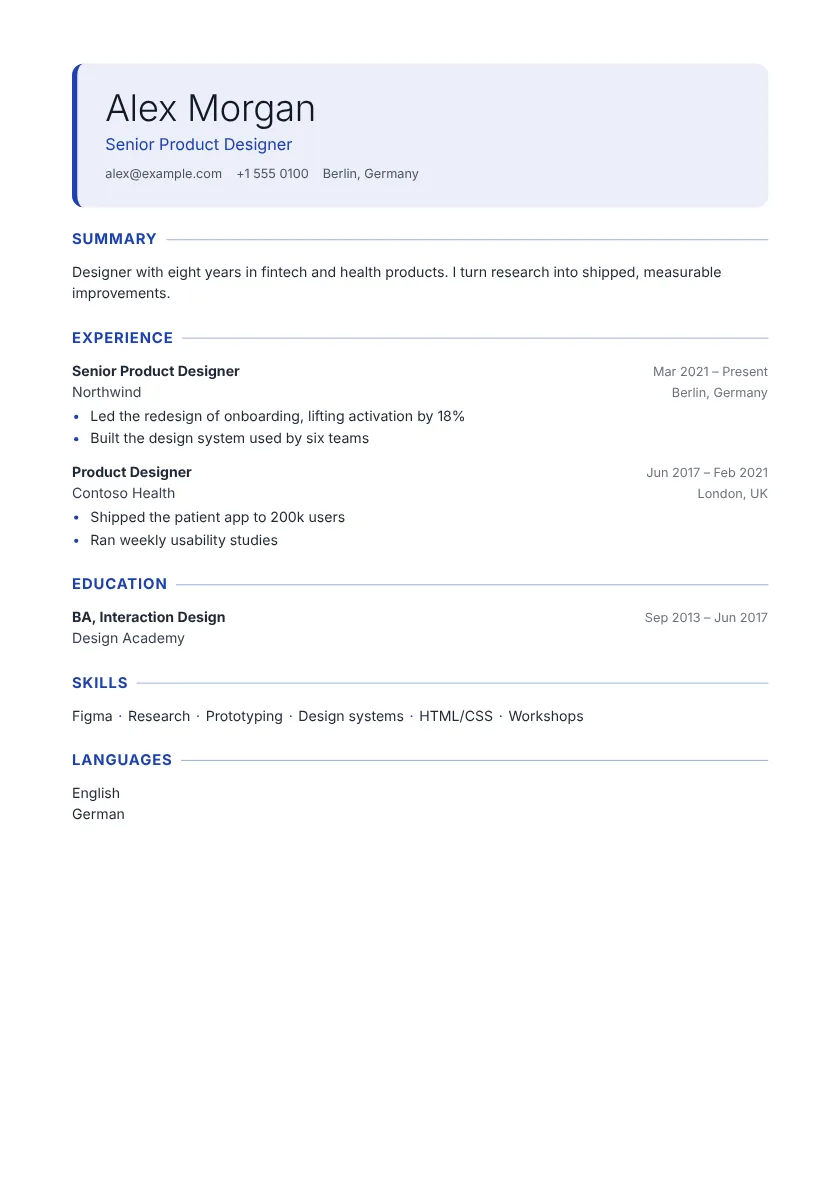 Use this template Willow Pro One column
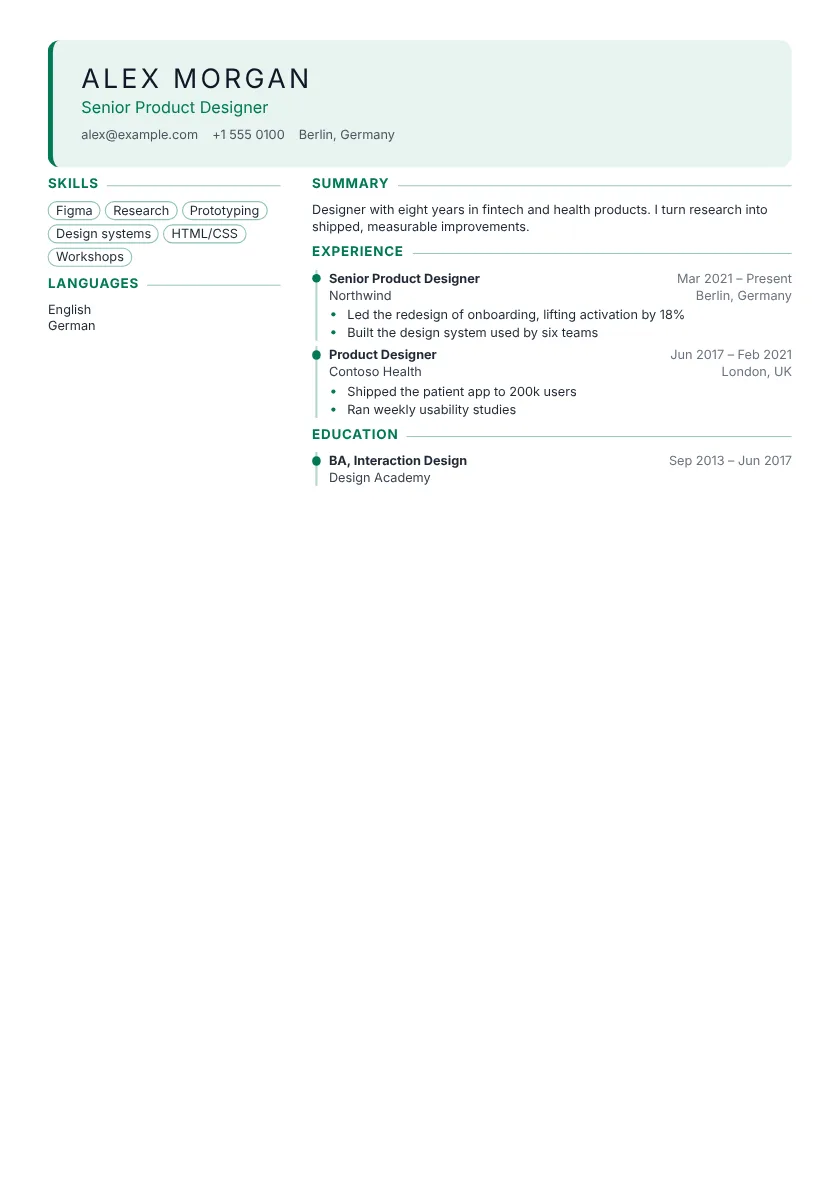 Use this template Canyon Pro Sidebar
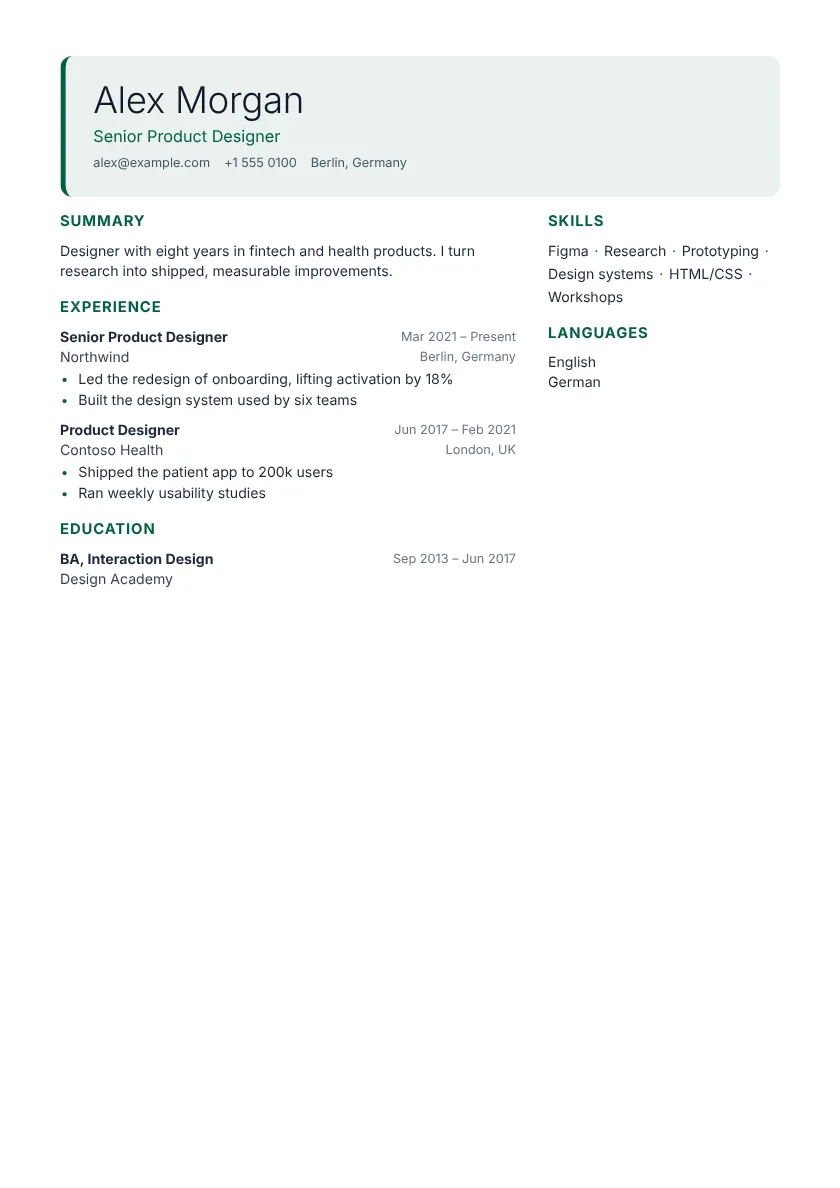 Use this template Citrine Pro Sidebar
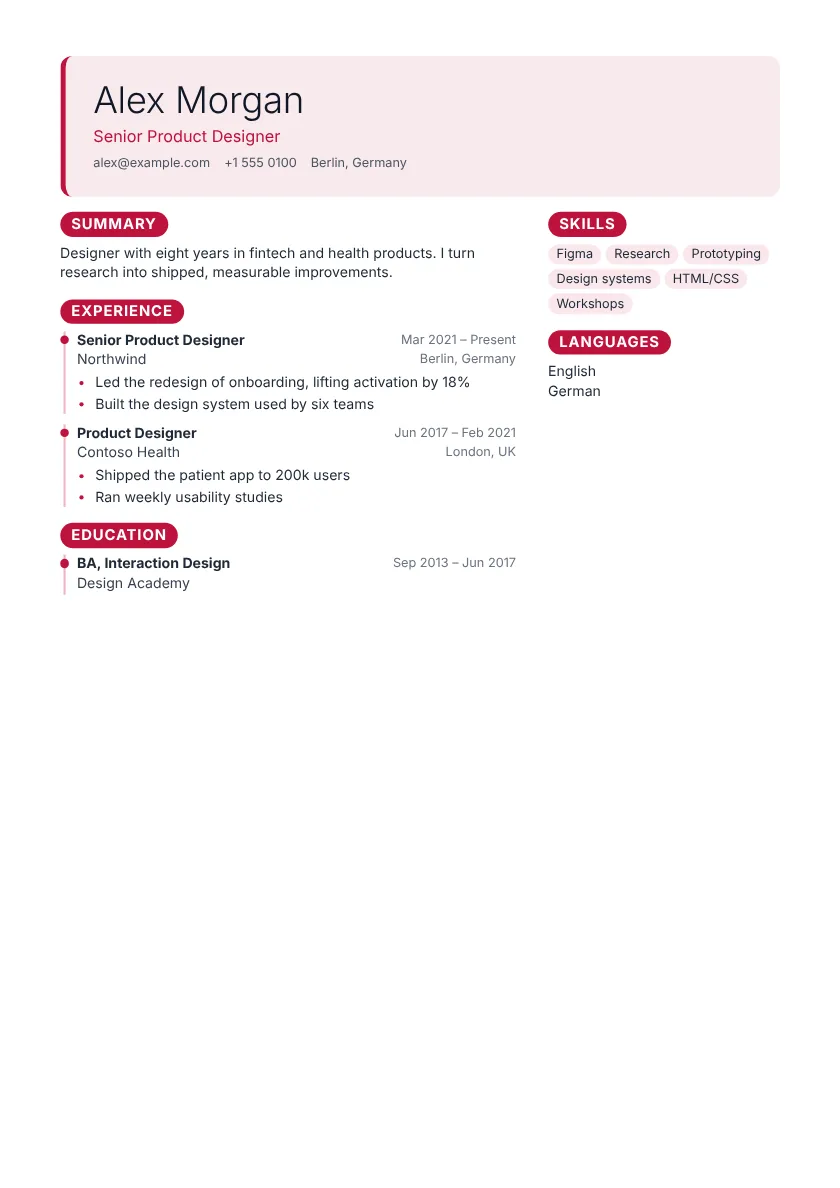 Use this template Dune Pro Sidebar
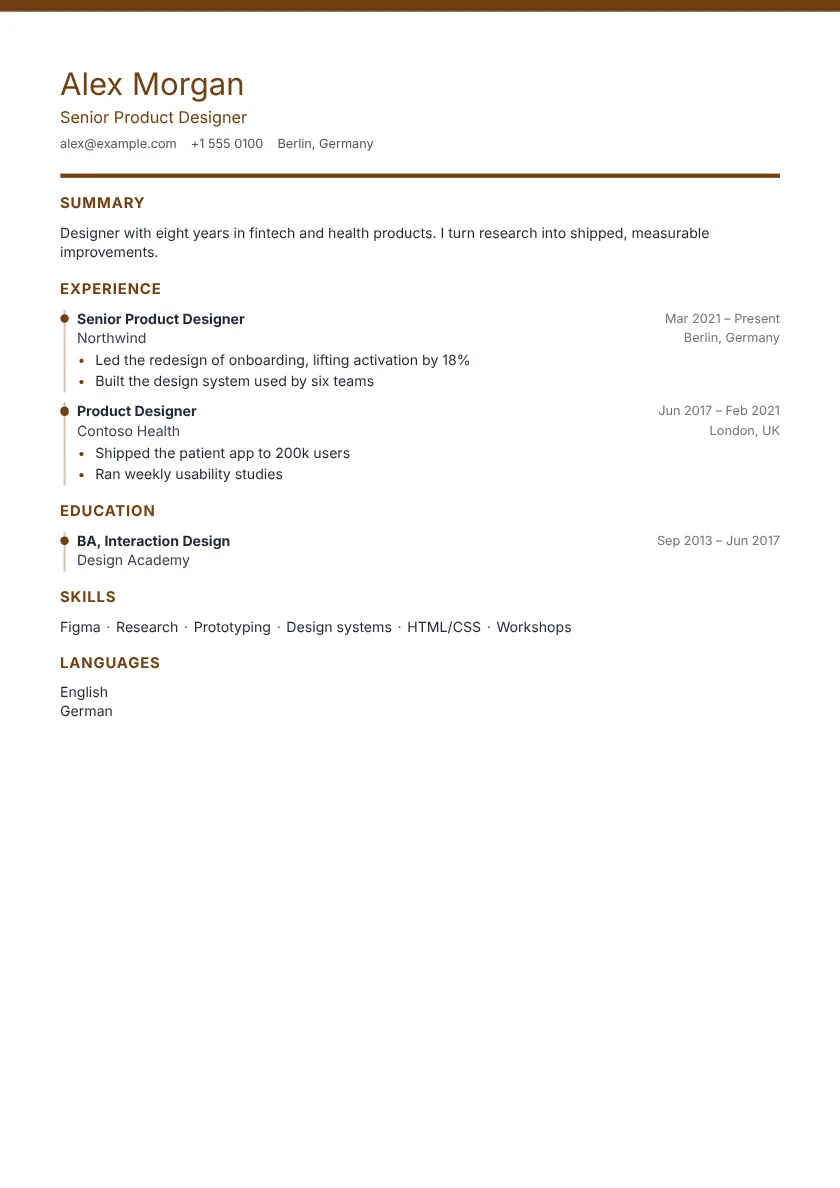 Use this template Echo Pro One column
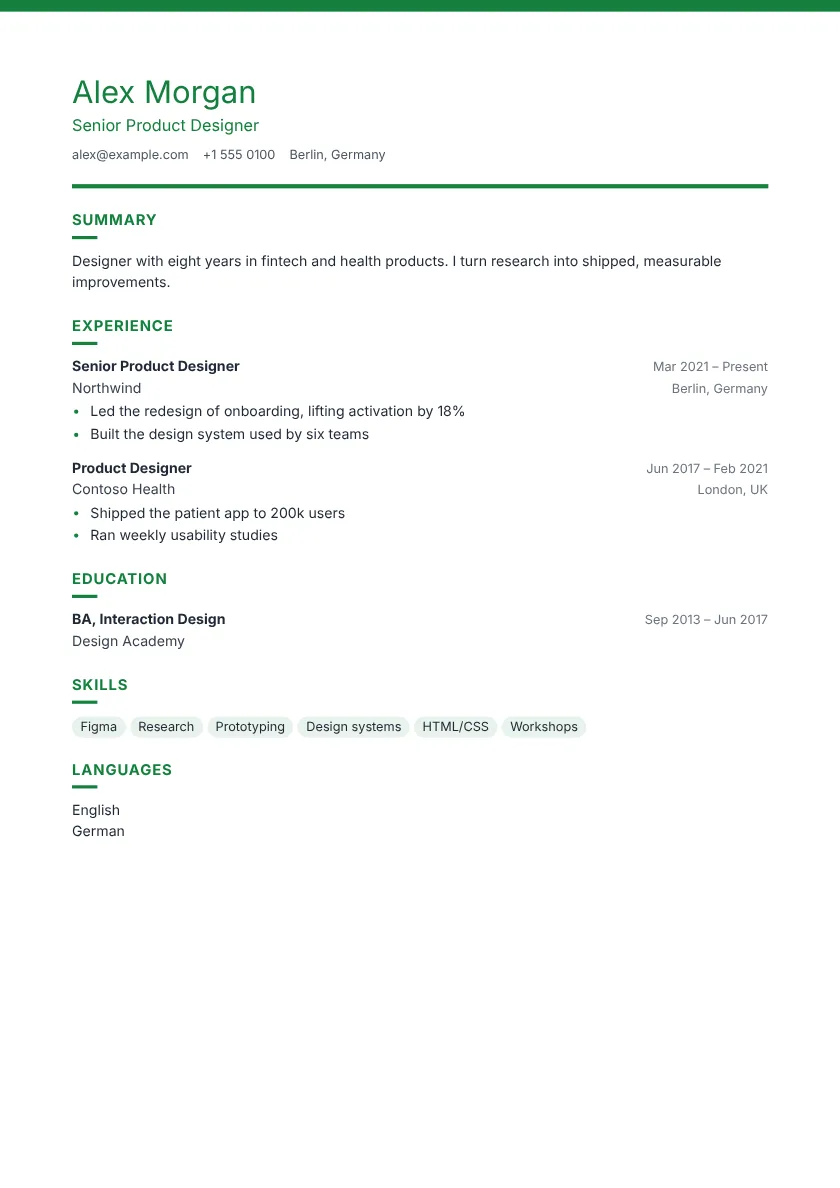 Use this template Falcon Pro One column
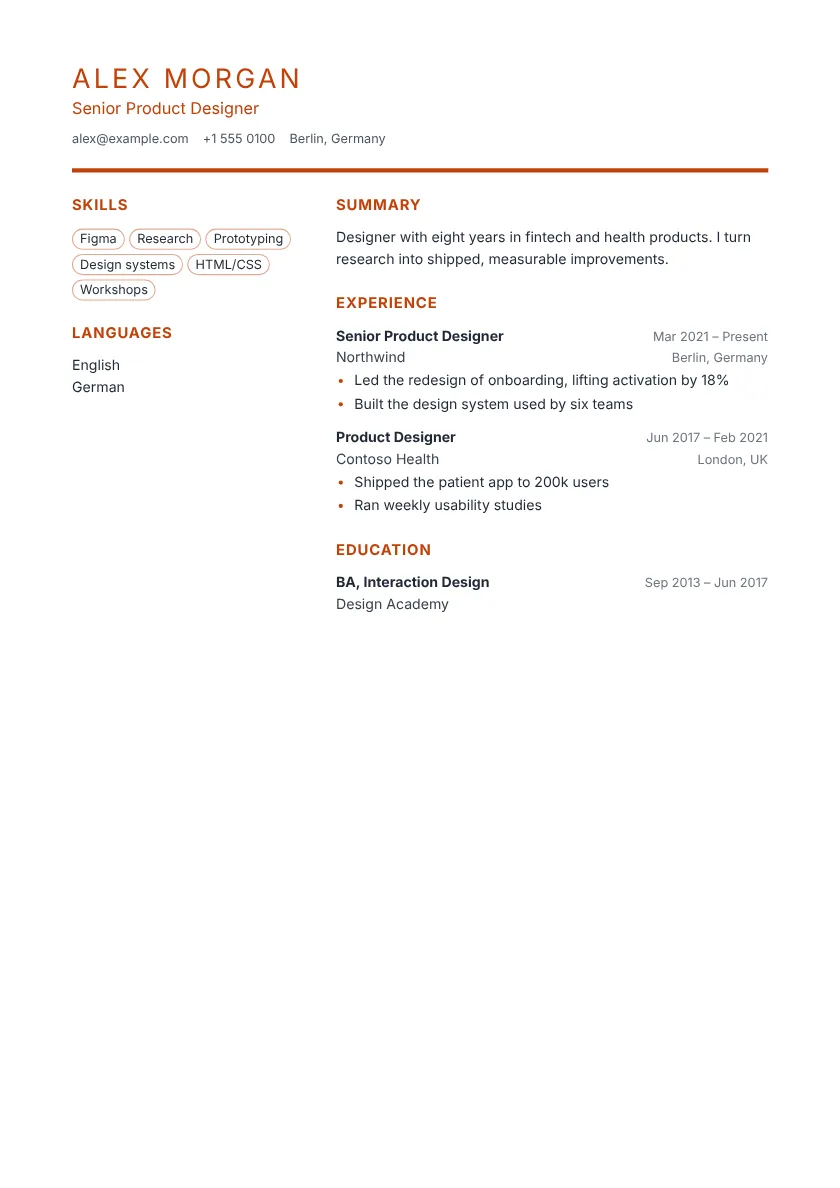 Use this template Haven Pro Sidebar
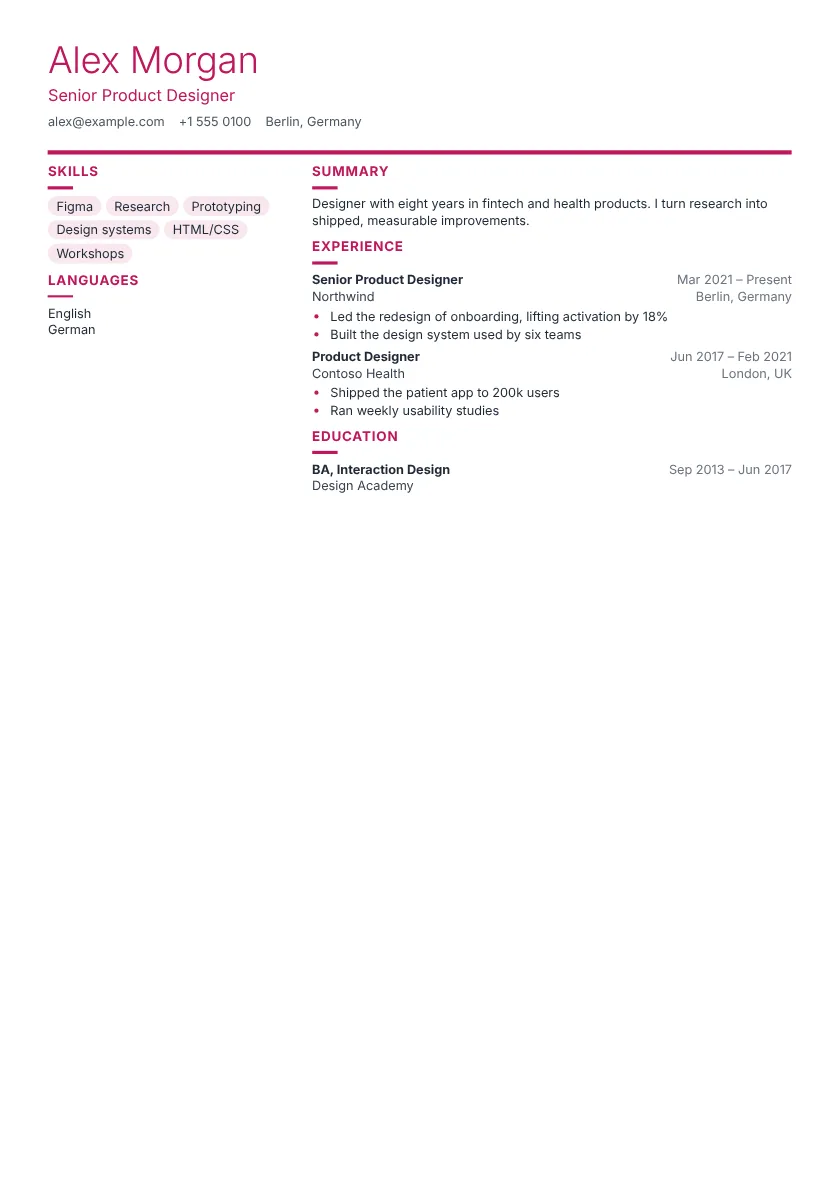 Use this template Lotus Pro Sidebar
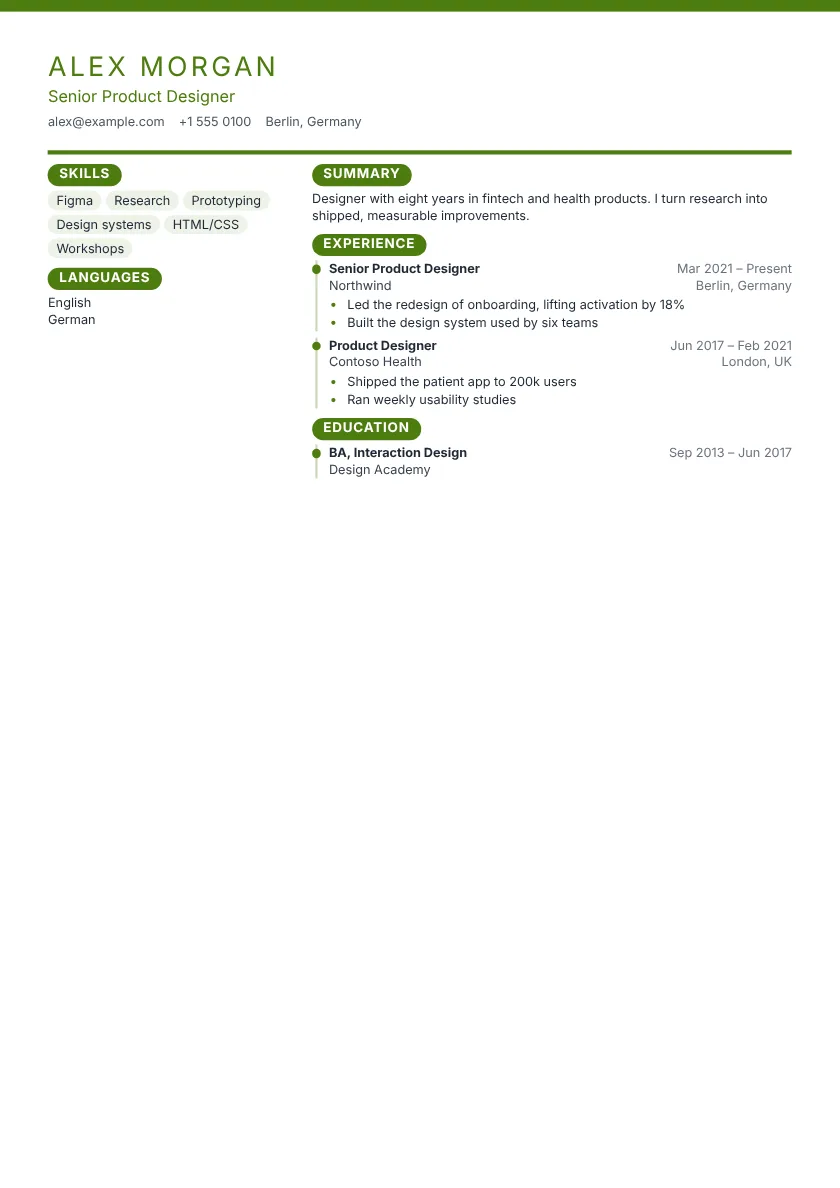 Use this template Nova Pro Sidebar
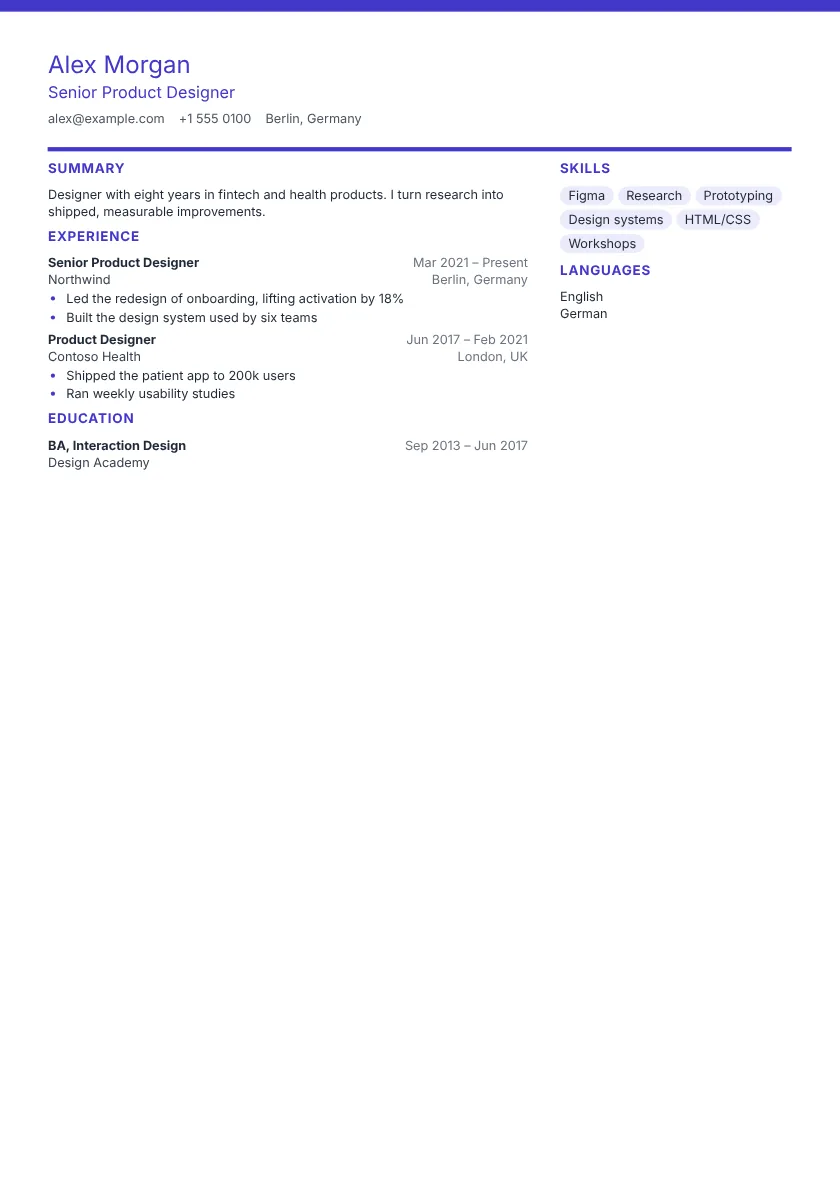 Use this template Orchid Pro Sidebar
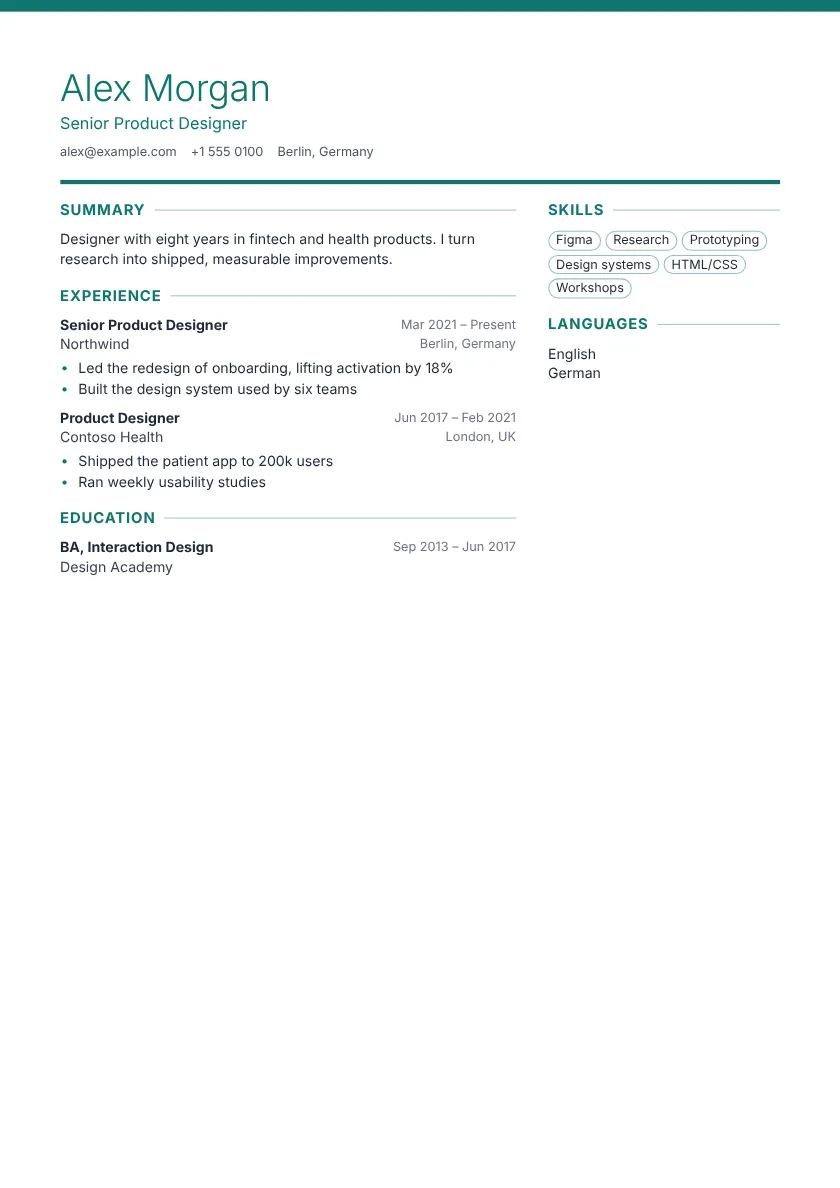 Use this template Rosewood Pro Sidebar
Is it the right style?
- When it works
- Most applications today. Sans-serif type stays sharp on a phone or laptop, where recruiters read first.
- When to skip it
- Law firms, banks and universities often expect a more formal page. A classic template reads better there.
- How to fill it in
- Keep the usual headings (Experience, Education, Skills) so hiring software finds each section. Change the accent colour if you like, but keep body text dark.
Resume examples in these templates
Filled in with real-sounding work, so you can see how the layout carries a full resume.
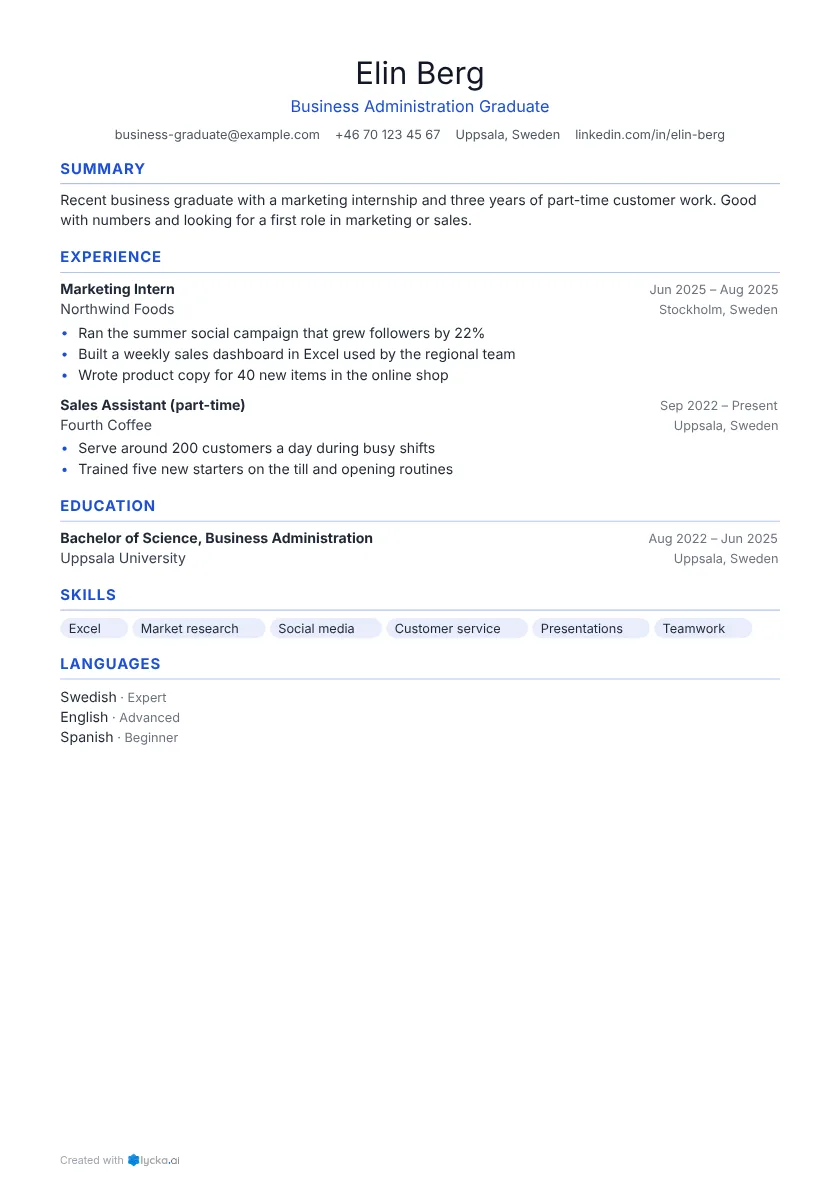 Business graduate resume example New graduates with an internship and a part-time job.
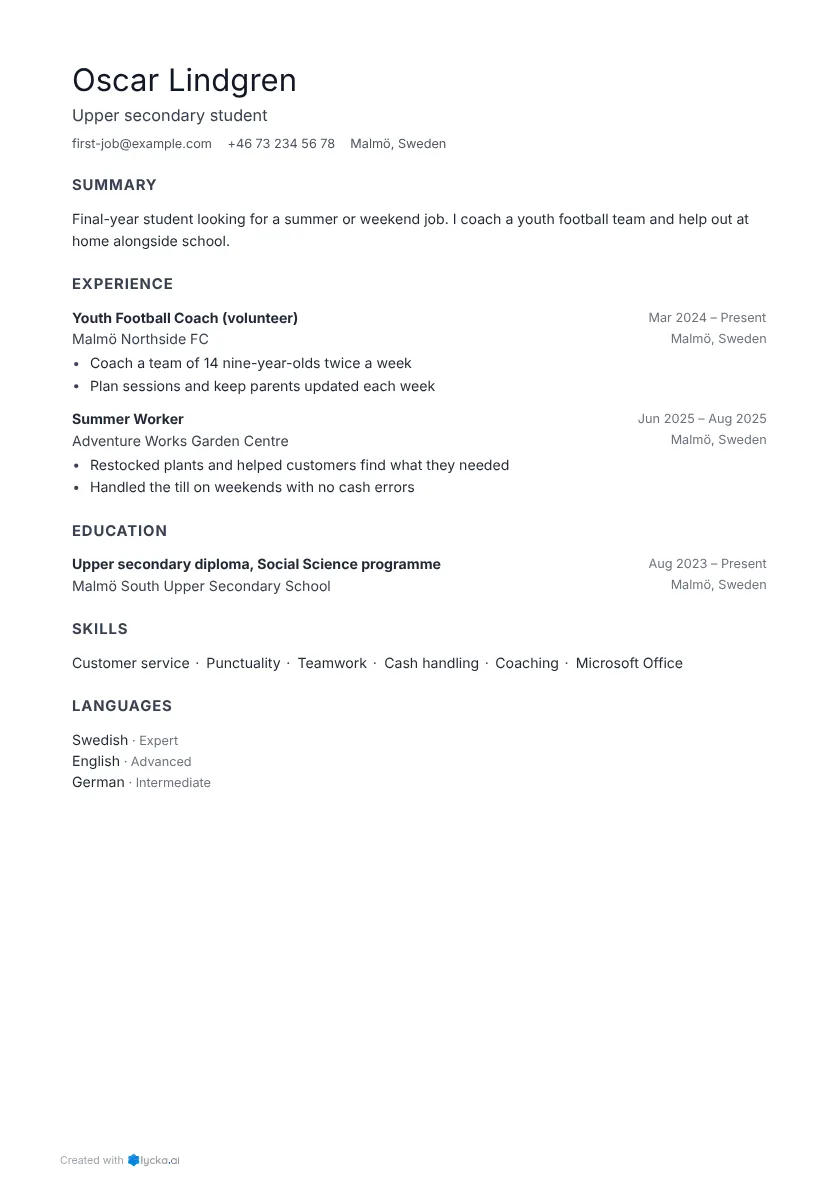 First job resume example Students looking for a summer or weekend job.
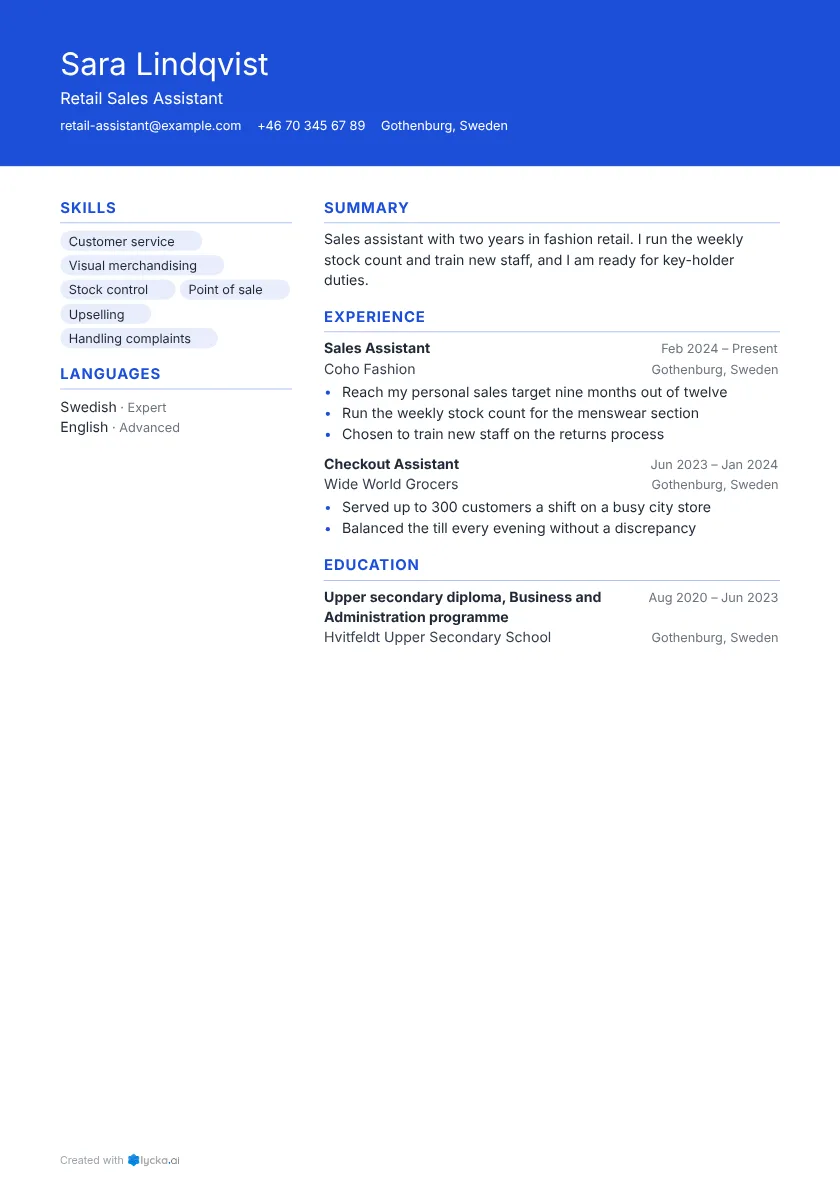 Retail sales assistant resume example Shop floor, checkout and store roles.
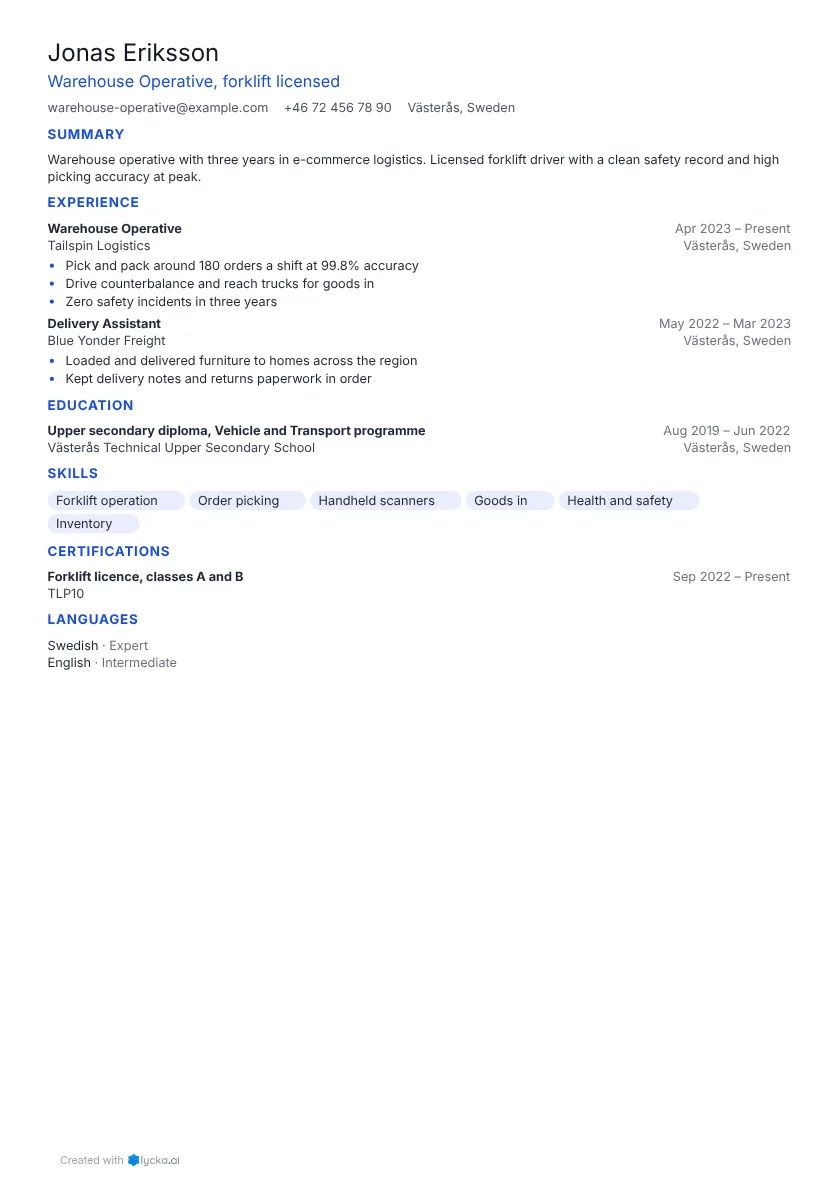 Warehouse operative resume example Picking, packing, forklift and driving jobs.
More resume templates
Before you fill it in
How hiring software reads a template, how long your resume should be and which skills to list.

Resume writing
Resume format: chronological, functional or hybrid?
The three resume formats, who each one suits and which one recruiters and tracking systems read best.
· 3 min read Read

ATS and PDF
What applicant tracking systems actually read
There is a lot of fear and a lot of myth about ATS software. What these systems do with your resume, and the few things that matter.
· 3 min read Read

Resume writing
How long should a resume be?
One page, two pages, more? It depends on your experience and on where you apply.
· 4 min read Read
Not sure which one? Start with any.
Your words stay put when you switch, so you can try every template in the editor. Free to start, no card needed.