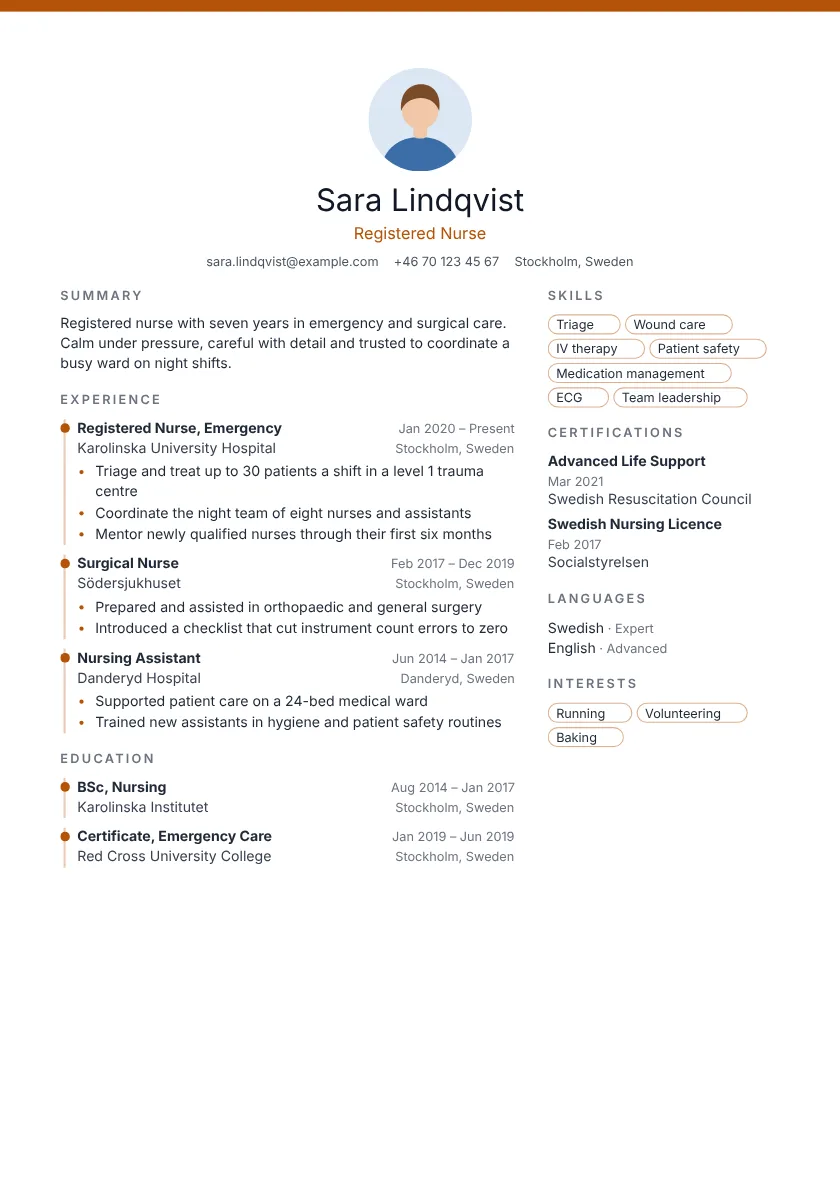

Stand out.
Get hired.
Pro templates and AI that turns your duties into wins. Ready in minutes.
- AI rewrites your bullets into achievements recruiters notice.
- Bring your old resume. Import it from PDF, Word or LinkedIn.
- Built to pass ATS scans with real, selectable text.
- Change the design any time without retyping a word.
Free to start. No credit card needed.
- 100 pro templates
- 157K+ design combinations
- 16M accent colours
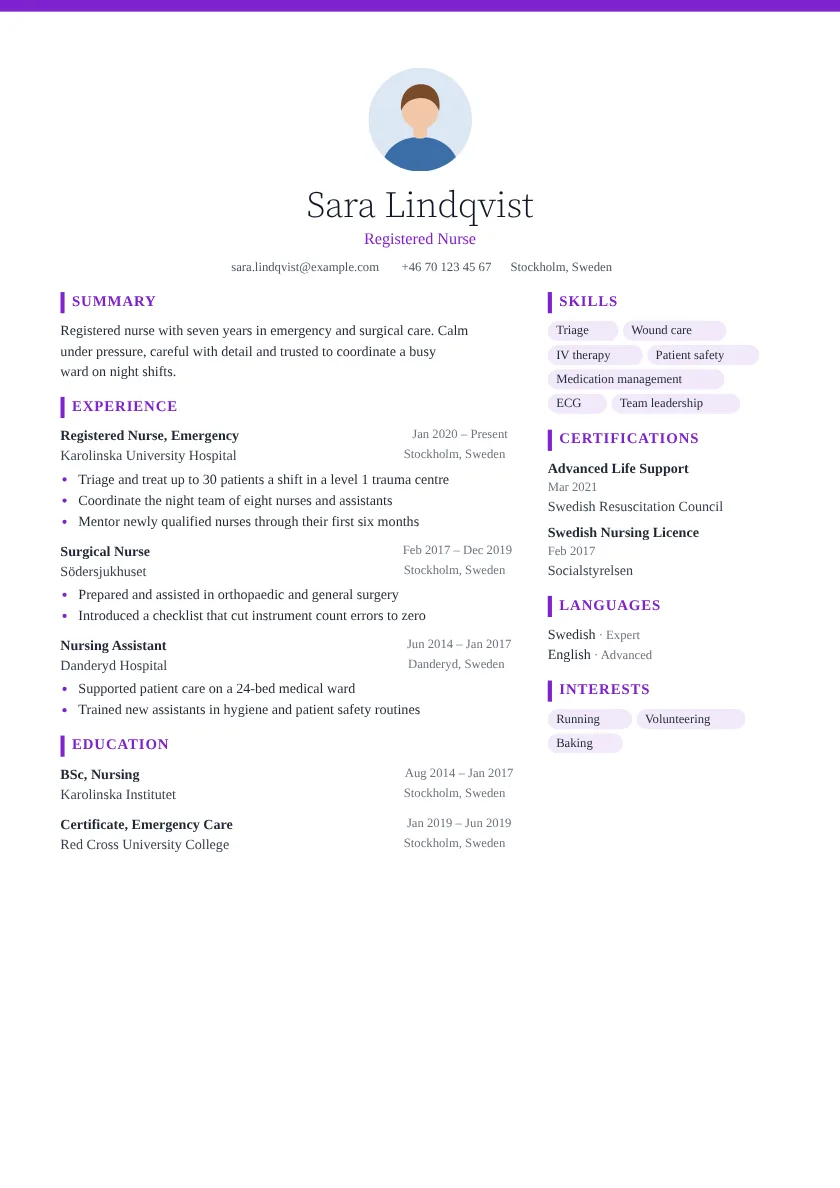
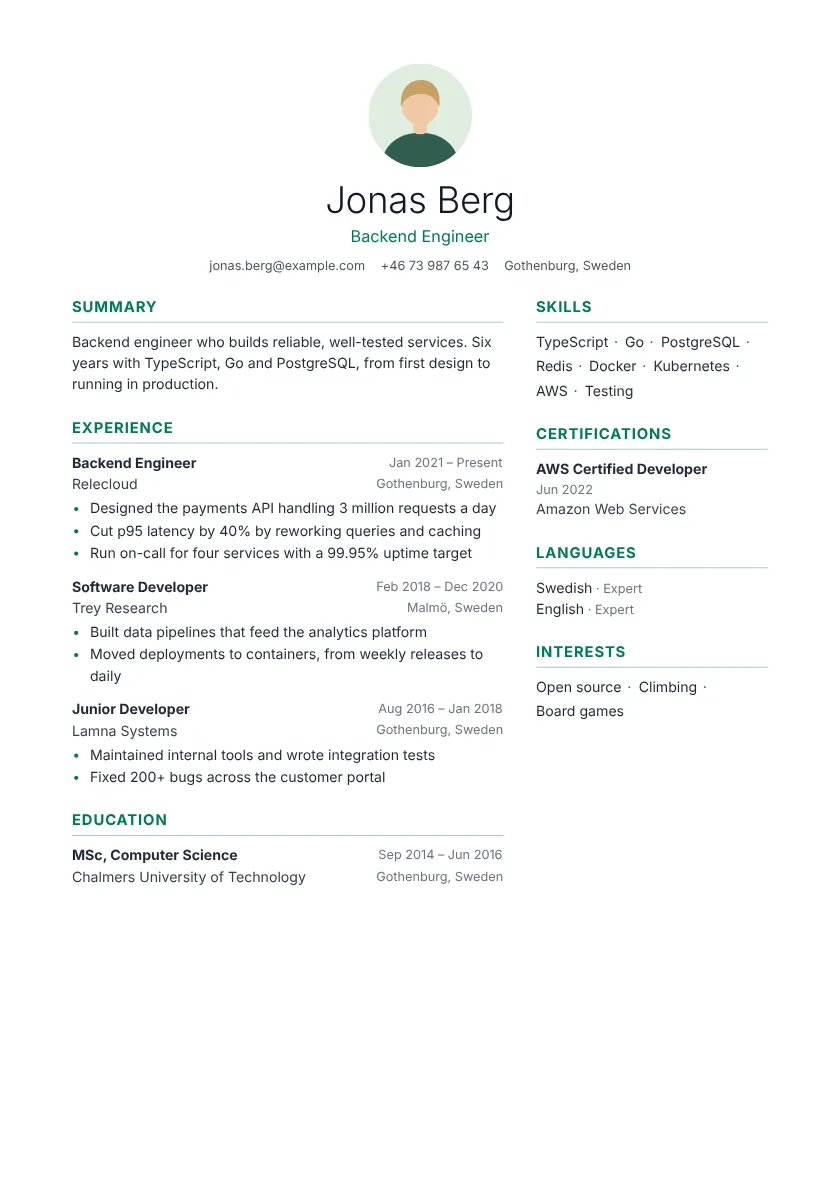
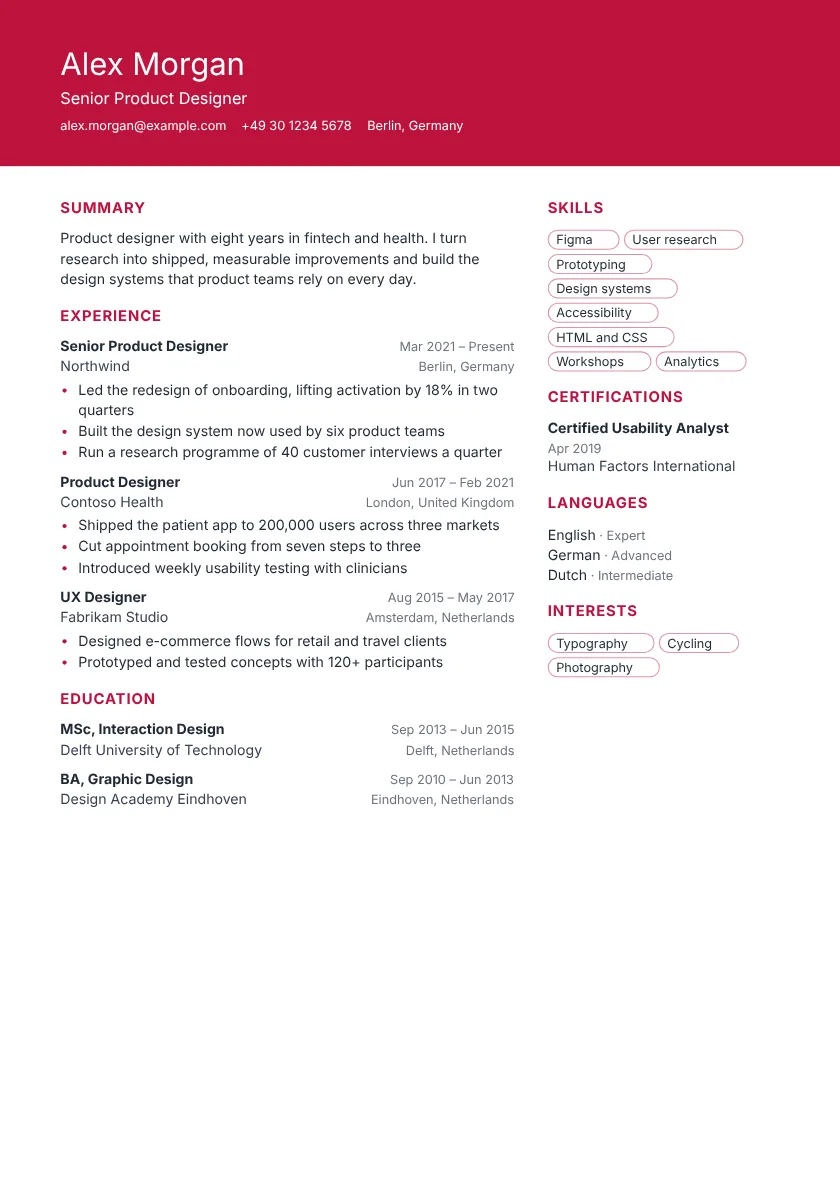
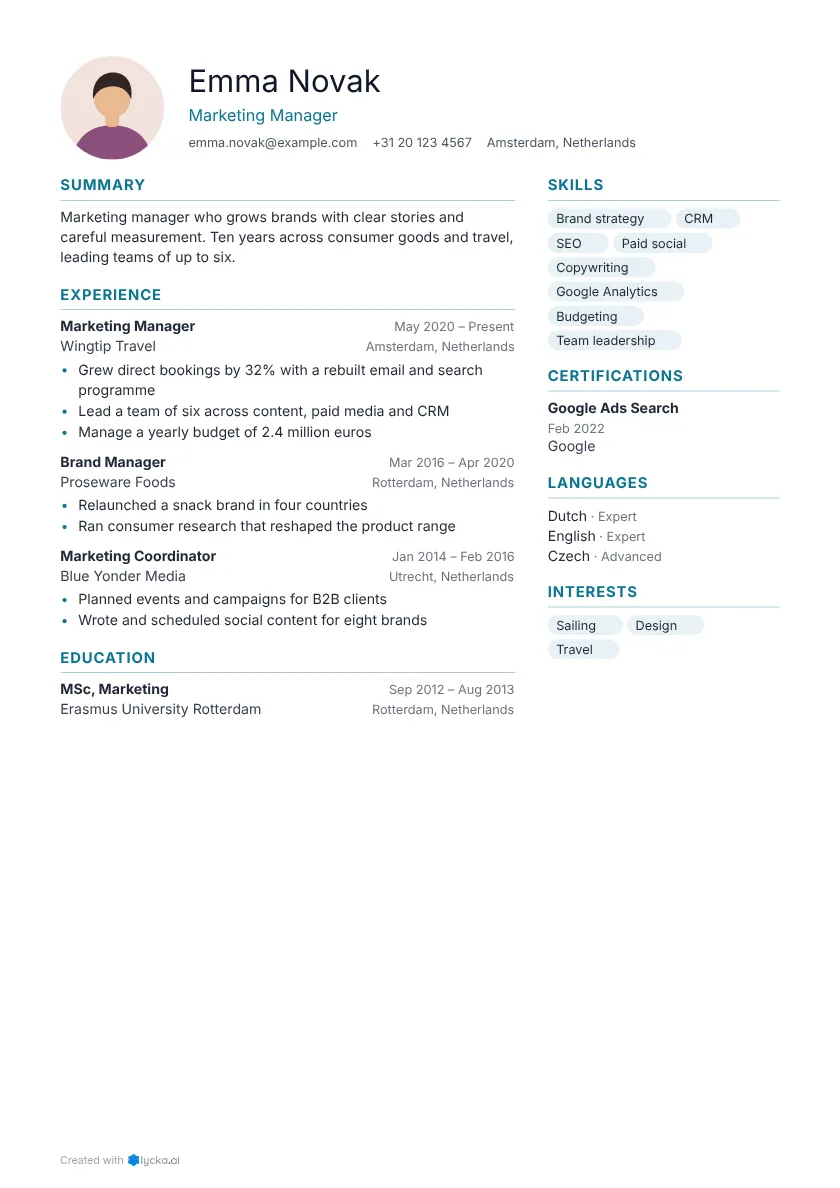
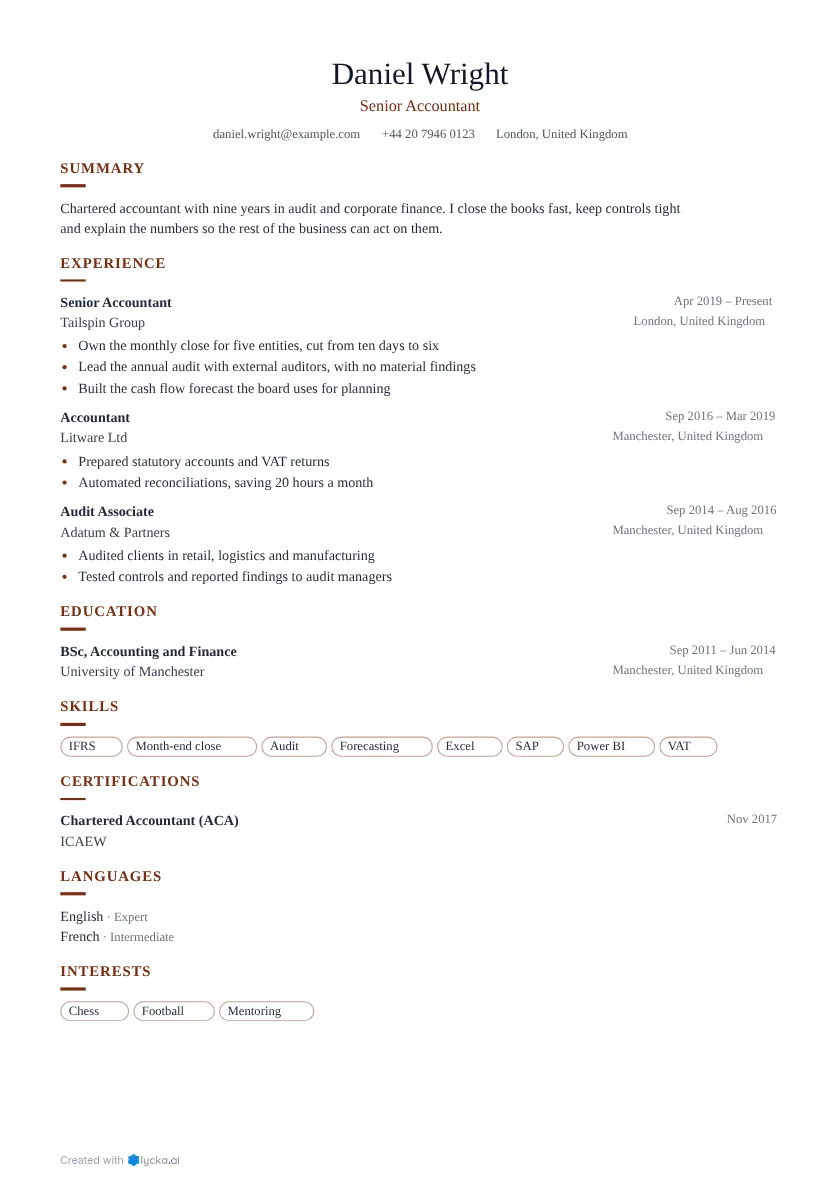
Every template includes
- Readable by ATS
- Polished PDF in one click
- AI writing help
- Import from PDF, Word or LinkedIn
Simple resume templates
Clean, calm and easy to read.
One column and nothing to distract. A safe choice for any industry, and the easiest layout for an applicant tracking system to read.
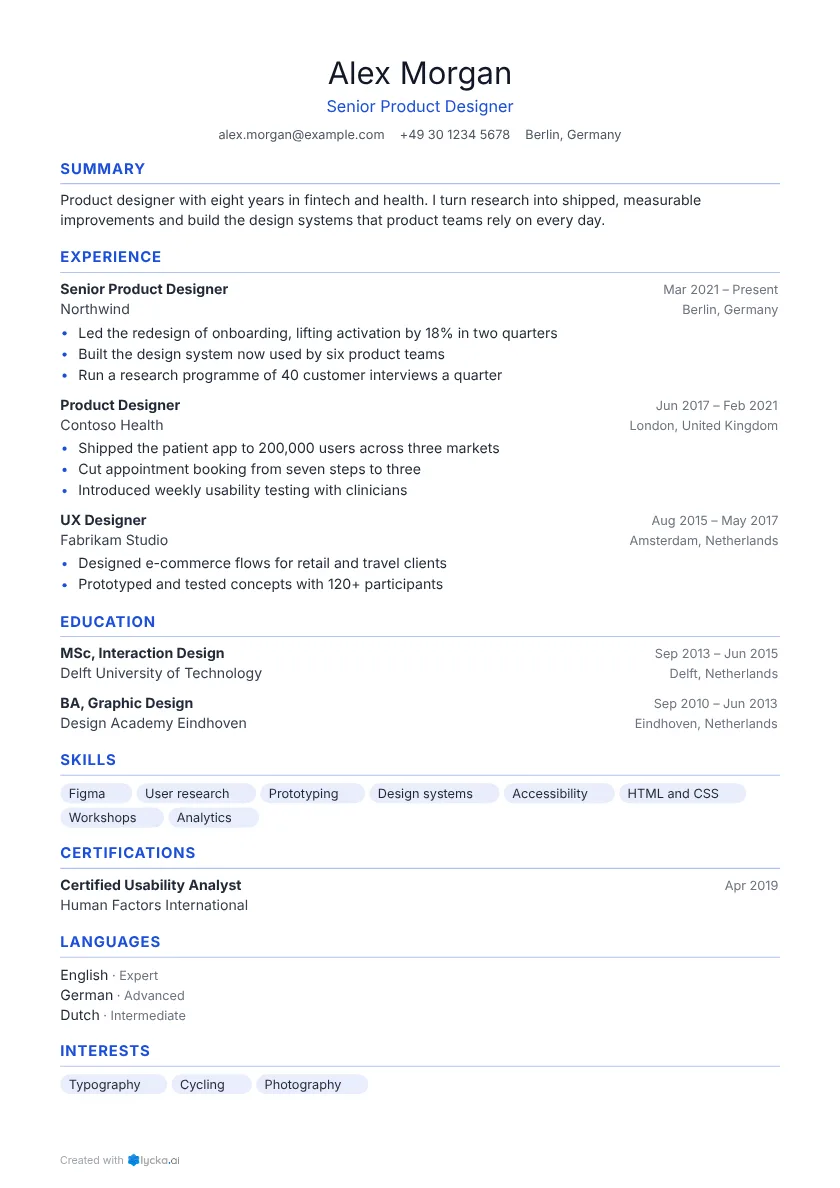 Classic One column A centred header gives it balance.
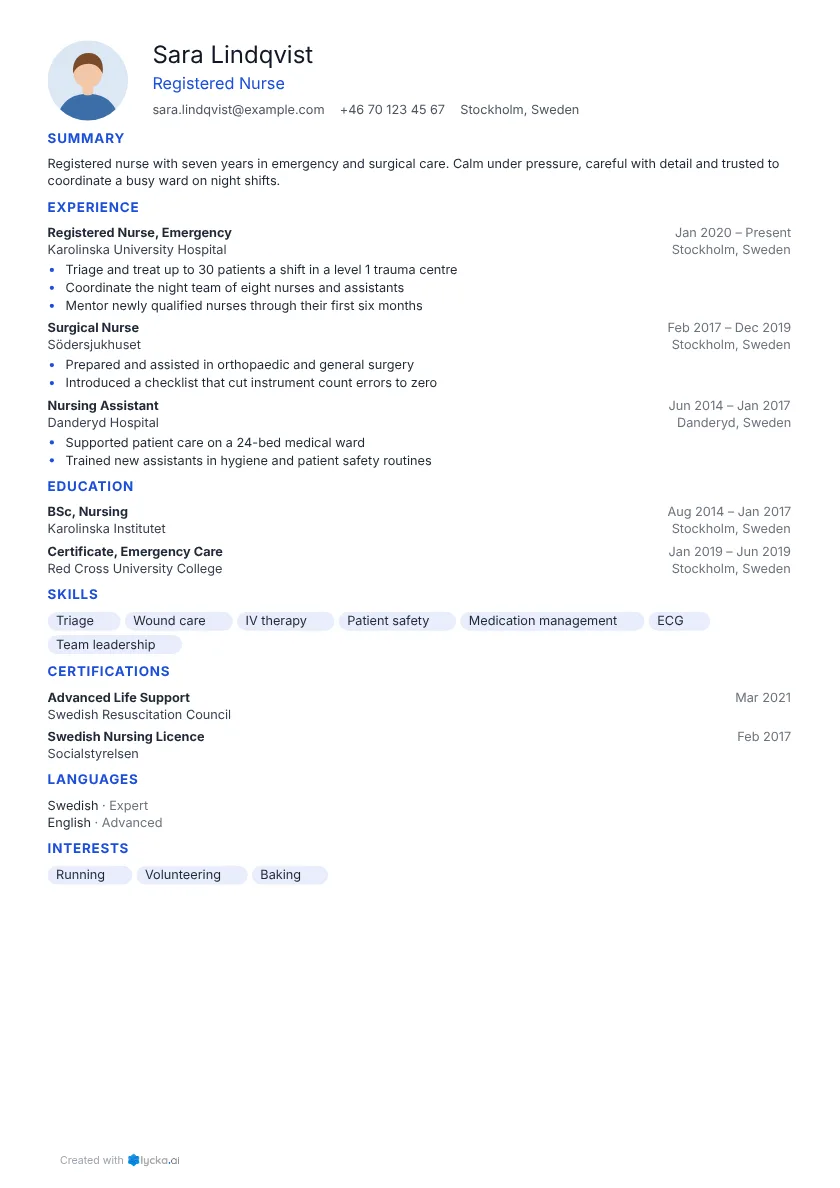 Compact One column Quiet headings keep the focus on your words. Tight spacing fits more on one page.
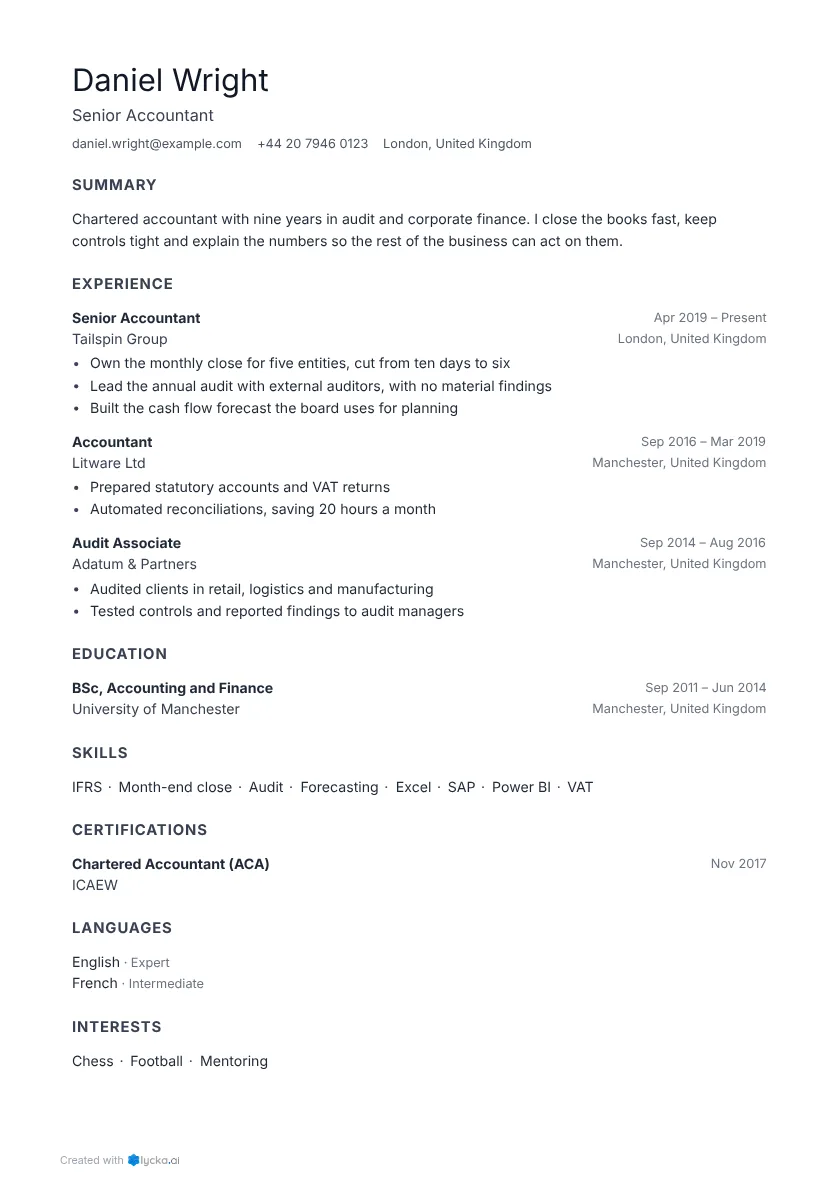 Minimal One column Quiet headings keep the focus on your words.
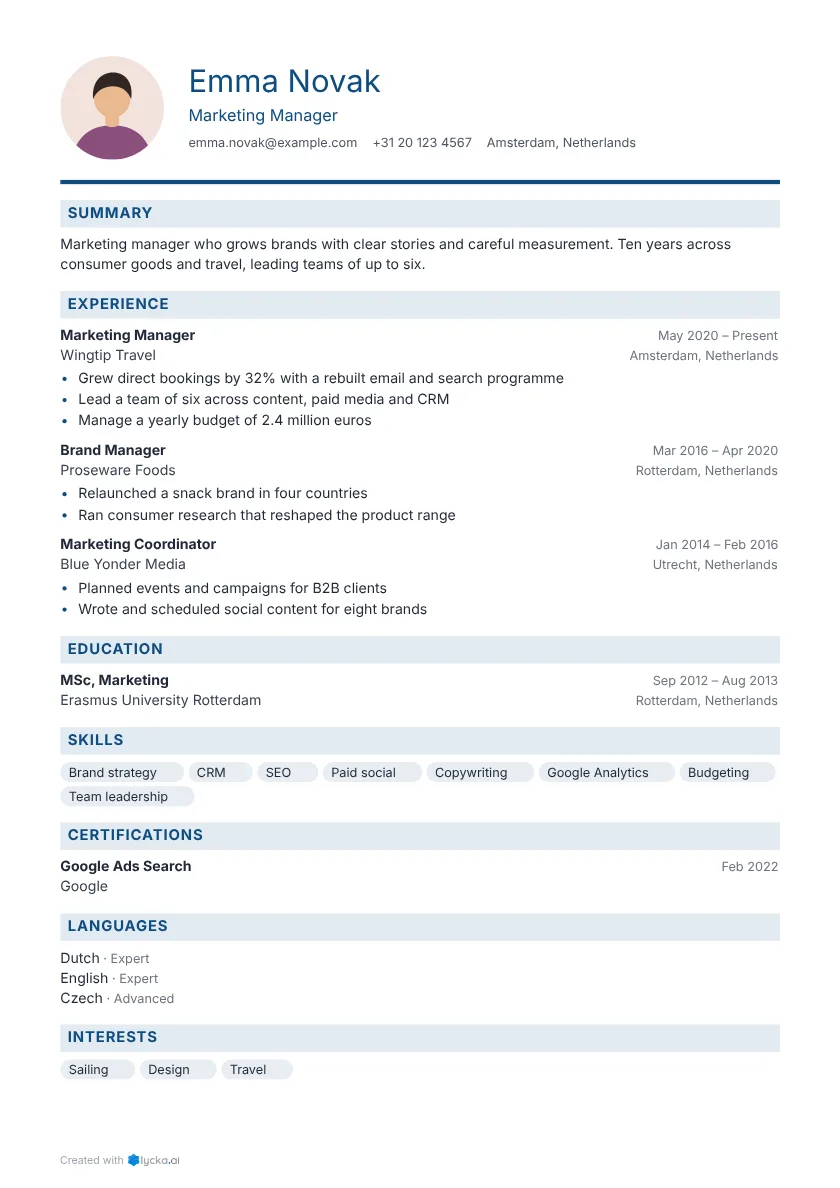 Corporate One column A strong rule underlines your name.
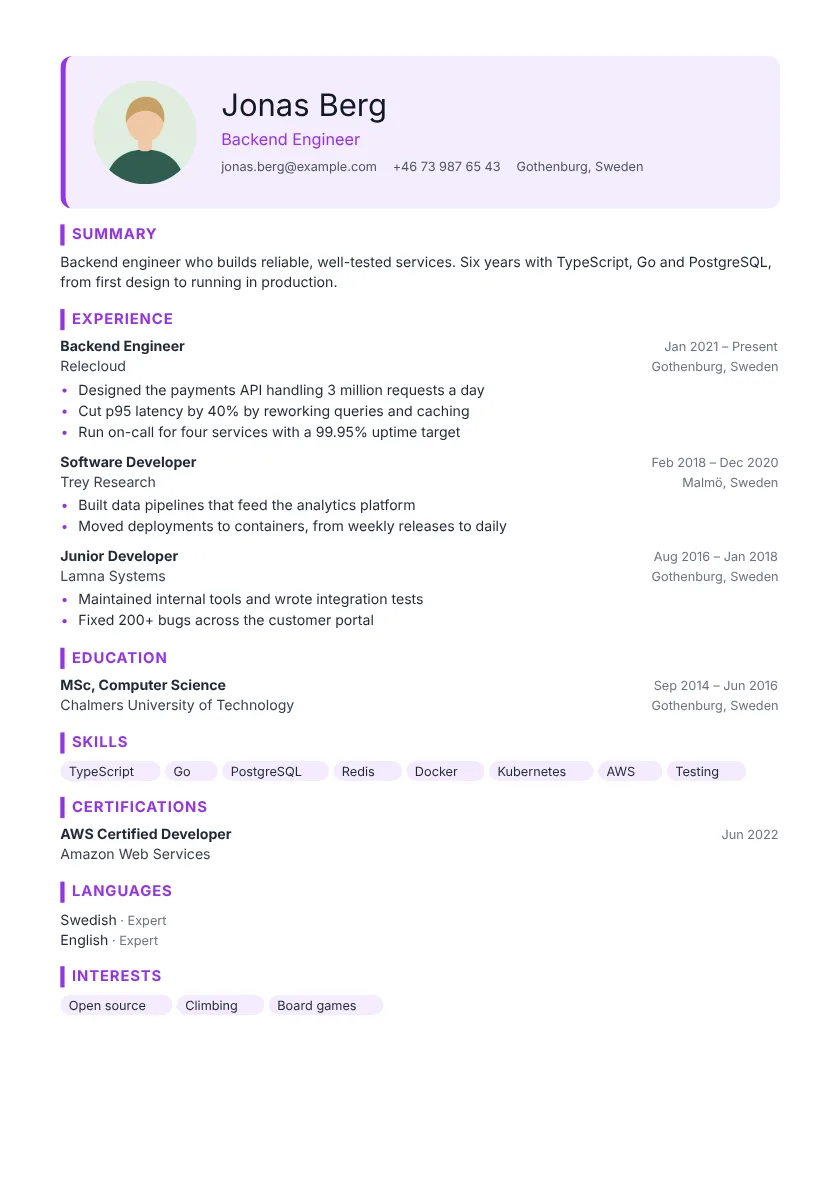 Studio One column Your name sits in a tinted box.
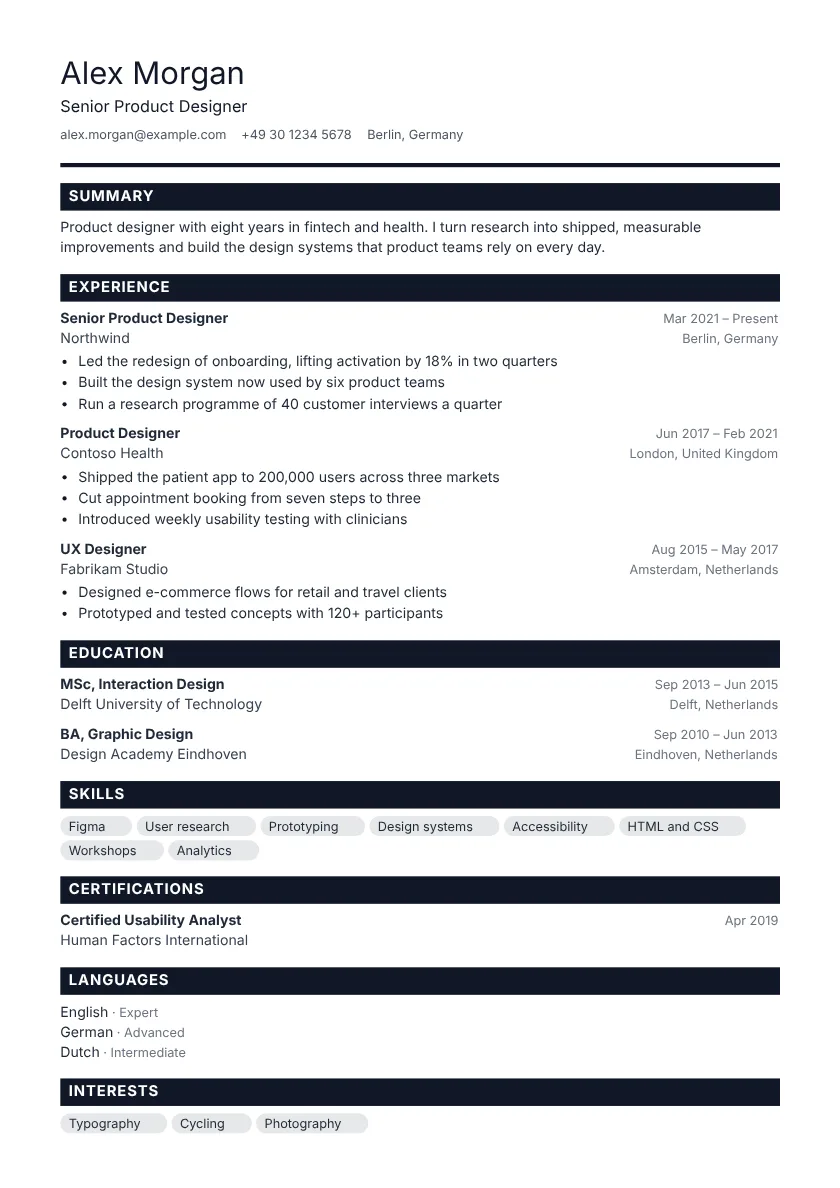 Bold One column A strong rule underlines your name.
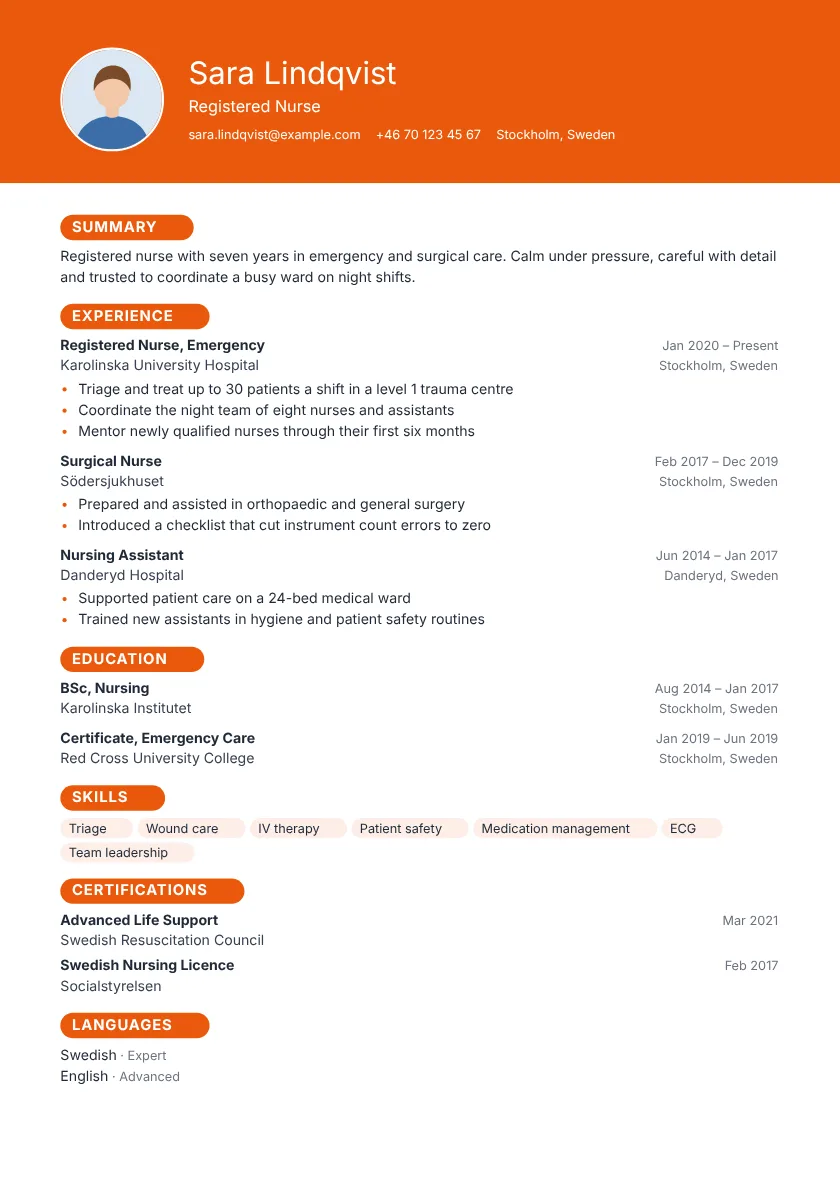 Pulse One column Your name leads in a bold coloured band.
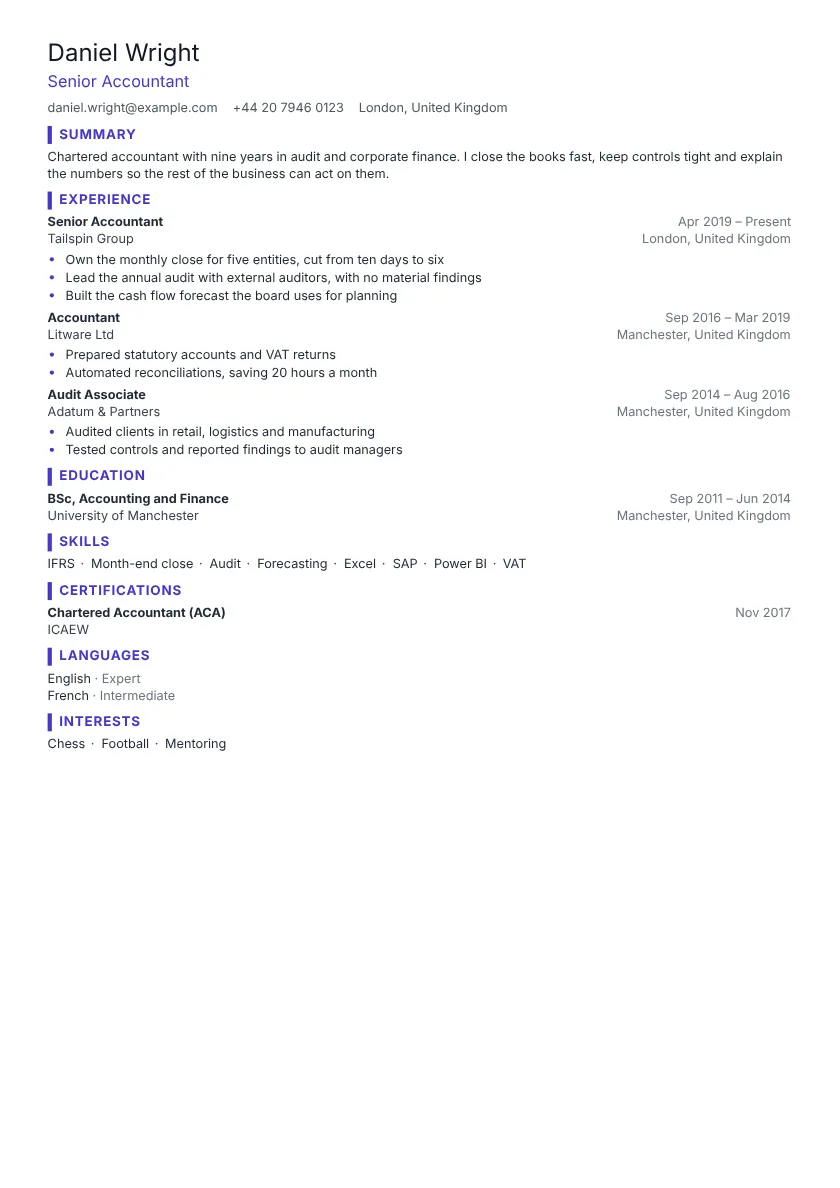 Dense One column A coloured bar marks each section. Tight spacing fits more on one page.
Showing 8 of 17 simple templates See all simple resume templates
Modern resume templates
Make a fresh first impression.
A bold header or a tinted name box puts you front and centre while the rest stays calm and readable.
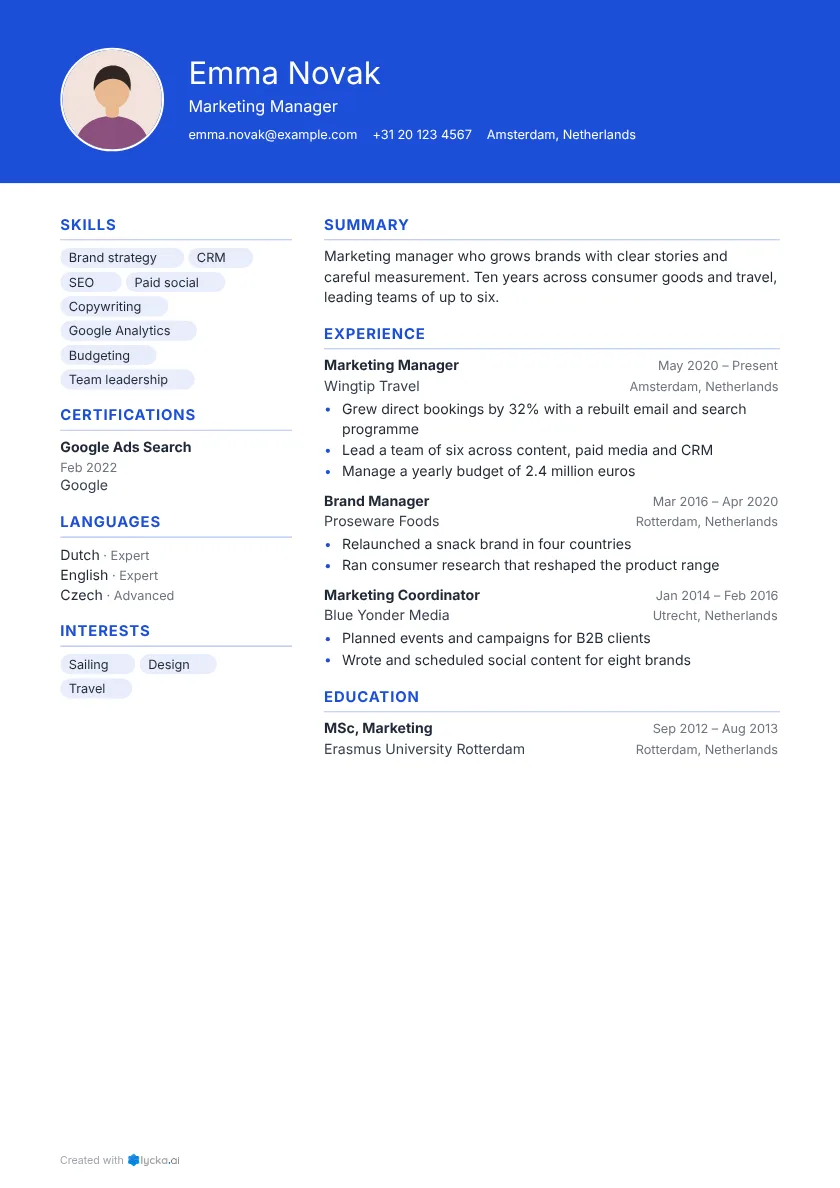 Modern Left sidebar Your name leads in a bold coloured band.
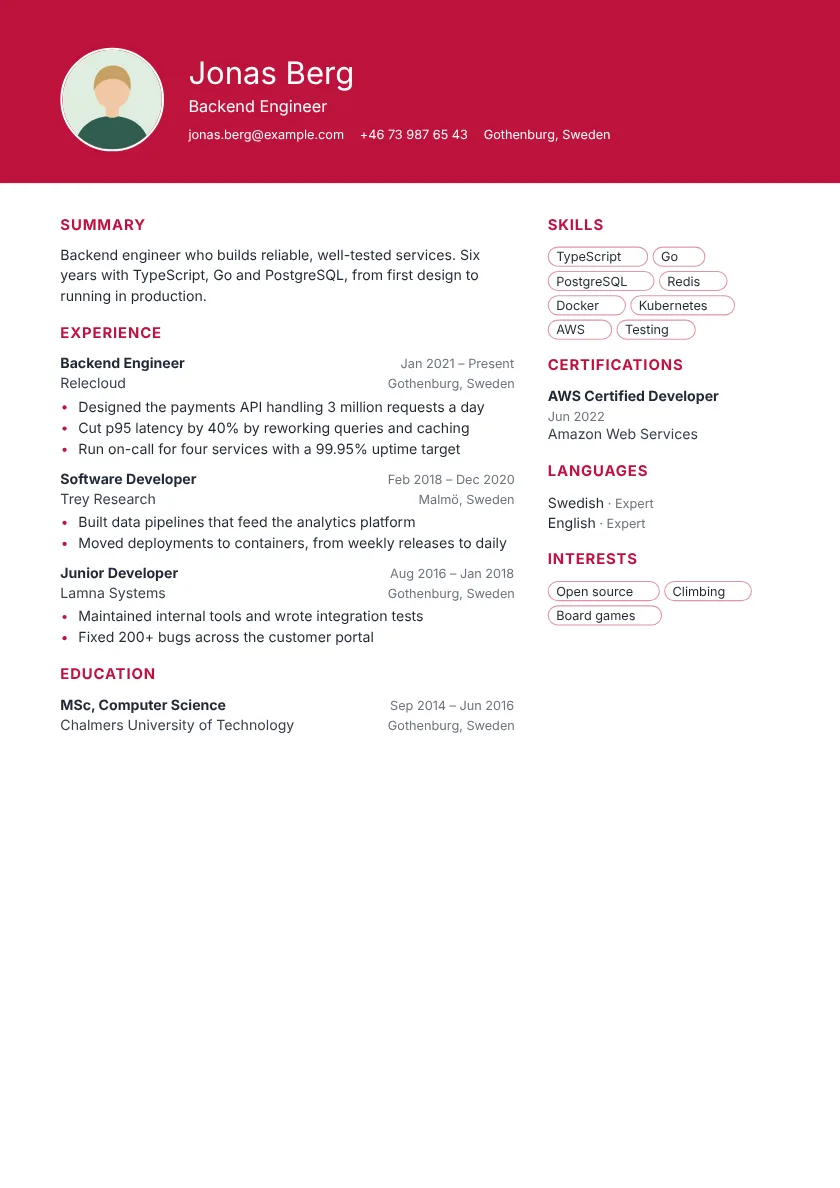 Metro Right sidebar Your name leads in a bold coloured band.
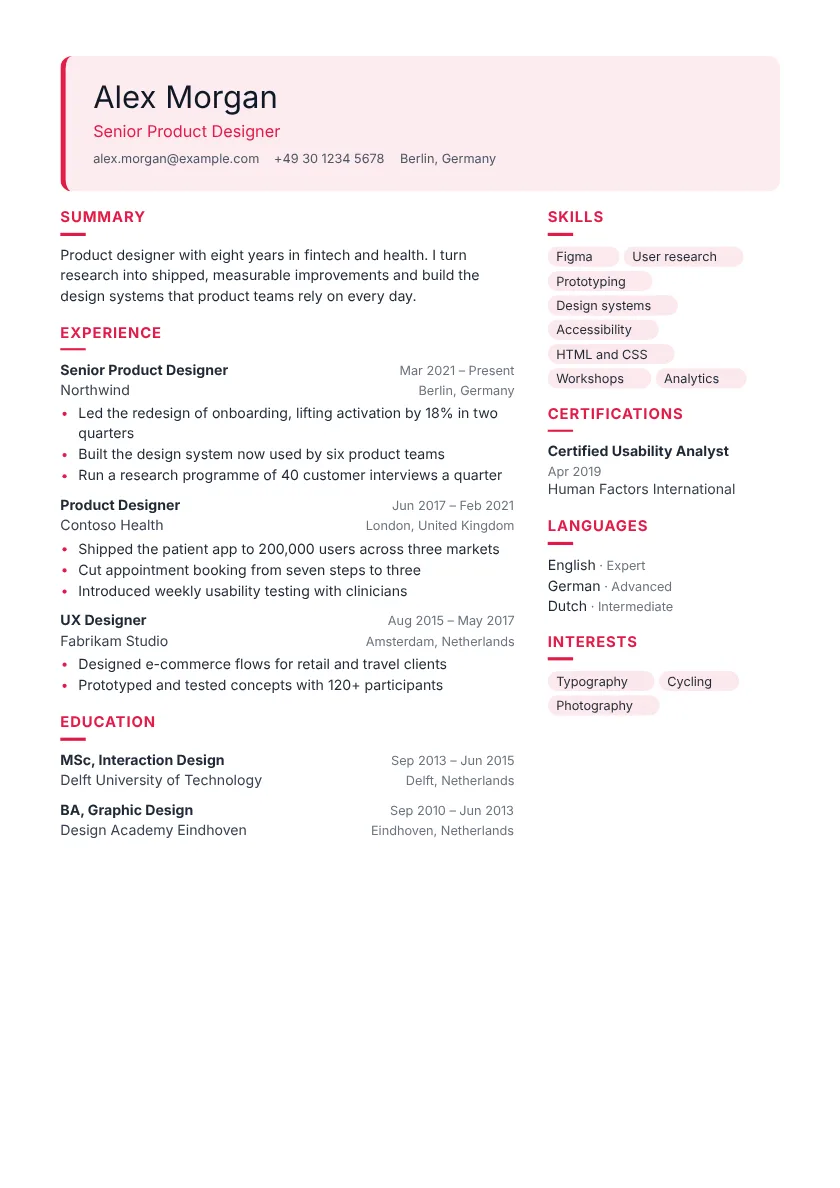 Coral Right sidebar Your name sits in a tinted box.
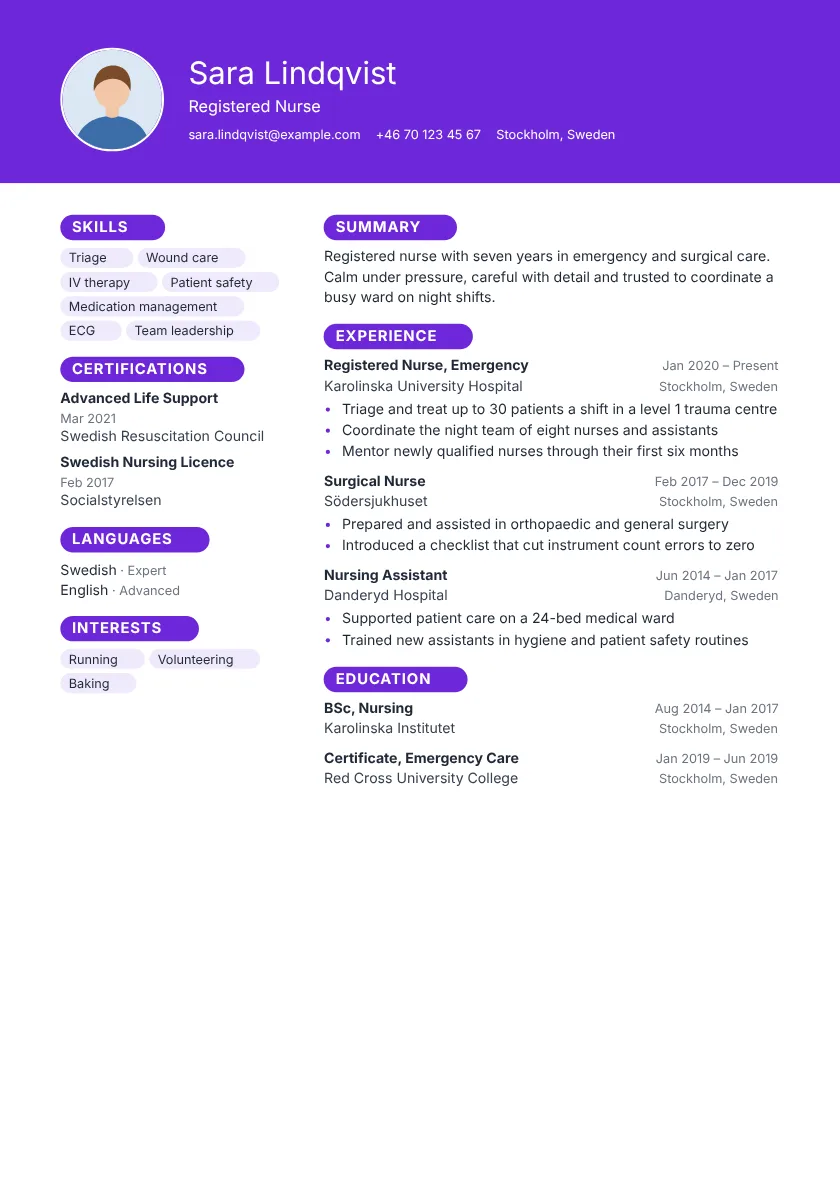 Aurora Left sidebar Your name leads in a bold coloured band.
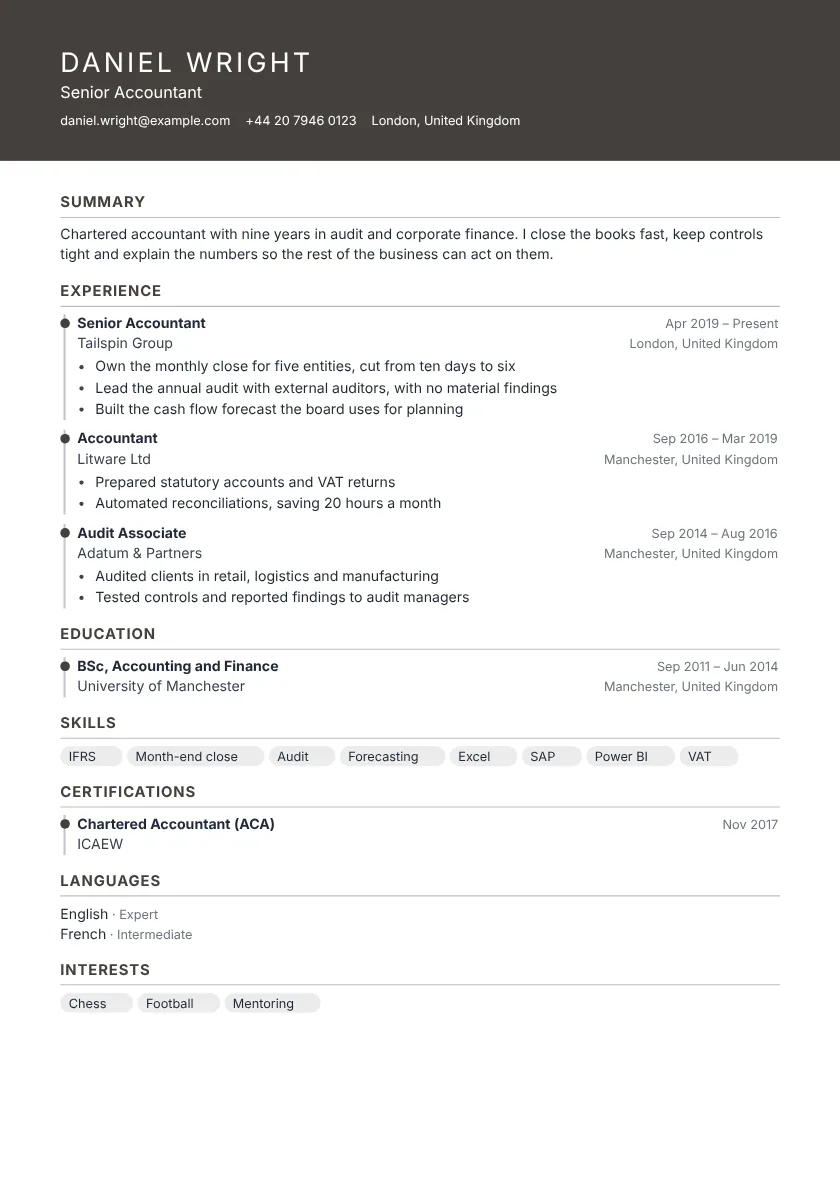 Moss One column Your name leads in a bold coloured band. Each role sits on a timeline.
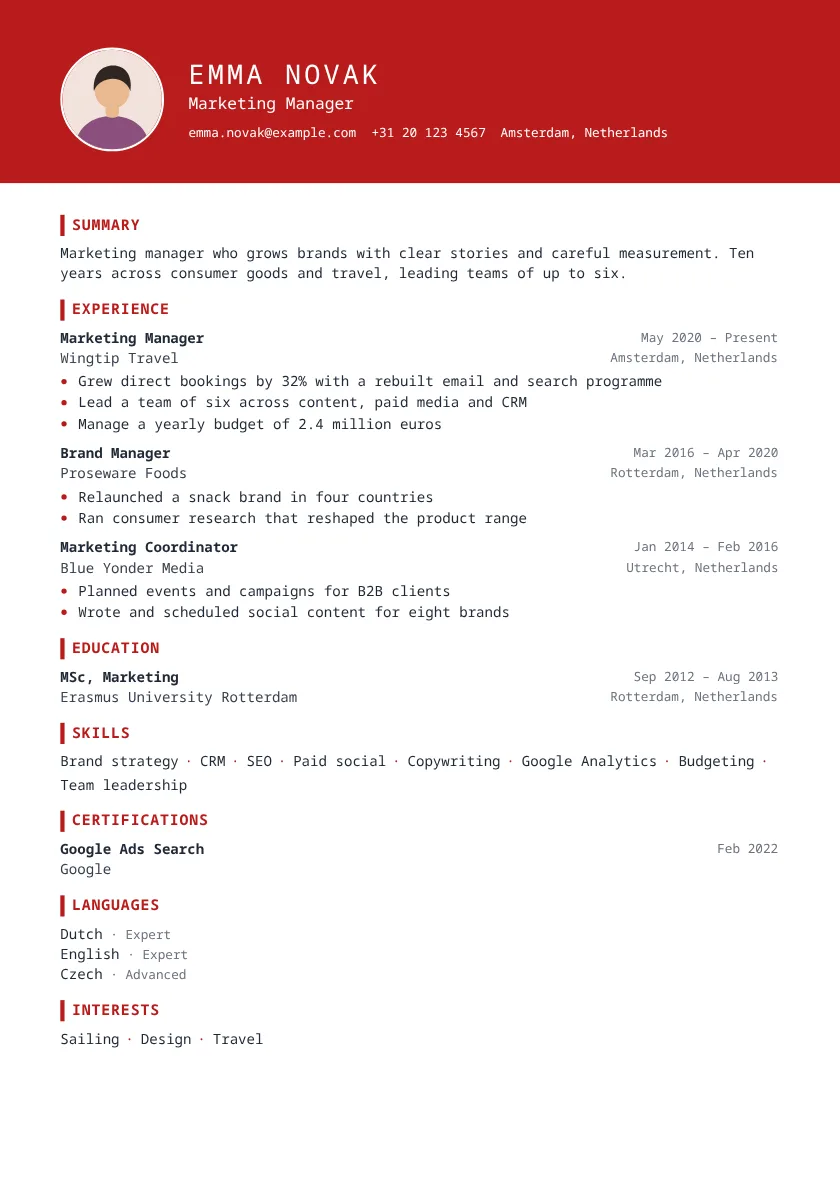 Oasis One column Your name leads in a bold coloured band. Monospaced type gives it a technical feel.
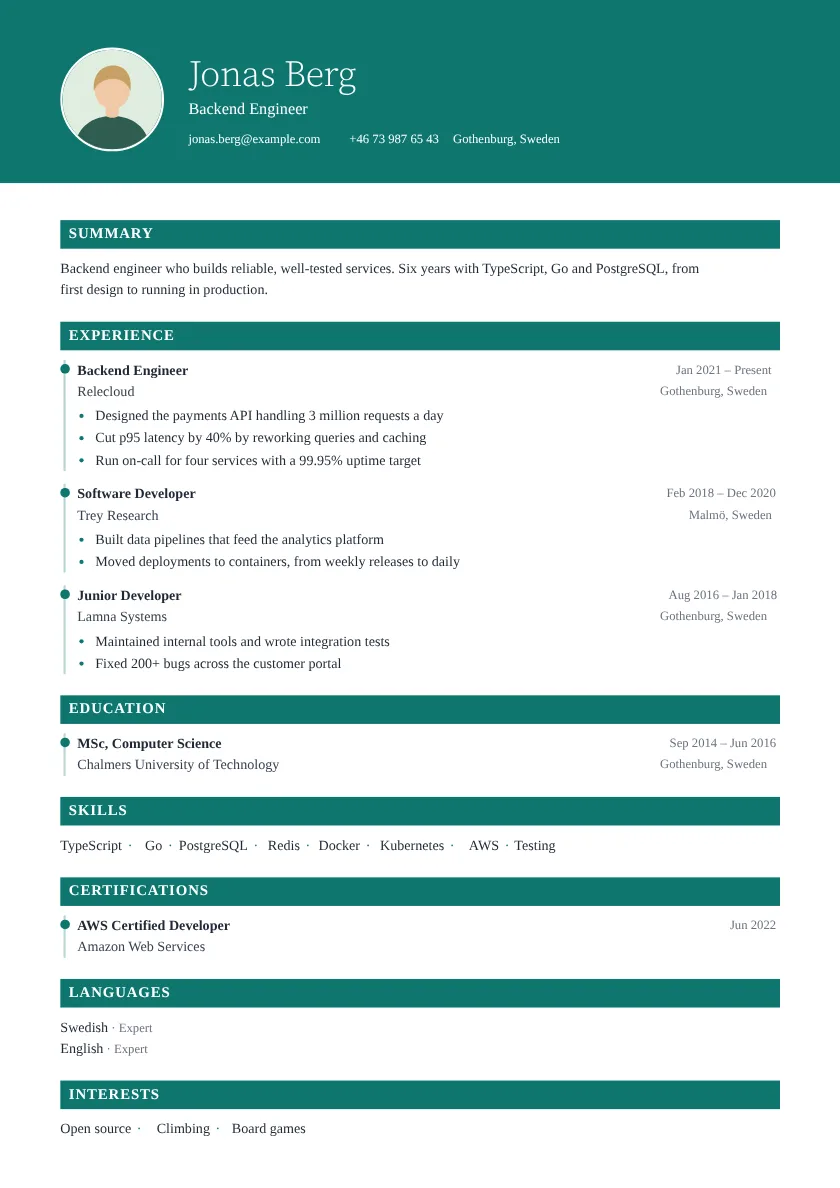 Onyx One column Your name leads in a bold coloured band. Each role sits on a timeline.
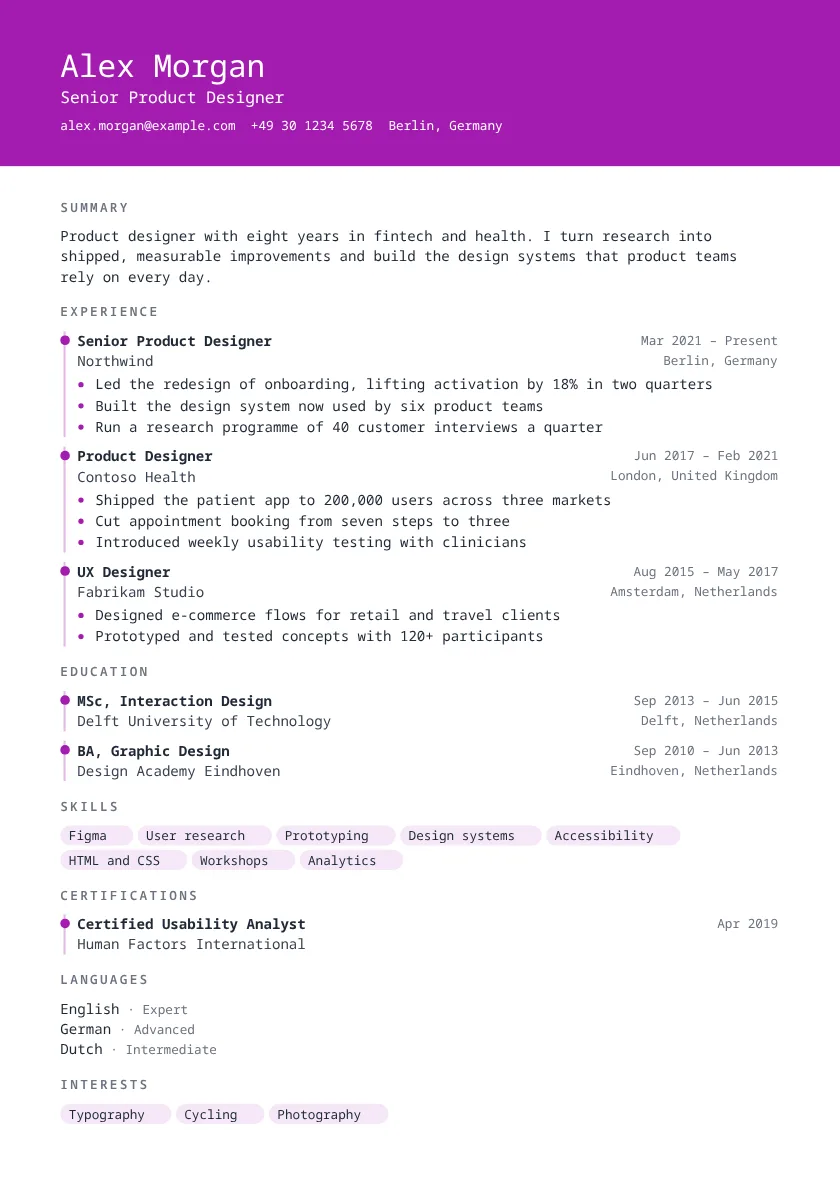 Opal One column Your name leads in a bold coloured band. Each role sits on a timeline.
Showing 8 of 33 modern templates See all modern resume templates
Everything you need to finish today
The features people use most in Lycka, all in one editor.
-
100 templates
From one-column classics to two-column layouts with a sidebar, each with its own colours and type.
-
The PDF is the preview
Page breaks, fonts and spacing are identical on screen and in the file, in every browser.
-
Readable by ATS
A real text layer, in reading order, with every character intact.
-
Writing help
Suggestions that tighten your summary and bullets, without inventing anything.
-
Import in seconds
Start from your current PDF, Word file or LinkedIn export.
-
Tailor to any job
See how well you match a job, and what is missing.
-
Jobs for you
Open roles that fit your resume, with the skills you share.
-
34 languages
Translate your resume, headings and dates included.
-
Share a link
Send a web version alongside the PDF, and stop sharing any time.
Two-column resume templates
Fit more on every page.
Skills, languages and links move to a sidebar, which leaves the main column for your experience.
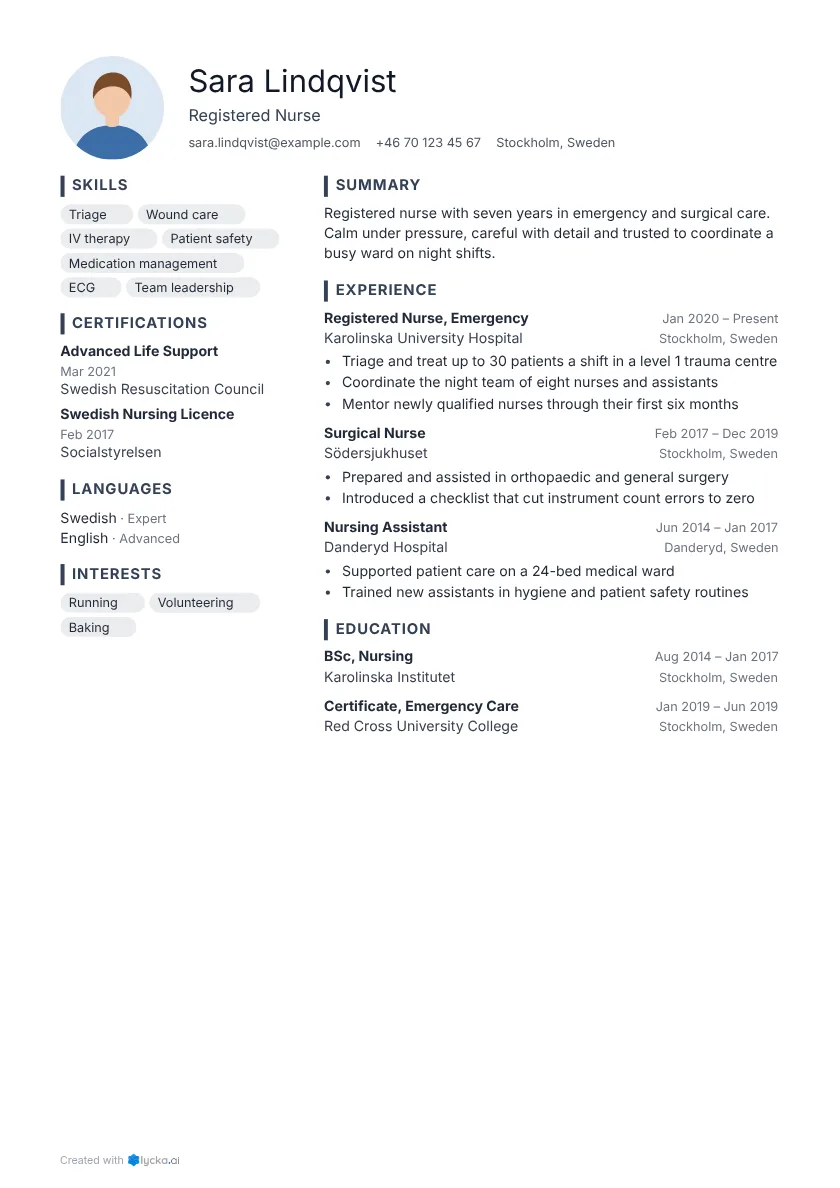 Slate Left sidebar A coloured bar marks each section.
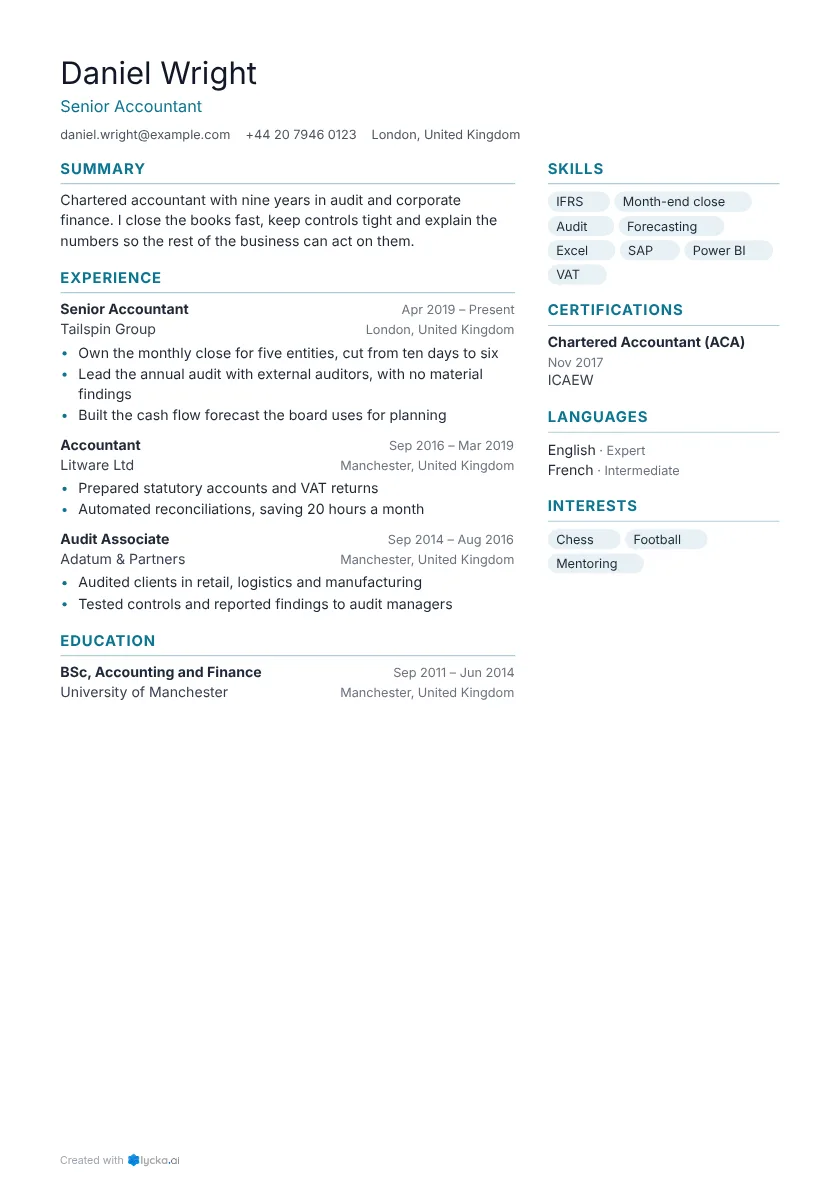 Horizon Right sidebar Thin rules separate each section.
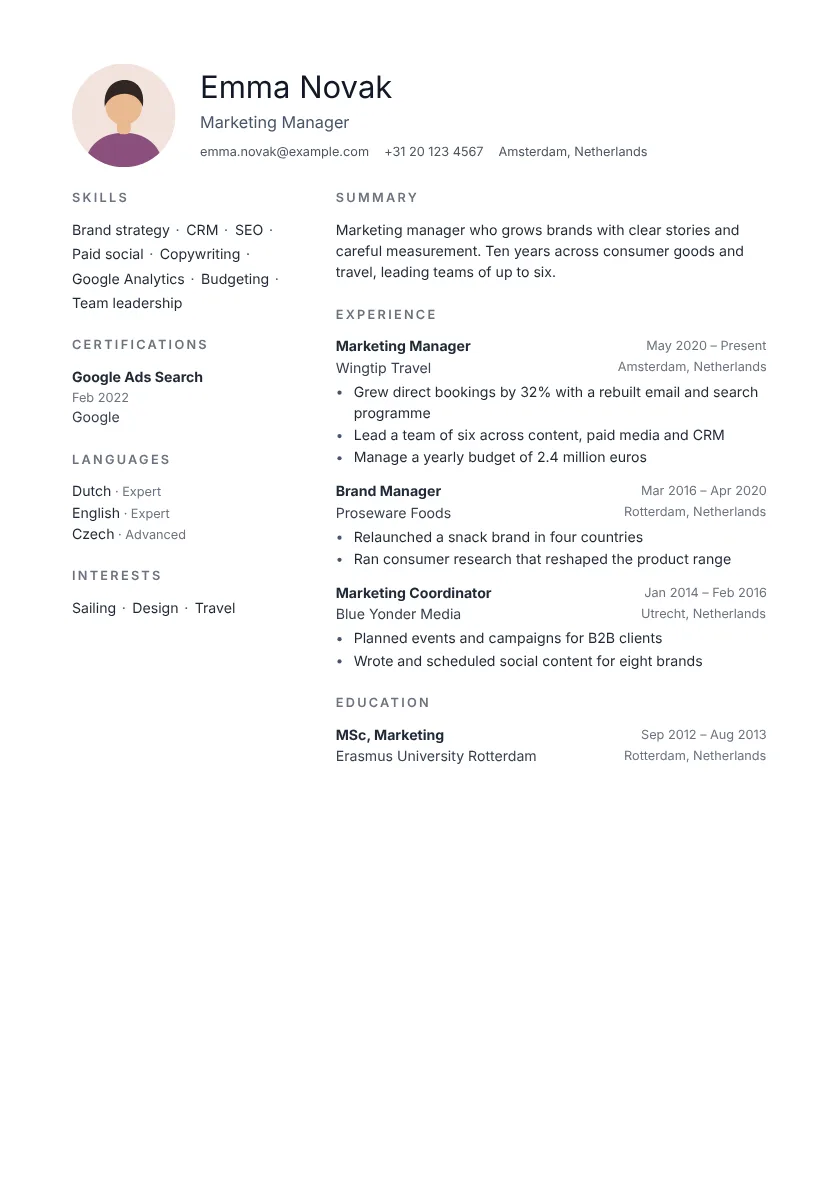 Nordic Left sidebar Letterspaced capitals mark each section.
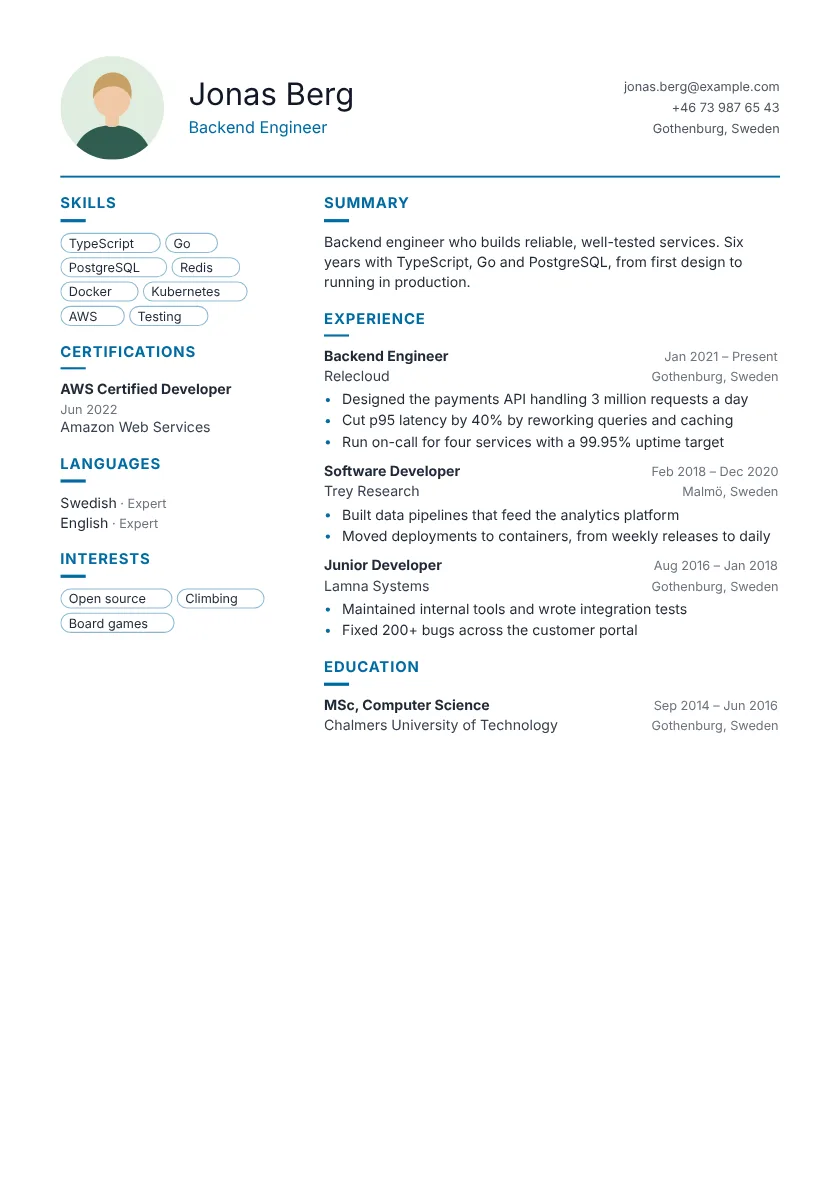 Atlas Left sidebar Name and contact details sit side by side.
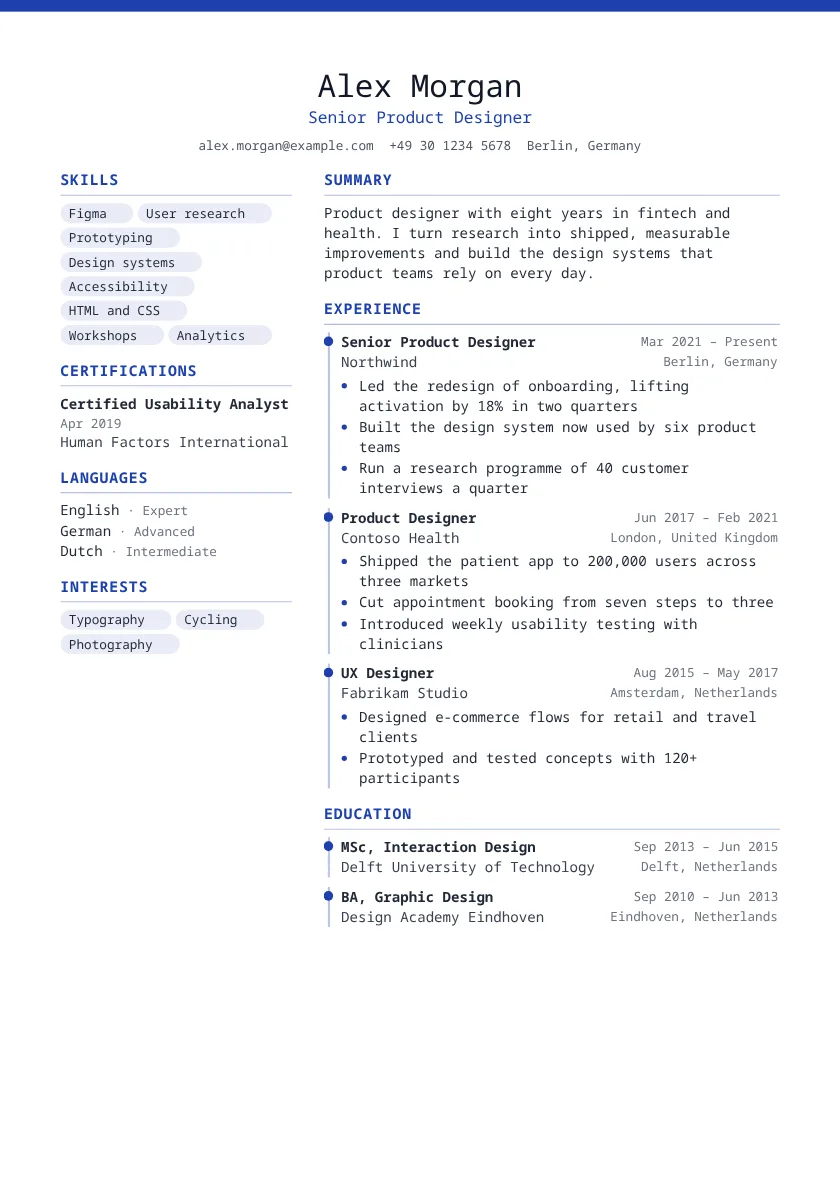 Cedar Left sidebar A centred header gives it balance. Each role sits on a timeline.
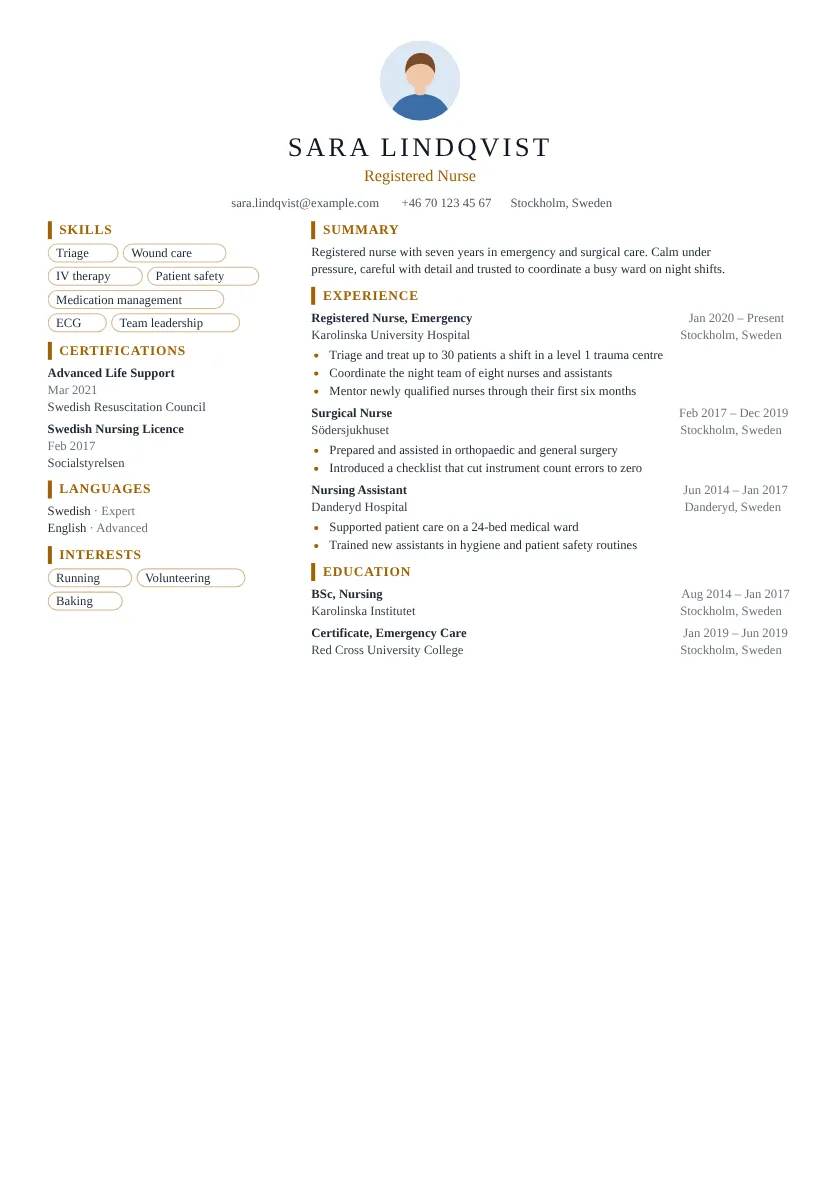 Cobalt Left sidebar A centred header gives it balance. Tight spacing fits more on one page.
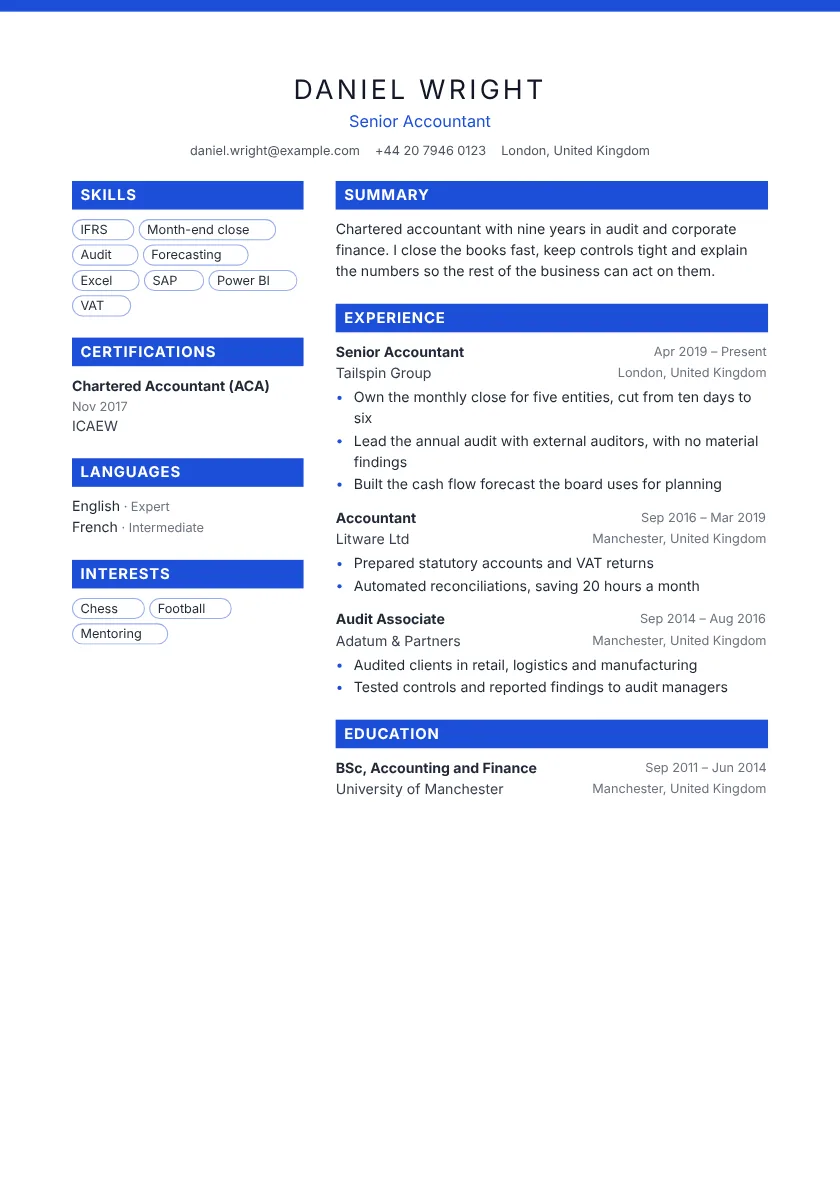 Crimson Left sidebar A centred header gives it balance.
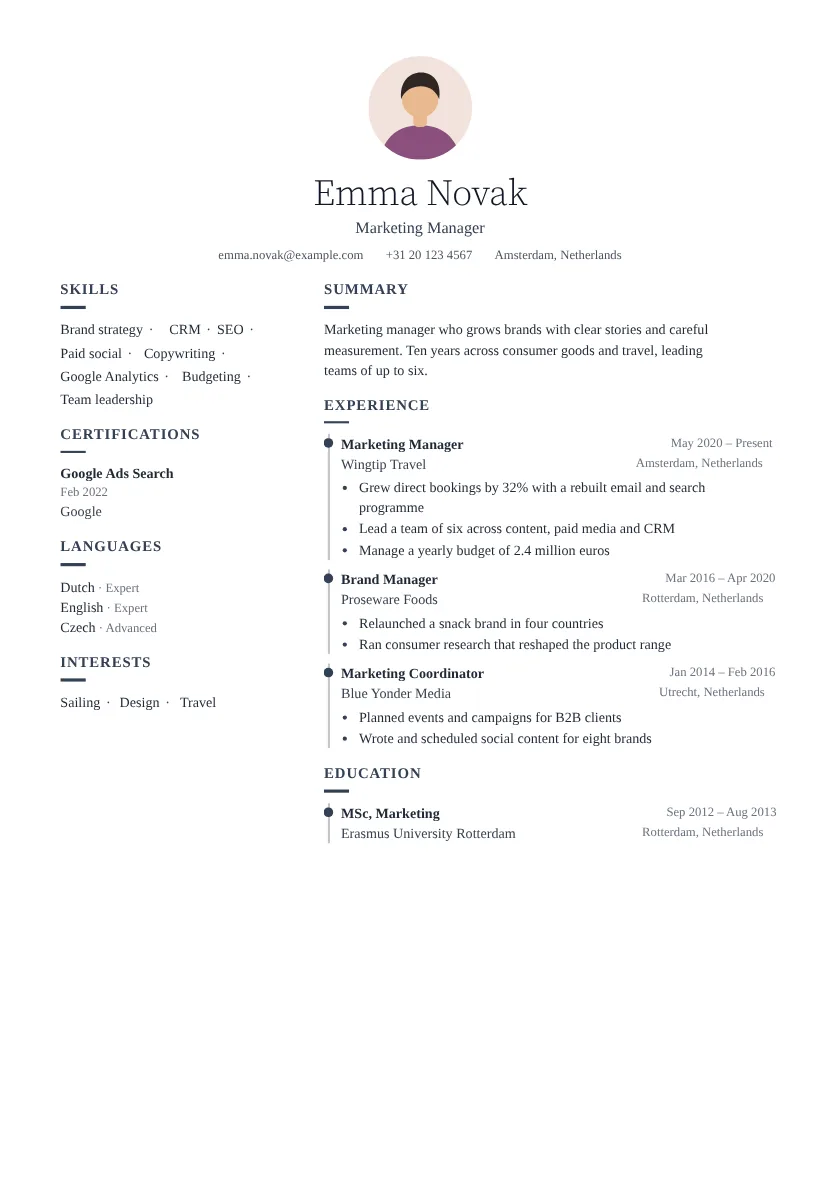 Delta Left sidebar A centred header gives it balance. Each role sits on a timeline.
Showing 8 of 62 two-column templates See all two-column resume templates
Professional resume templates
Classic, polished and timeless.
Serif type and restrained colour for roles where a polished look counts: finance, law, the public sector and senior positions.
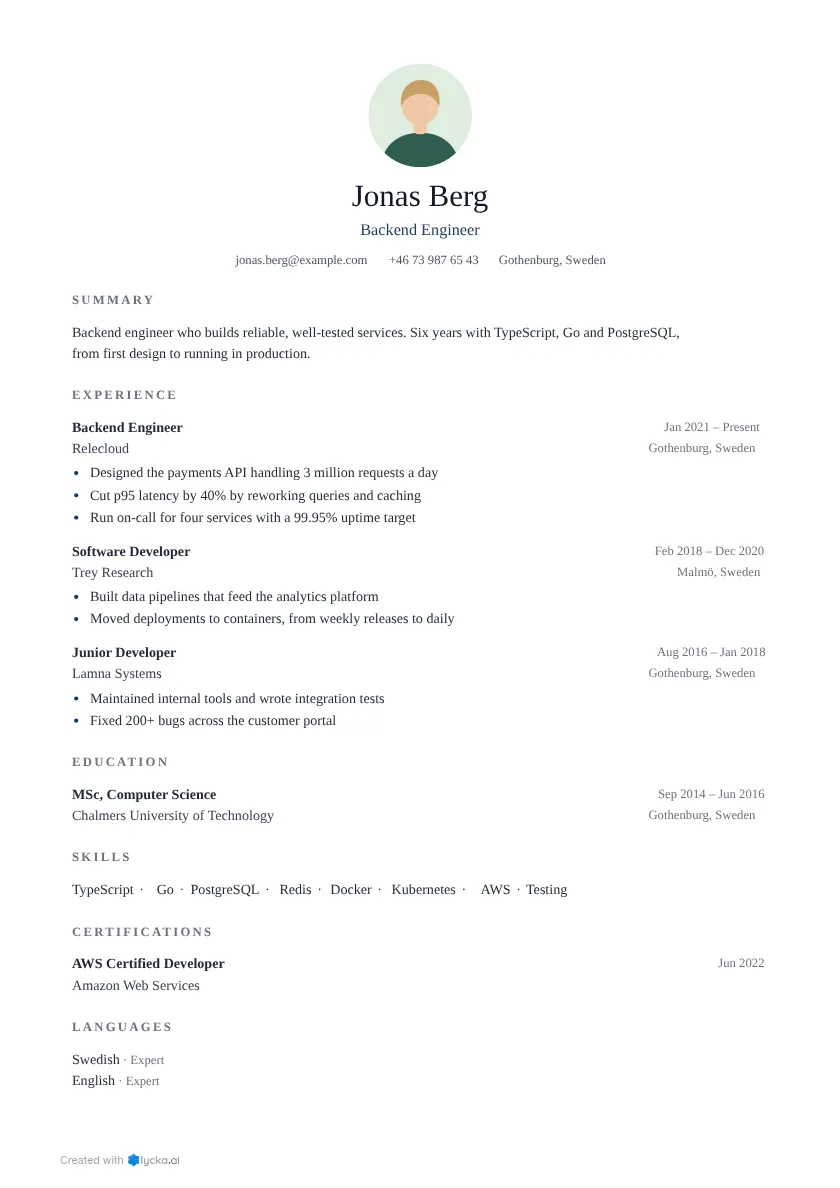 Executive One column A centred header gives it balance. Serif type adds a classic touch.
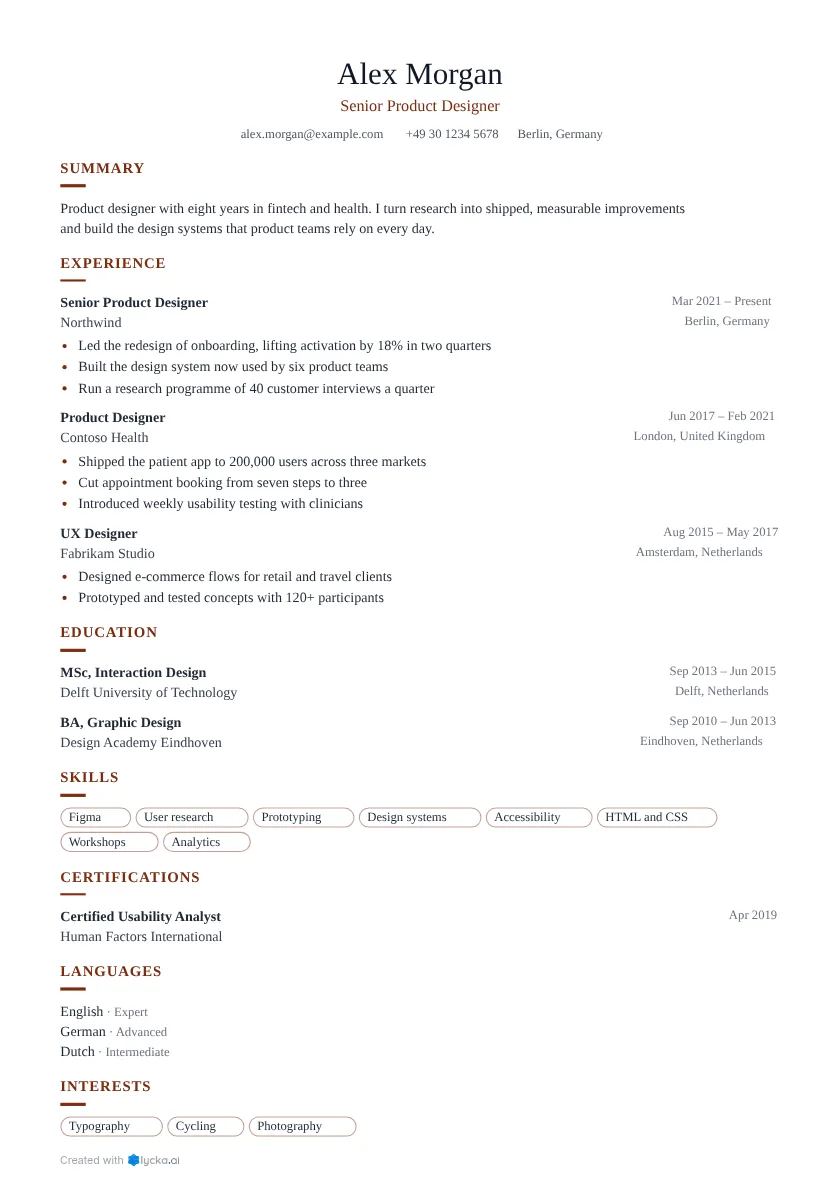 Elegant One column A centred header gives it balance. Serif type adds a classic touch.
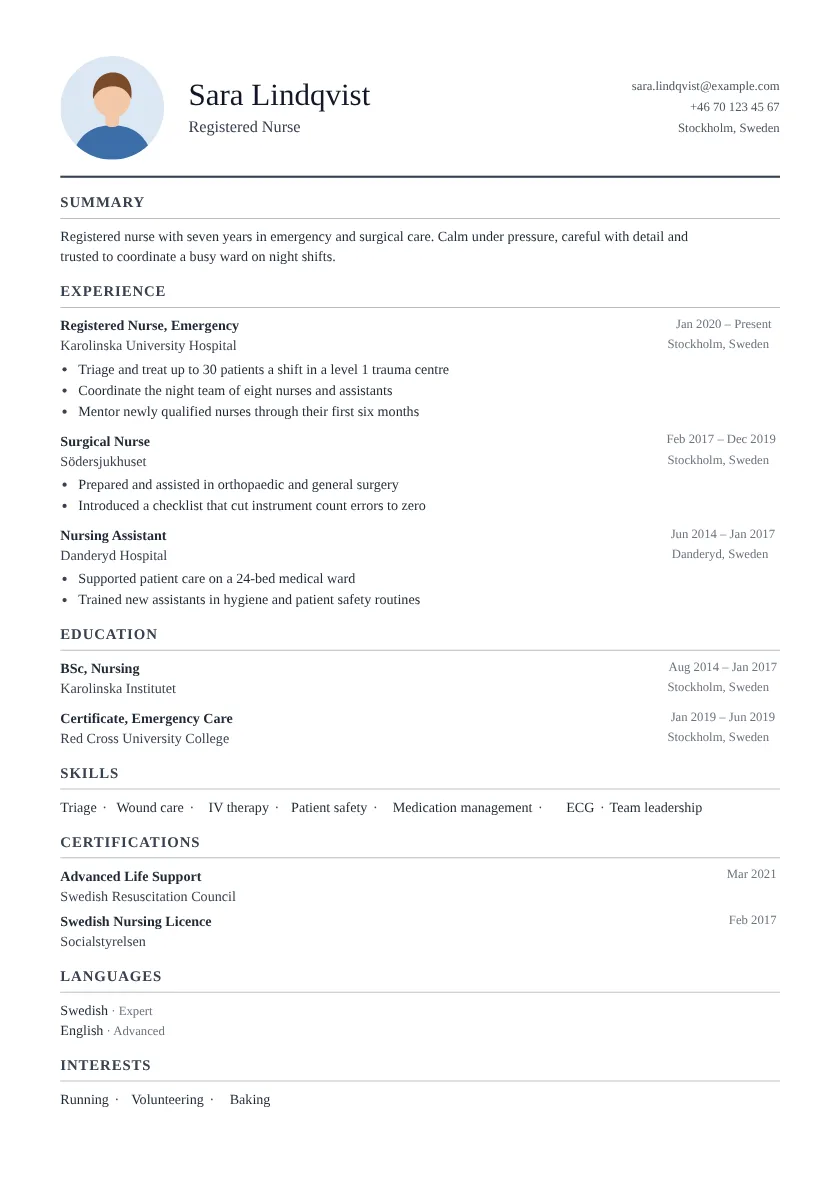 Ledger One column Name and contact details sit side by side. Serif type adds a classic touch.
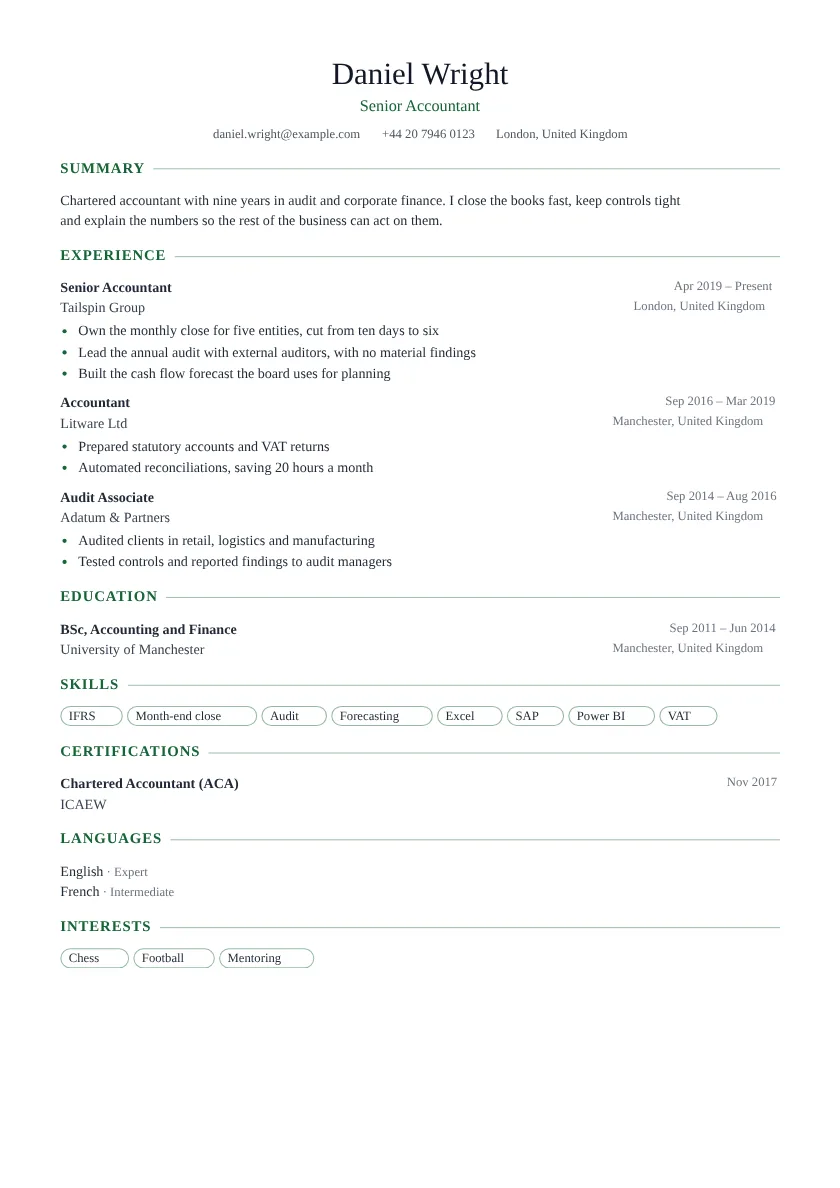 Ivy One column A centred header gives it balance. Serif type adds a classic touch.
Showing 4 of 30 professional templates See all professional resume templates
Timeline resume templates
Show your career path at a glance.
Each role sits on a rail with a dot, so a reader sees the shape of your career before reading a line.
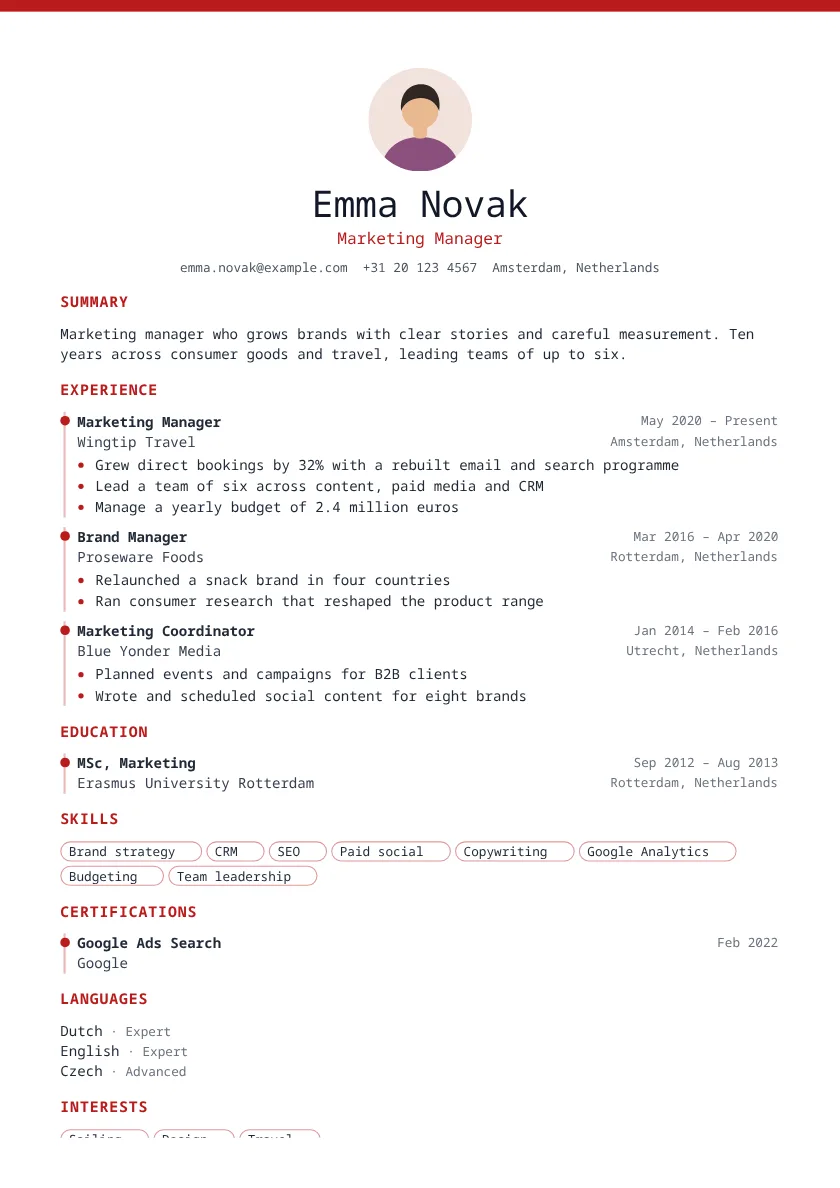 Amber One column A centred header gives it balance. Each role sits on a timeline.
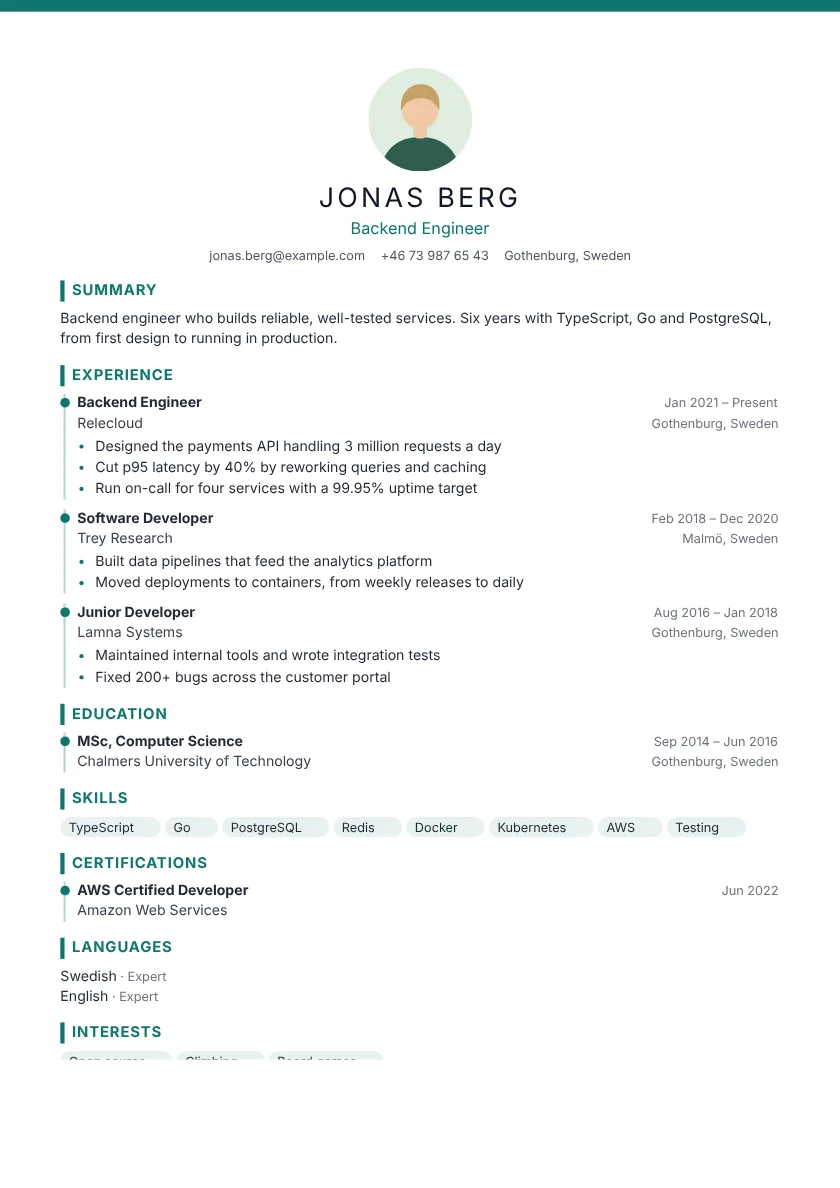 Azure One column A centred header gives it balance. Each role sits on a timeline.
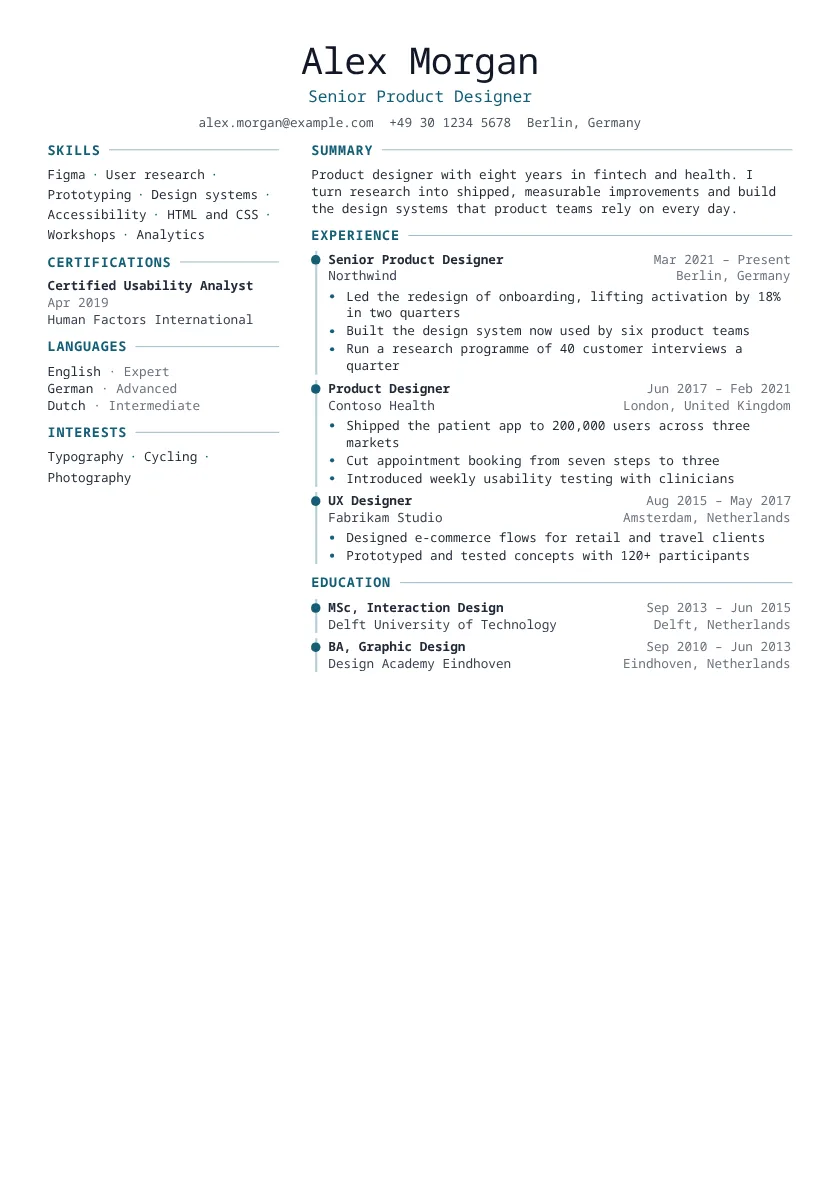 Ember Left sidebar A centred header gives it balance. Each role sits on a timeline.
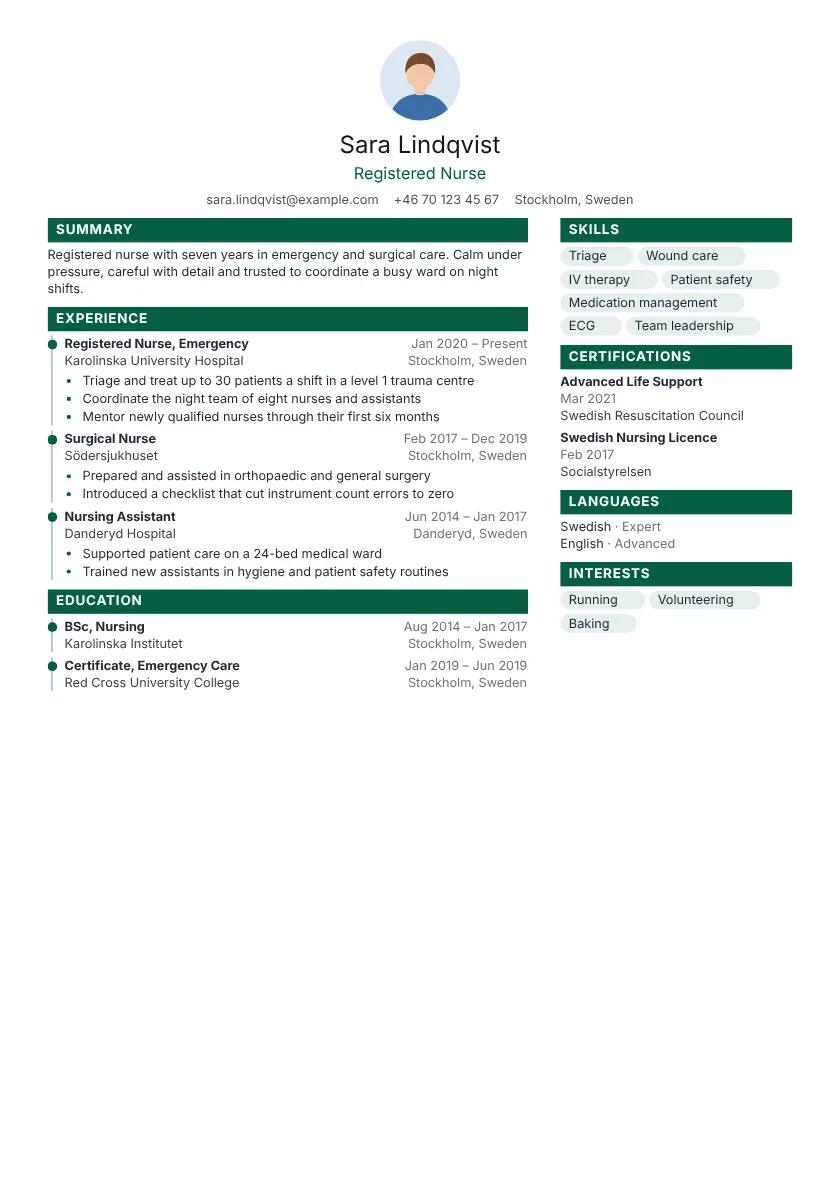 Granite Right sidebar A centred header gives it balance. Each role sits on a timeline.
Showing 4 of 40 timeline templates See all timeline resume templates
Compact resume templates
Say it all on one page.
Tighter spacing fits more on a page without shrinking the text. Ideal for students, graduates and short resumes.
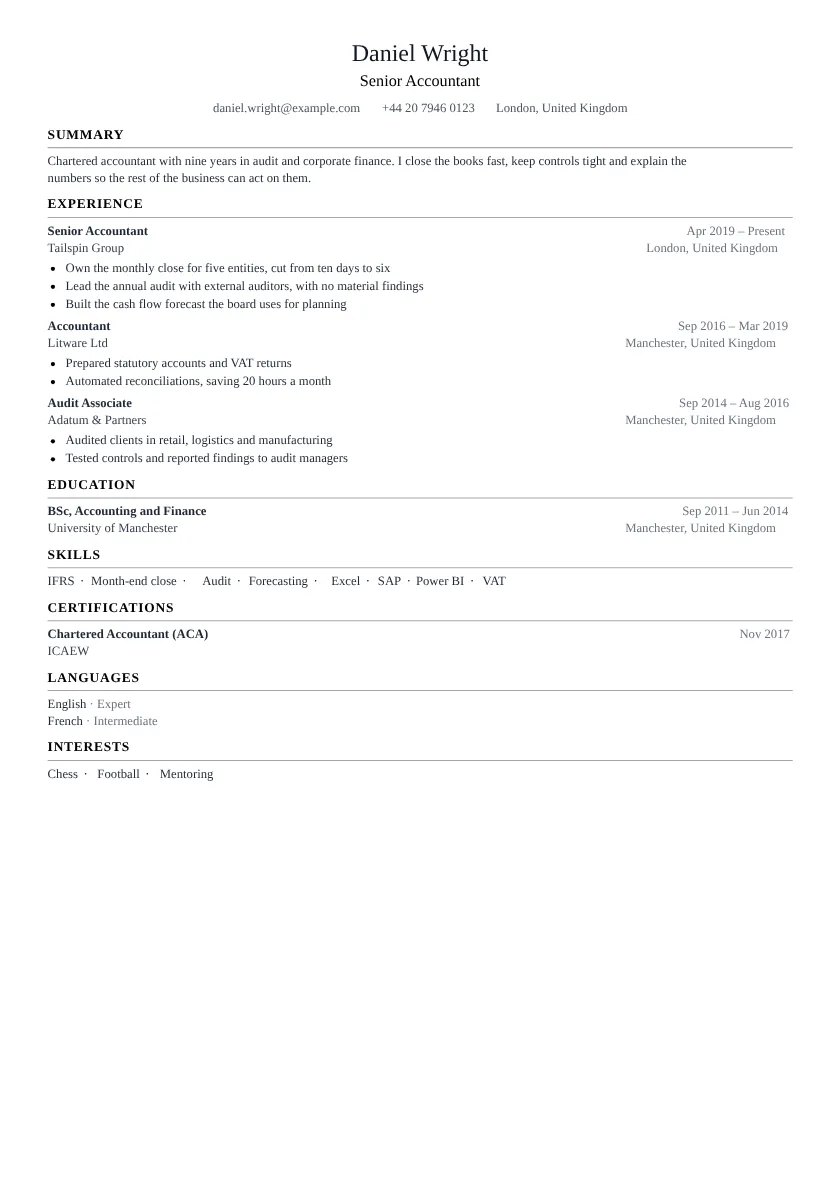 Harvard One column A centred header gives it balance. Tight spacing fits more on one page.
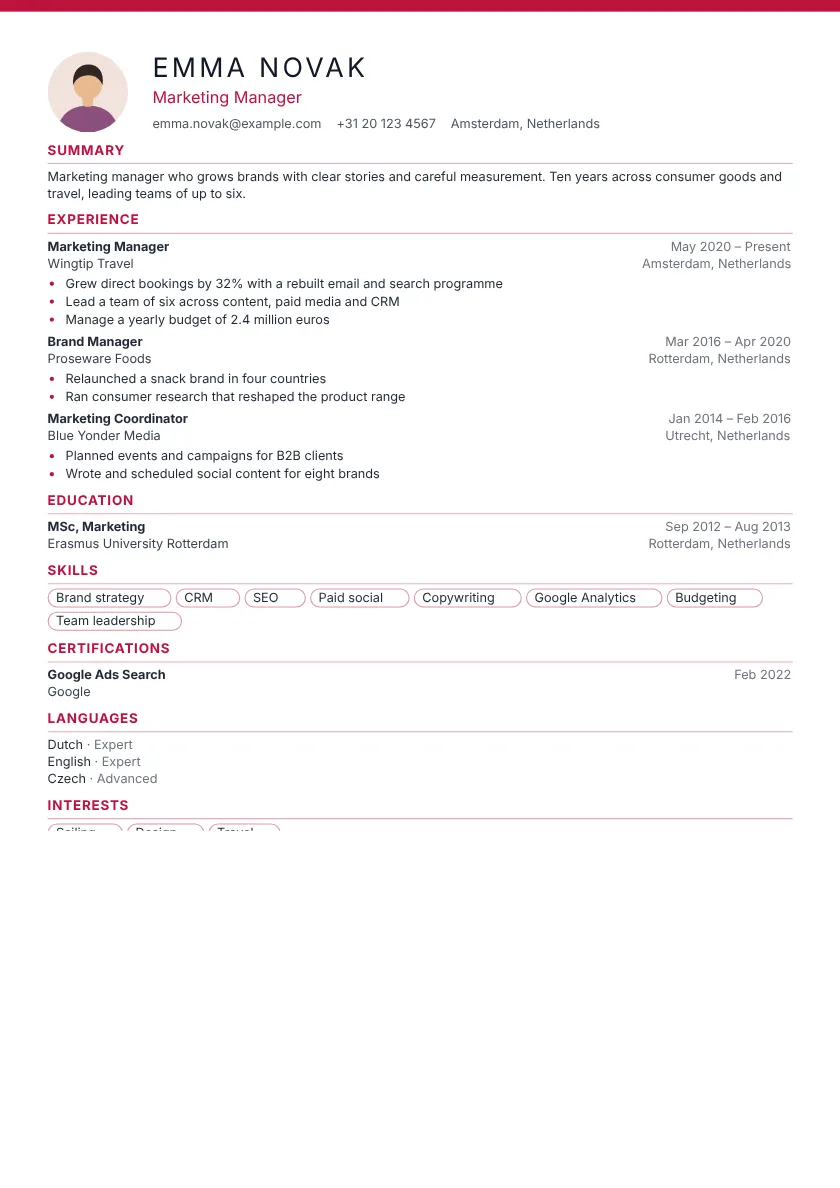 Jade One column Thin rules separate each section. Tight spacing fits more on one page.
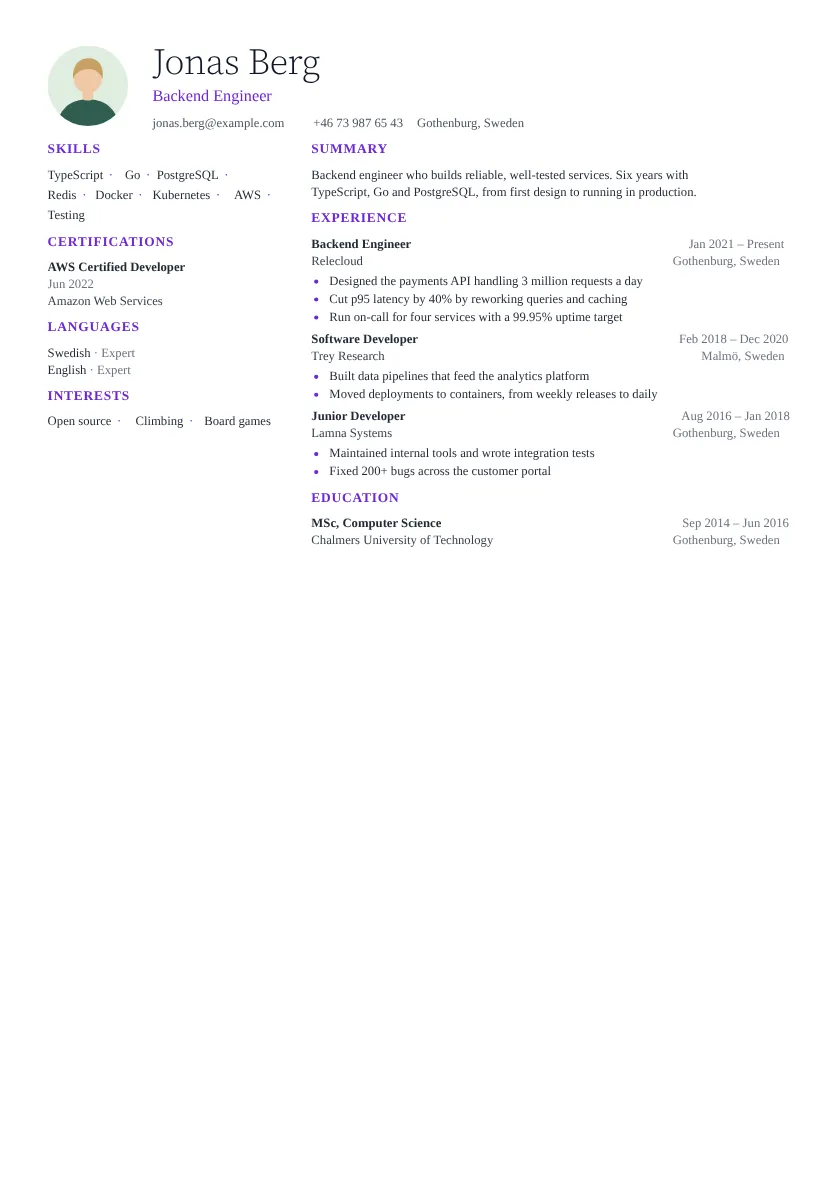 Lagoon Left sidebar Quiet headings keep the focus on your words. Tight spacing fits more on one page.
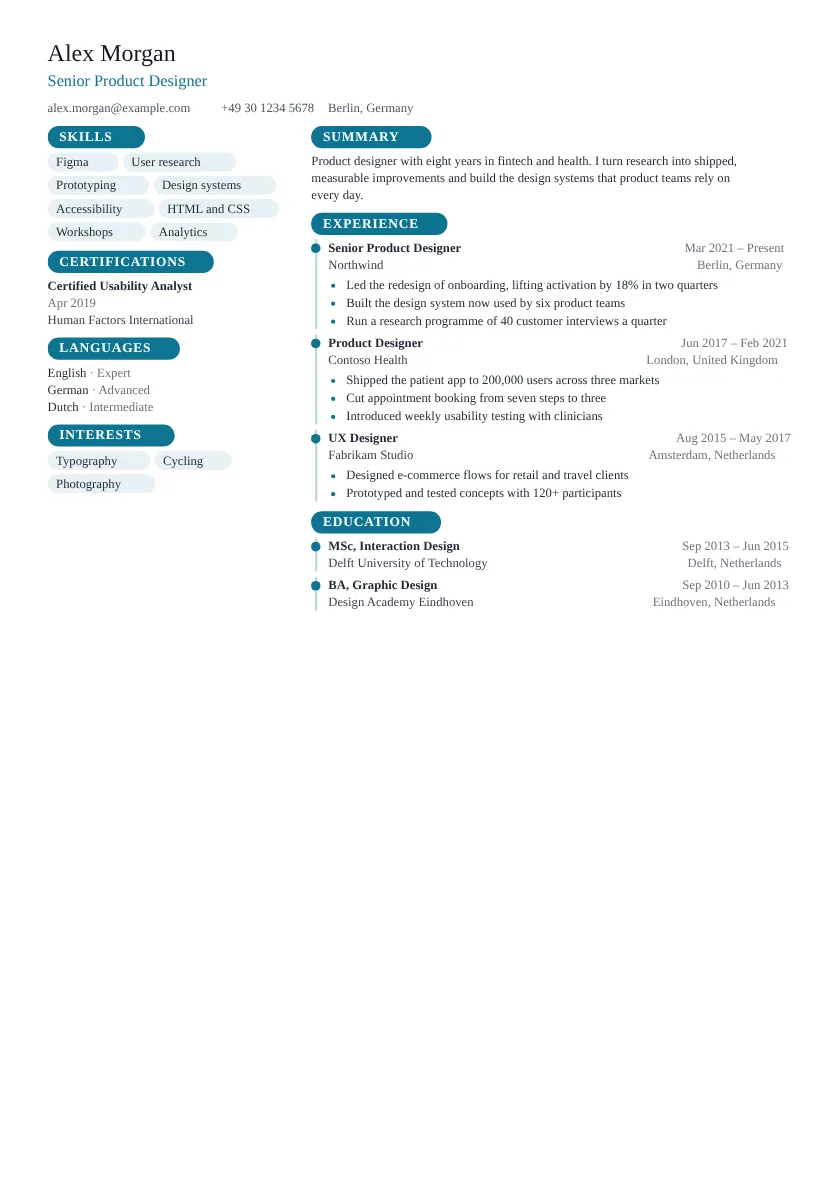 Maple Left sidebar Rounded heading tags mark each section. Each role sits on a timeline.
Showing 4 of 25 compact templates See all compact resume templates
Technical resume templates
Made for engineers and makers.
Monospaced type that reads like well-kept code. A quiet signal of your craft for developer, data and engineering roles.
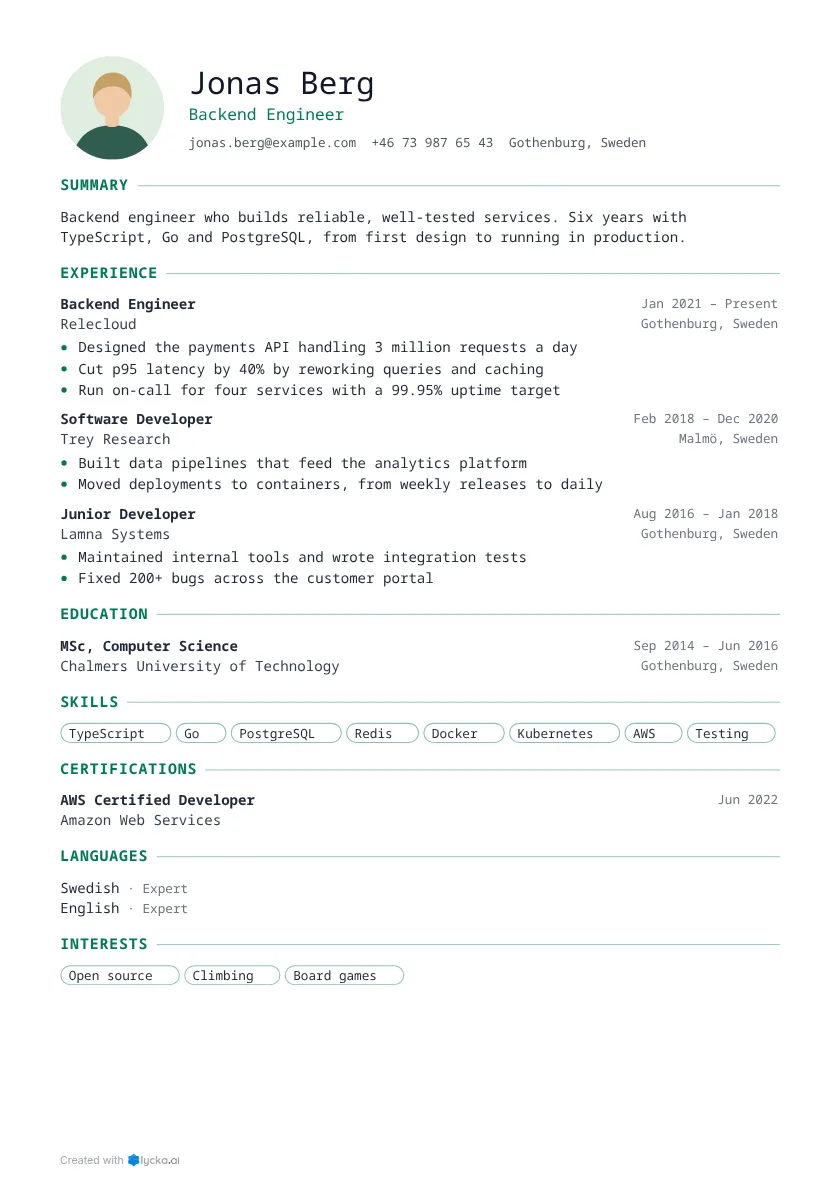 Technical One column Headings run into a fine line. Monospaced type gives it a technical feel.
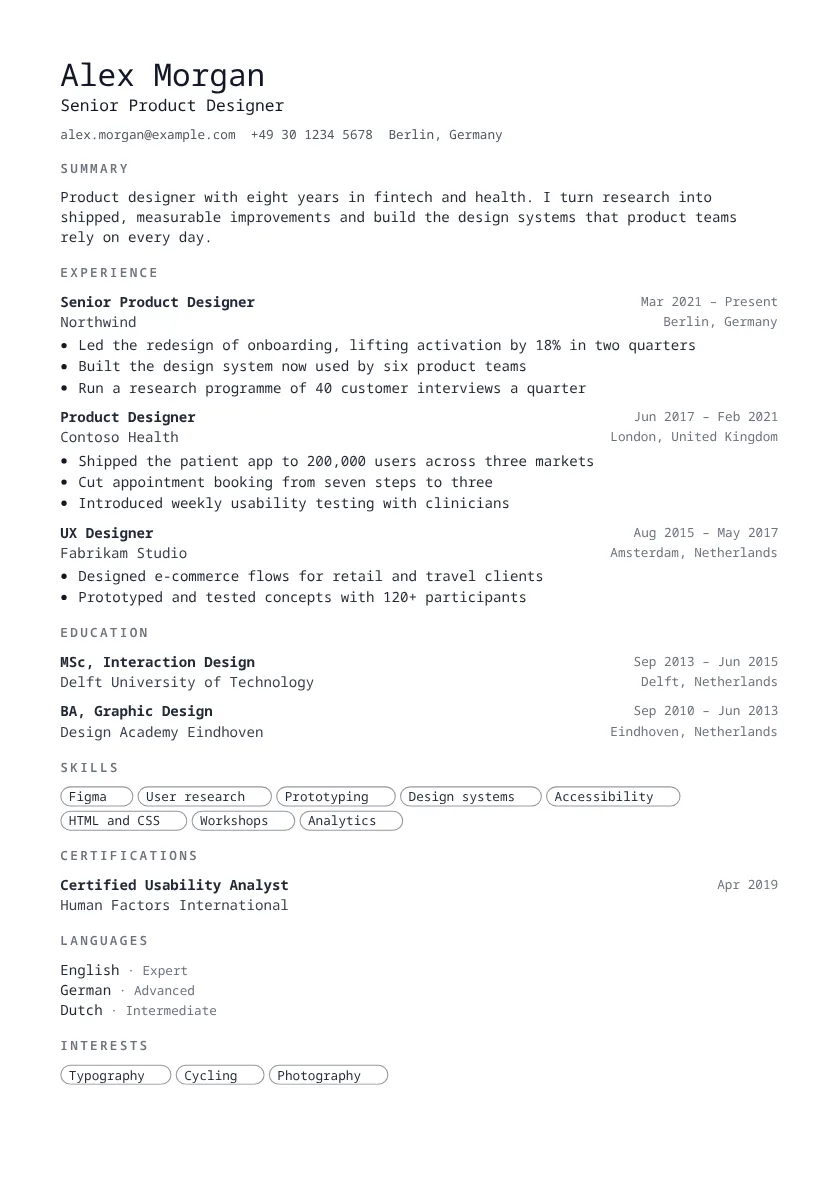 Mono One column Letterspaced capitals mark each section. Monospaced type gives it a technical feel.
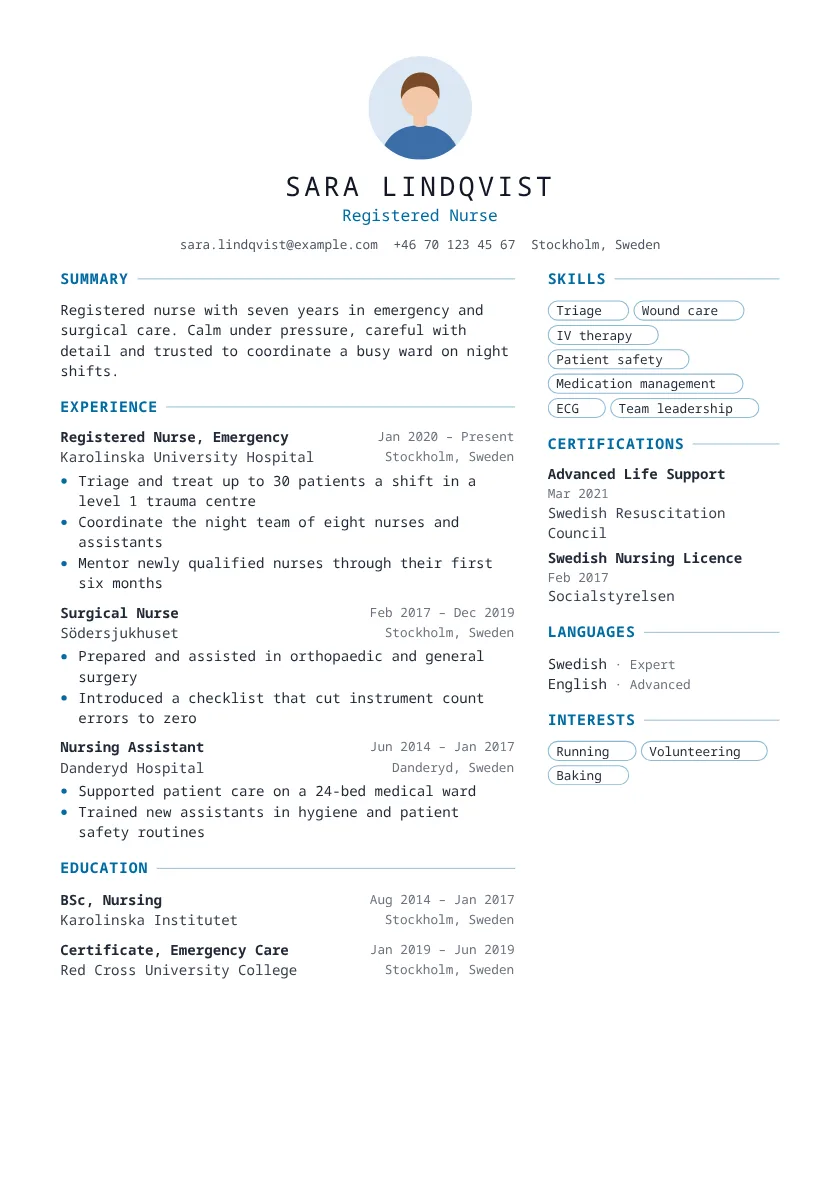 Indigo Right sidebar A centred header gives it balance. Monospaced type gives it a technical feel.
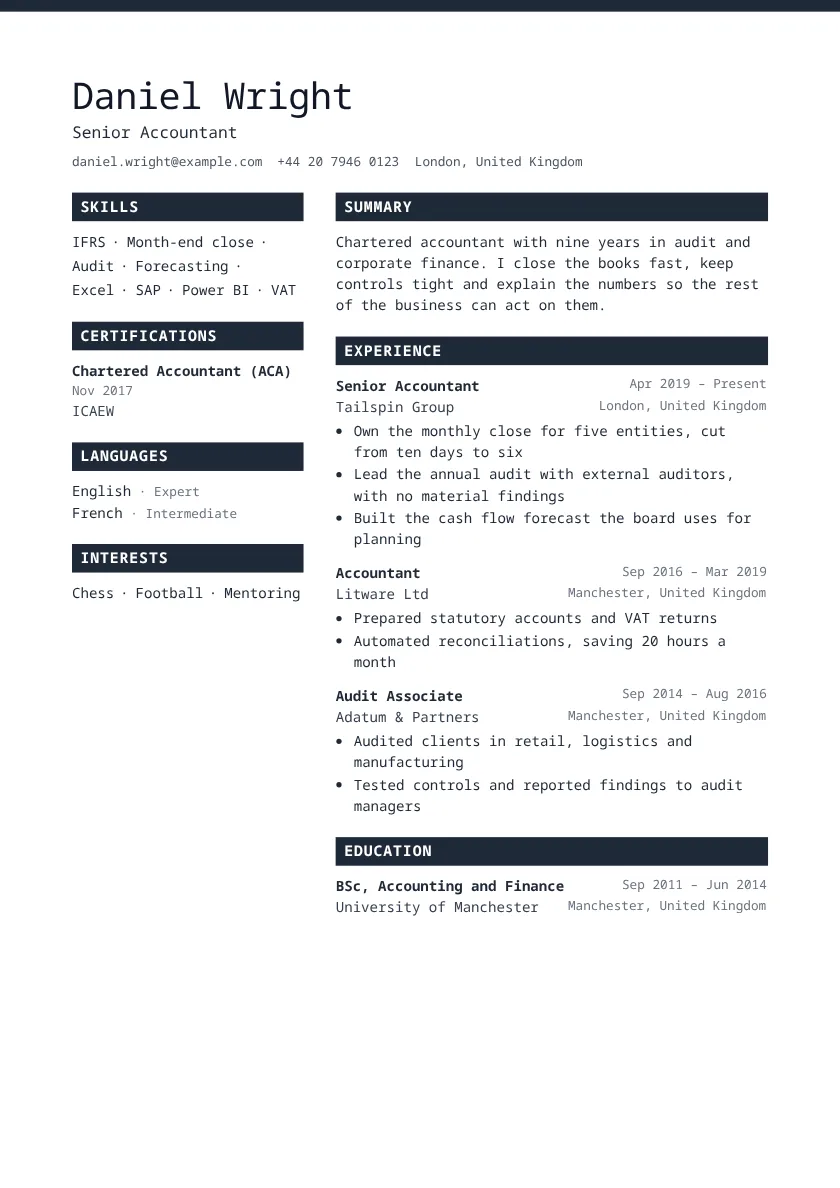 Linen Left sidebar Headings sit in solid coloured bars. Monospaced type gives it a technical feel.
Showing 4 of 28 technical templates See all technical resume templates
Why Lycka?
Built to get your resume read, not just made.
-
Free to start
Pick any template and build your whole resume before you decide anything else.
-
100 templates, one click apart
Switch templates as often as you like. Your words stay exactly where they are; only the design changes.
-
Looks sharp wherever it lands
Your PDF keeps its layout on the recruiter's laptop, phone or printer. Nothing shifts, nothing breaks.
-
Readable by tracking software
Every PDF keeps real, selectable text in reading order, so an applicant tracking system reads every word you wrote.
How to write a resume that gets read
Six steps, whichever template you choose.
1Step 1 of 6
Start with your name, title and contact details
Put your full name at the top, followed by the job title you are aiming for. Add one phone number, a professional email address and your city. A street address is not needed.
A link to LinkedIn or a portfolio helps when it shows the same story as your resume.
2Step 2 of 6
Write a short summary that answers "why you?"
Two to four sentences: who you are, what you are best at and what you want next. Lead with your strongest, most relevant point, since many readers stop here.
Tailor it for each application. Repeating the job title from the advert is fine when it is true.
3Step 3 of 6
Show results in your work experience
List roles from most recent to oldest. For each, write three to five bullets that start with a verb and end with a result: what changed because you were there.
Numbers make results concrete: patients per shift, budget managed, time saved, people led.
4Step 4 of 6
Keep education short and relevant
Give the degree, the field, the school and the years. Recent graduates can add a thesis, honours or relevant courses; experienced people can keep it to one line each.
Licences and certifications belong in their own section, where a recruiter looks for them.
5Step 5 of 6
List the skills the job asks for
Read the advert and mirror the skills you really have, in the same words. Tracking software and recruiters both look for them.
Add the languages you speak with an honest level, and a few interests if they say something about you.
6Step 6 of 6
Keep it to one or two pages, then send a PDF
One page suits most people with under ten years of experience; two is fine beyond that. Cut anything that does not support the job you want.
Send a PDF so it looks the same on every screen.
Resume examples for every job
Real-sounding resumes for real jobs. Open one, see how it reads, then make it yours.
- Registered nurse resume
- Primary school teacher resume
- Customer service advisor resume
- Software developer resume
- Warehouse operative resume
- Electrician resume
- Accountant resume
- Care assistant resume
- Administrative assistant resume
- Receptionist resume
- Retail sales assistant resume
- Sales representative resume
- Project manager resume
- Truck driver resume
- Marketing specialist resume
- First job resume
Resume templates FAQ
Straight answers before you start.
- Will my resume look the same when an employer opens it?
- Yes. The PDF is made from exactly the pages you see while editing, and line breaks are computed the same way in every browser, so what you approve is what they read.
- Can applicant tracking systems read it?
- Every PDF has a real, selectable text layer in reading order, so ATS software and copy-paste get your words, not an image of them.
- Can I import the resume I already have?
- Yes. Upload a PDF or a Word file, or the PDF LinkedIn exports from your profile, and we turn it into editable sections.
- How many resumes can I keep?
- One on a free account. With a Pro pass, as many as you like: tailor one for each job and keep them all.
- Can I share a link instead of a file?
- Yes. Turn on sharing to get a link to a web version of your resume; turn it off and the link stops working.
- Does AI write my resume?
- No. AI suggests clearer wording for text you wrote, and you choose whether to use a suggestion. It never invents facts.
Your next interview starts with this resume
Pick a template, let AI sharpen every line, and apply today with a resume you are proud to send.