

An applicant tracking system, or ATS, is the software many employers use to collect applications, move candidates through hiring stages and search their pool of applicants. Most medium and large employers use one.
You've probably heard that robots reject most resumes before a human sees them. That's mostly a myth. Knockout questions on the form, such as right to work, can screen people out, but in most systems a person decides who moves forward. The ATS shapes what that person sees, and whether they can find you at all.
What the ATS does with your resume
When you upload a resume, the system typically:
- Extracts the text from your file.
- Parses it into fields: name, contact details, job titles, employers, dates, education and skills.
- Stores it so recruiters can search, filter and sort applicants.
The first two steps are where things go wrong. If the text can't be extracted, or lands in the wrong fields, your application can look empty or muddled on the recruiter's screen, however good the original looked.
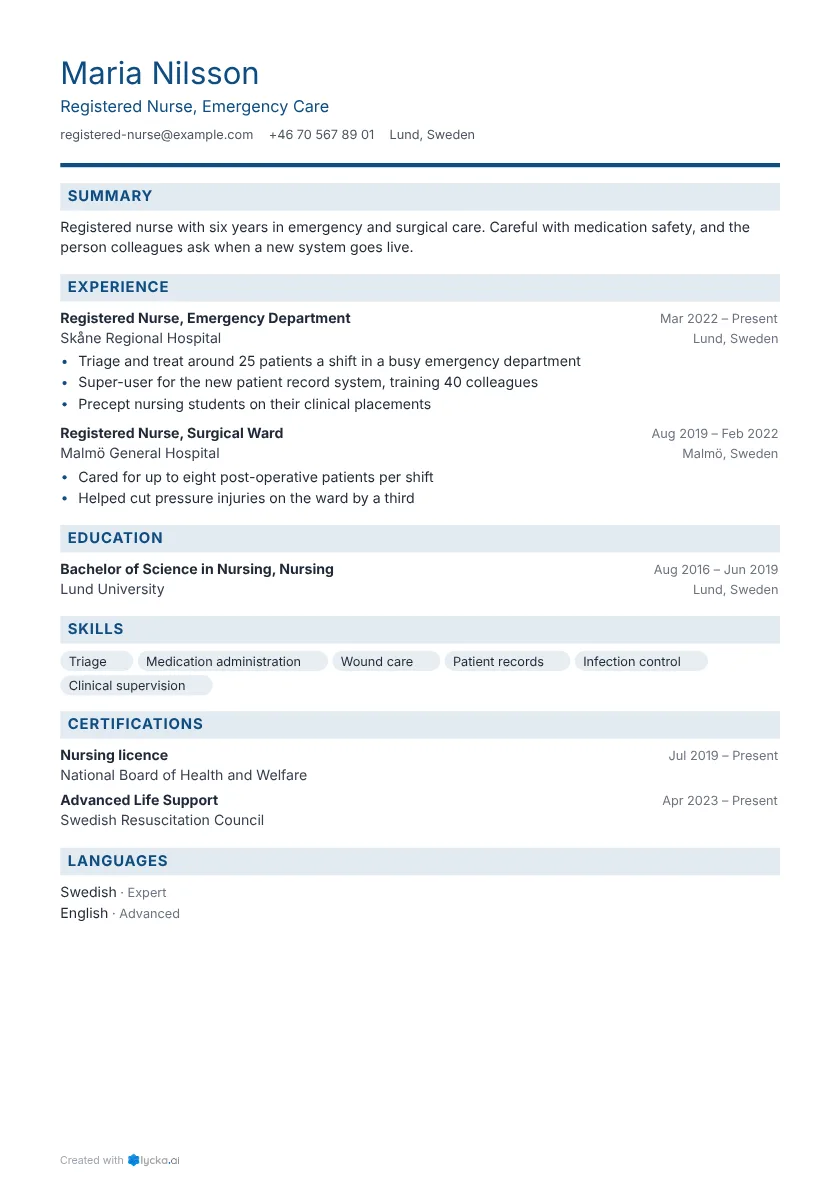
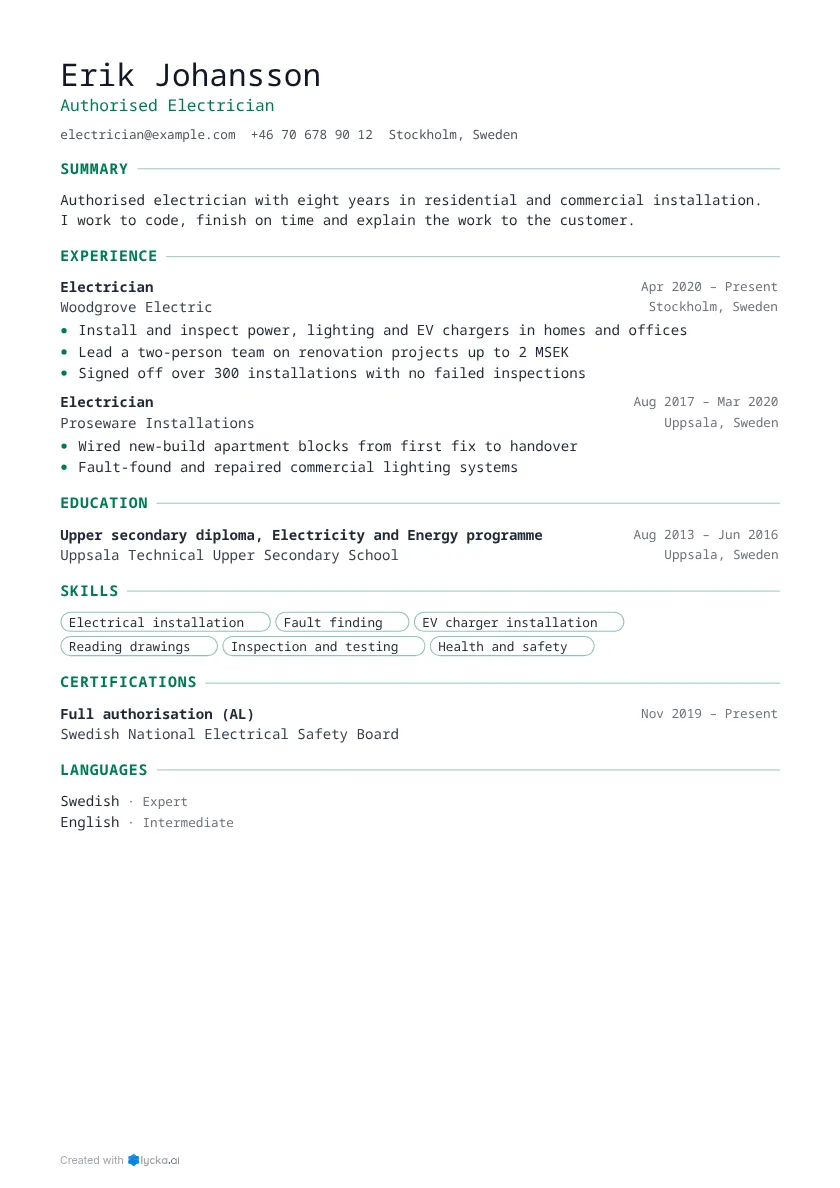
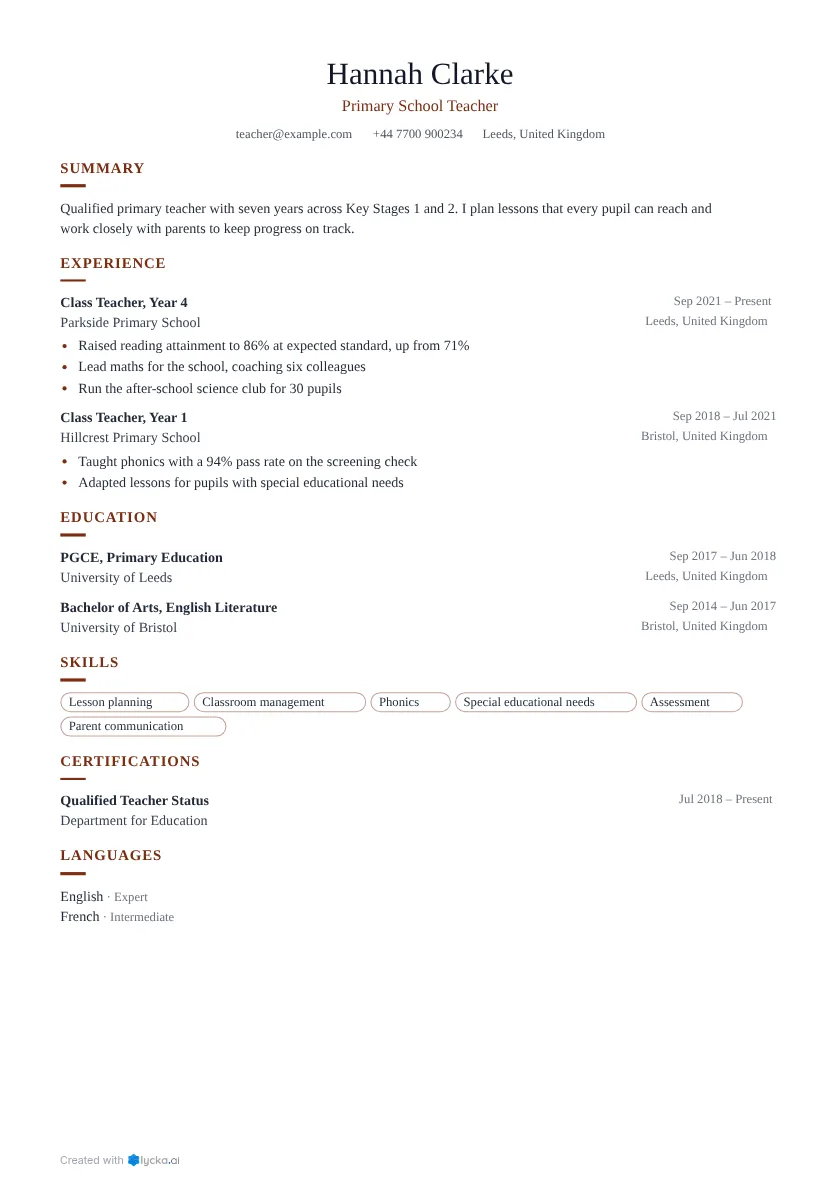
Avoiding that is mostly common sense. Use real text: a scanned resume or a design exported as a picture has nothing to read, while a PDF made from a resume builder or a word processor is fine. Stick to standard section headings like "Experience", "Education" and "Skills", which are recognised everywhere ("Where I've been" isn't). Keep the reading order simple, since very complex layouts can be read in the wrong order; a clean one or two column layout is generally safe. Put your email and phone in the body of the page, because some systems skip text inside page headers and footers. And use one date format throughout, such as "Mar 2022 to Present".
To check your own PDF, open it, select all the text and paste it into a plain text editor. If the content comes out readable and in a sensible order, a parser will most likely read it too.
Keywords
Recruiters search the ATS with words from the job: a title, a skill, a certificate, a tool. If those words aren't in your resume, a search won't find you, even if you have the experience.
So mirror the posting's language wherever it's true for you. If the advert says "forklift licence", write "forklift licence" instead of only "warehouse vehicles". If it says "patient care", use that phrase as well as "looking after residents". Spell out acronyms once, as in "Certified Public Accountant (CPA)".
Stuffing keywords in backfires. Pasting a list of them, or hiding white text on the page, might get you found, but the person who opens your resume will notice, and you lose the trust you need.
PDF or Word?
Both are widely accepted. A text-based PDF keeps your layout exactly as you designed it, which is why it's the most common choice. If an employer specifically asks for a Word document, send one.
Myths worth ignoring
Colour won't hurt you. Coloured headings or lines don't affect parsing, so there's no need for black and white only. Nor is it true that an ATS can't read PDFs: modern systems read text-based PDFs fine, and only scanned ones, which are pictures of text, cause trouble.
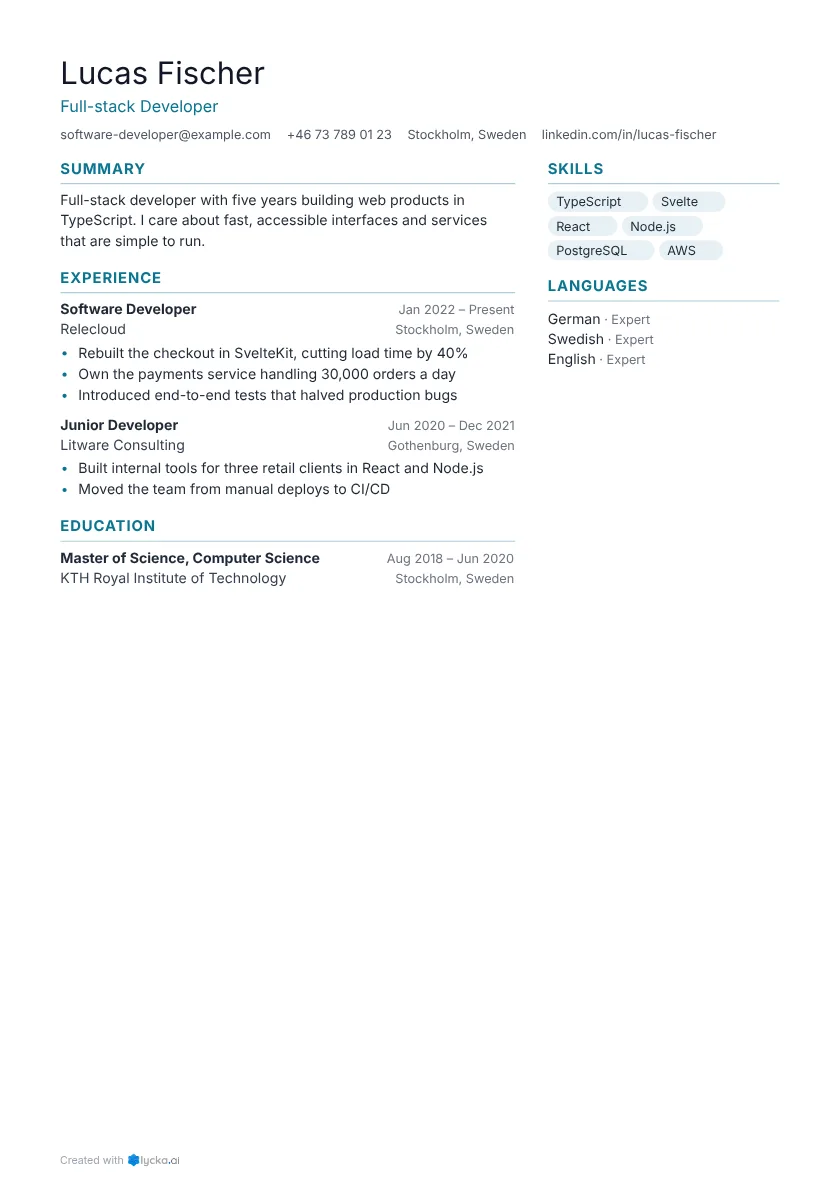
Two columns don't always fail either. A clean two-column layout with standard headings parses well in most systems, and it's text boxes, tables and floating shapes that cause problems. Fonts are similar. Any common font parses, so pick one that's easy to read, because a person reads it next.
Then there's the 75% keyword match you'll see quoted. Some systems show a match score, but there's no standard pass mark. A recruiter decides.
So write for the person first and make sure a machine can read the text, using the employer's words for the skills you have. Every one of our resume templates exports a text-based PDF. For the plainest layout, start with a simple or classic template, and for a full checklist see our ATS-friendly resume page.