

A resume format is the order your sections go in. There are three, and for most people the choice is easy.
| Format | Leads with | Best for |
|---|---|---|
| Reverse-chronological | Work experience, latest first | Almost everyone |
| Hybrid (combination) | A skills summary, then experience | Career changers, people with gaps |
| Functional (skills-based) | Skills grouped by theme | Rarely the right choice |
Reverse-chronological
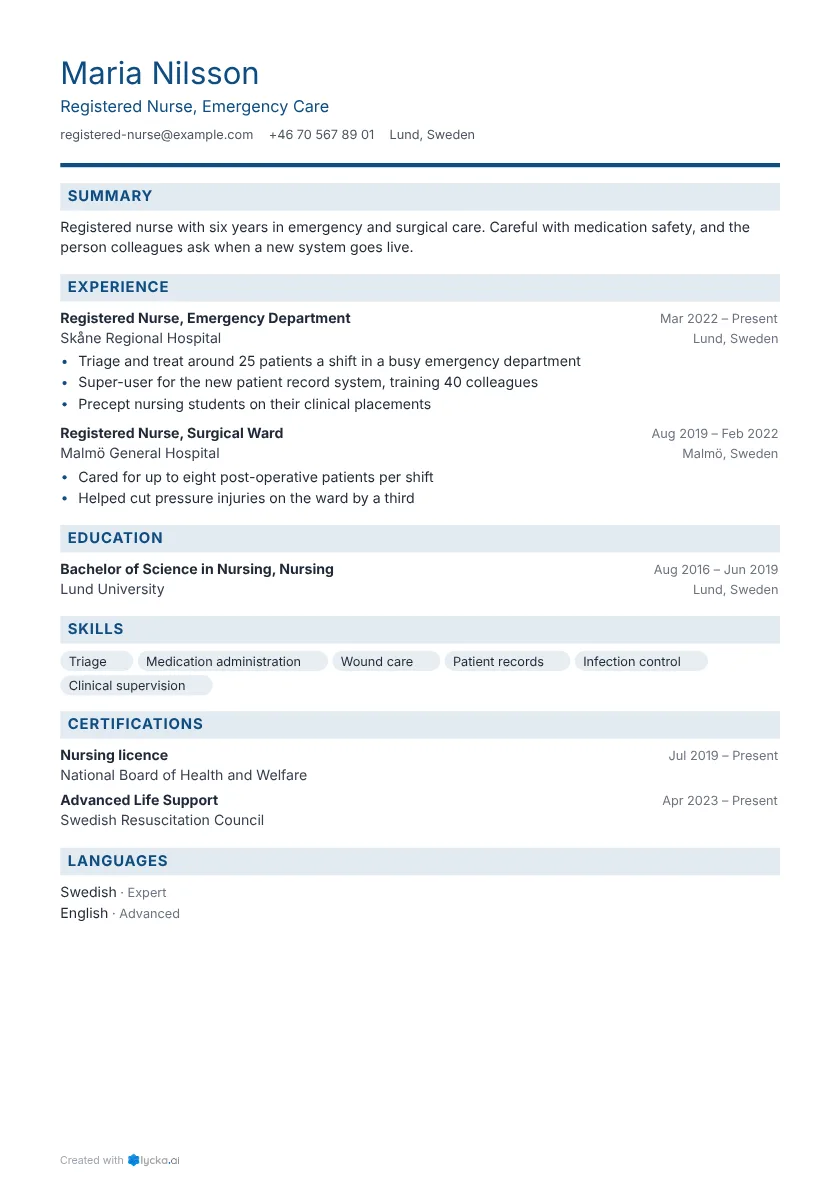
Your most recent job comes first, then the one before, going back about 10 to 15 years. Education and skills follow. The usual order is:
- Contact details and headline
- Summary
- Work experience
- Education
- Skills
- Optional: certifications, languages, projects
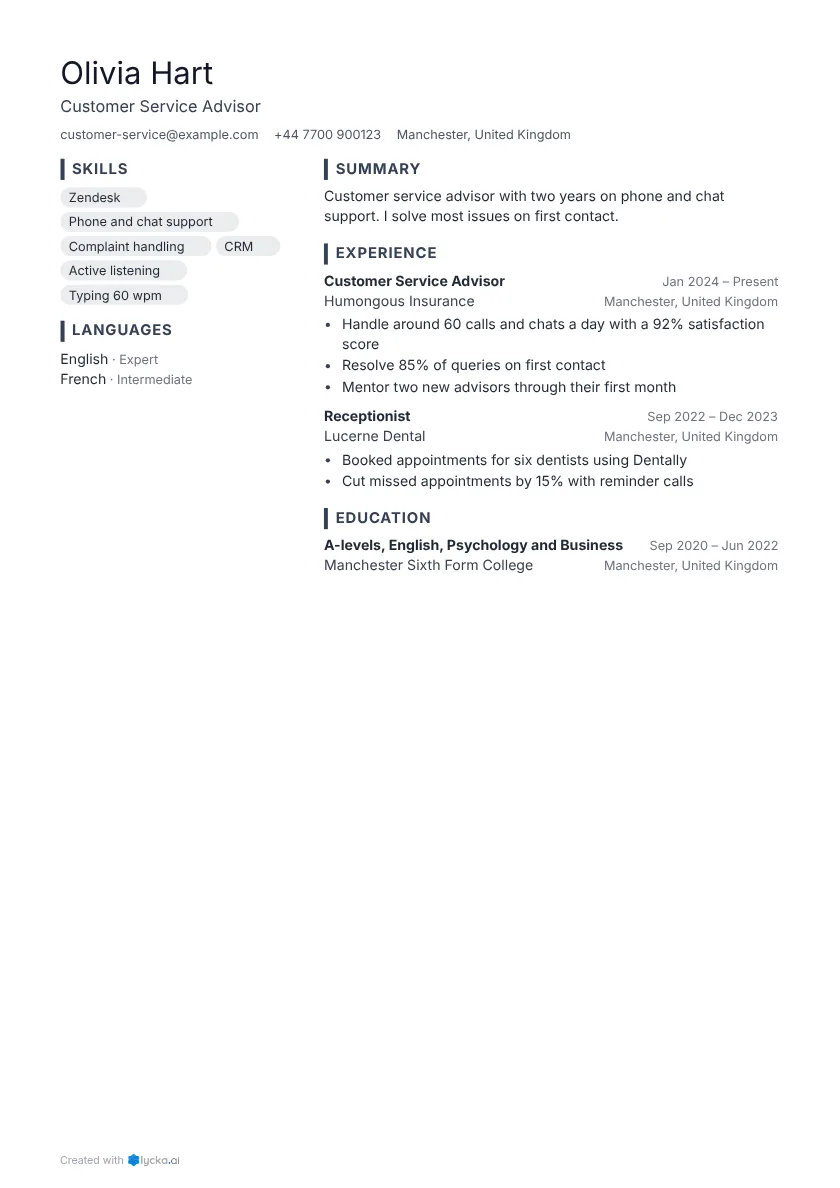
Use it when your experience is in the same field as the job, or close to it. Recruiters expect it, so they find what they're looking for fast, and applicant tracking systems read it reliably. Most of the resume examples use this format; the registered nurse and accountant show typical layouts.
Hybrid
A hybrid resume opens with a short block of your main skills or achievements, each backed by a result, and then lists your experience in reverse order as normal. It suits you if you're moving into a new field and your most relevant strengths came from different jobs, or if you have a gap and want the reader to see what you can do first. It also helps when you've had many short contracts and want one view across them.
The experience section still has dates and employers, and that's what makes it trustworthy. See the retail to HR and hospitality to sales examples, and the guide to a career change resume.
Functional
A functional resume groups skills under headings ("Customer service", "Leadership") and lists jobs only as a short line at the end, or leaves them out. Many recruiters distrust it because it hides when and where you did things, and tracking systems struggle when skills are detached from jobs and dates. If you're tempted to use one to cover a gap, a hybrid layout with an honest line about the gap usually works better. See how to explain a gap.
Format, design and file type
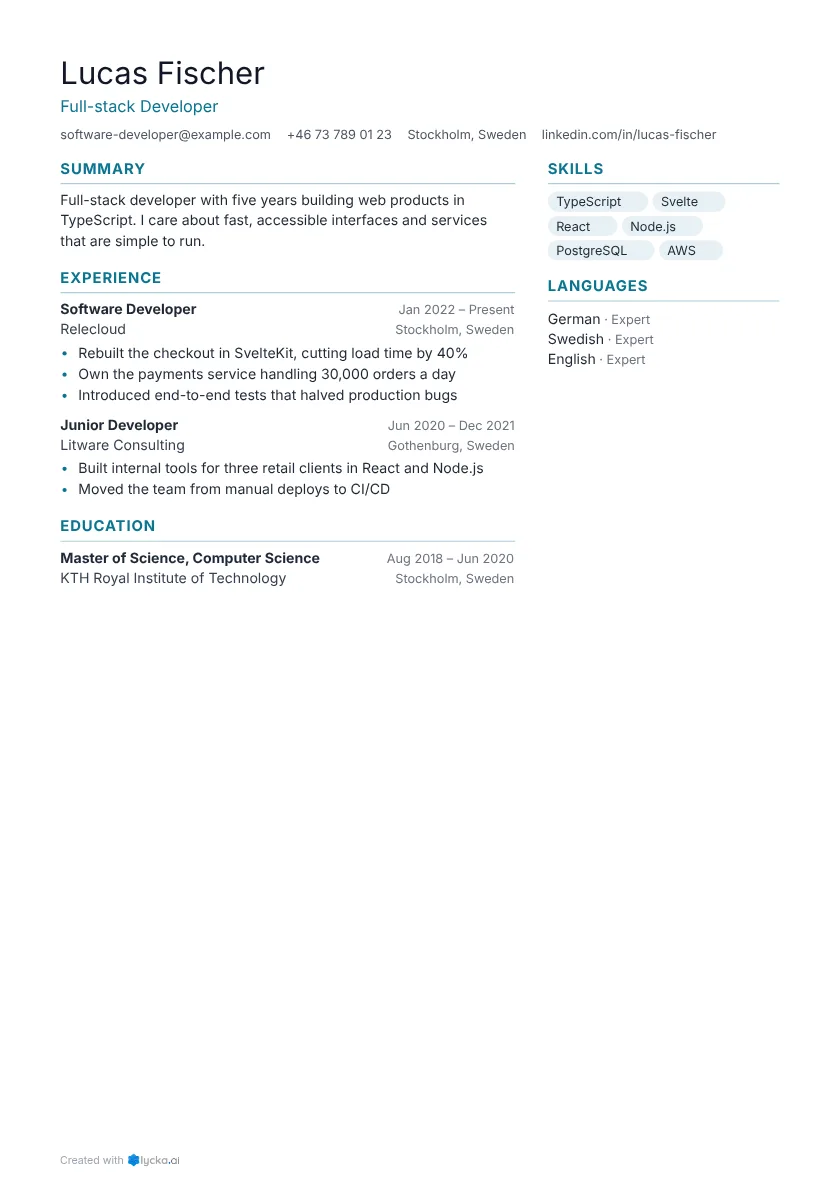
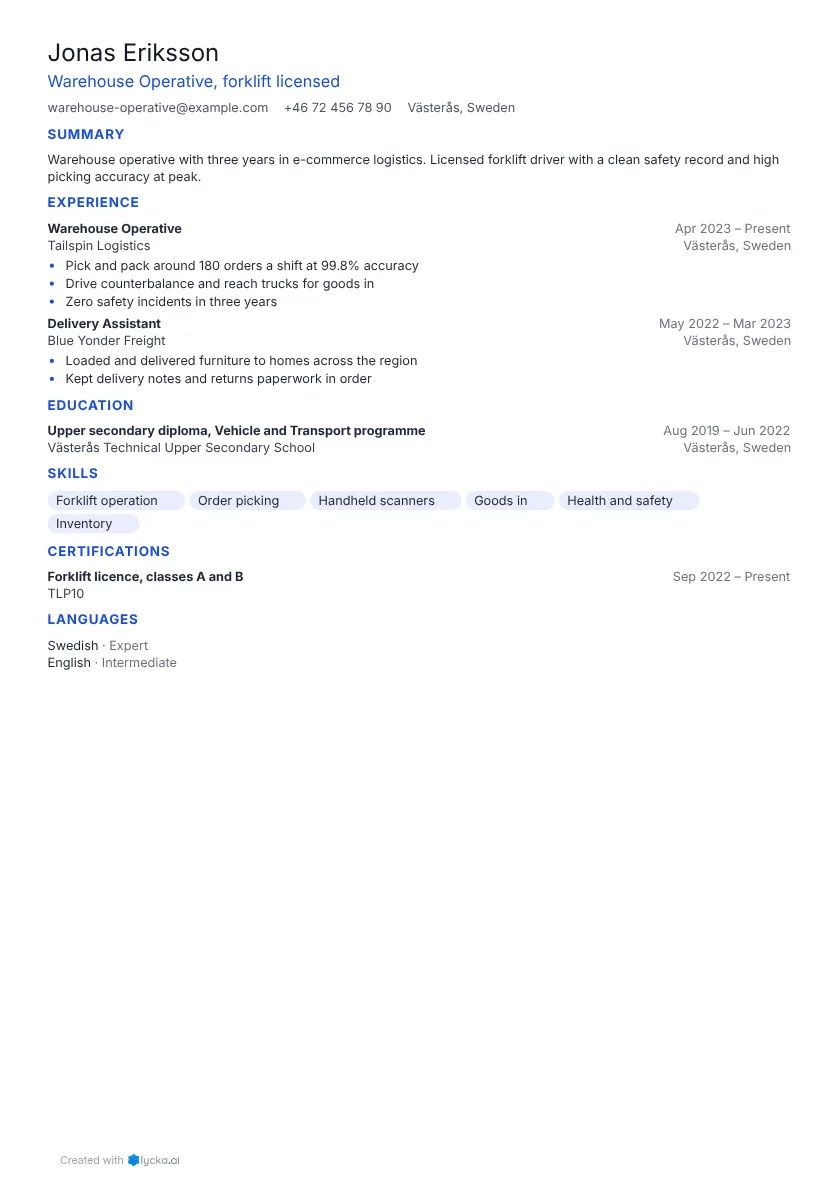
The format decides the order of sections, and the template decides how they look: fonts, colours, one column or two. Any template can hold any format.
A few design choices do matter for tracking systems. Keep section headings standard ("Work experience", "Education", "Skills"), put the dates next to each job in a consistent style, and don't put important details only in an image or a chart. Two-column layouts are fine when the PDF keeps its text in reading order. Every template here does, and you can test any file with the free resume checker. There's more in what tracking systems actually read.
Send a PDF unless the employer asks for Word, since a PDF looks the same on every screen and printer. Name it with your name and the job, for example Jane-Smith-Nurse-Resume.pdf.
Which one should you use?
Start with reverse-chronological. Only switch to hybrid if the first half page of a chronological resume wouldn't show the reader why you fit this job. For the rest of the process, see how to write a resume, step by step.